
Last updated 08-31-2026
Category:
Reviews:
Join thousands of AI enthusiasts in the World of AI!
kasipa (formerly deepsheet)
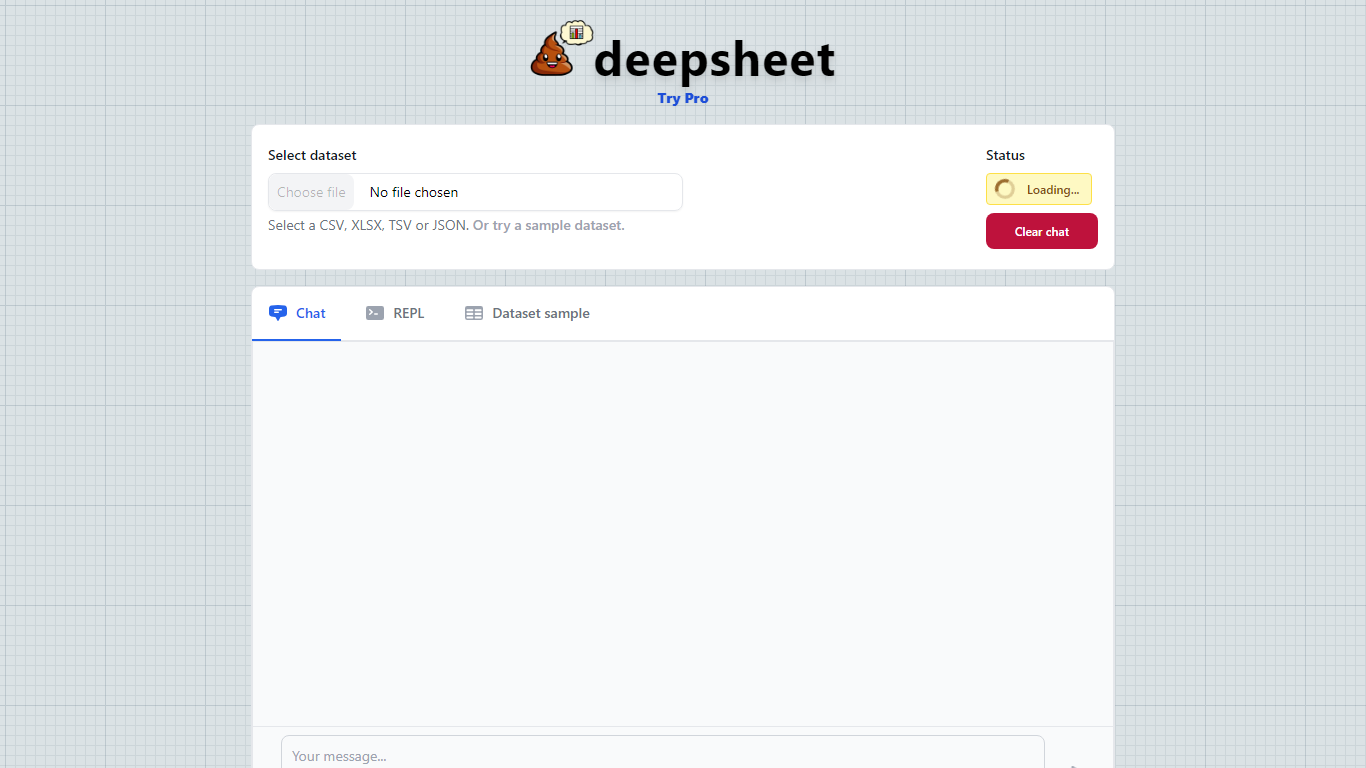
kasipa (formerly deepsheet) turns CSV, Excel, or Google Sheets into interactive Plotly charts when you ask questions in plain English. Upload a spreadsheet or paste a Google Sheets link, describe the chart you want, and refine the result with follow-up messages until it matches what you need.
Unlike cloud analytics suites that upload your files to remote servers, kasipa runs spreadsheet parsing and chart generation locally in the browser via WebAssembly. That local-first approach suits quick one-off visualizations where you do not want data leaving your device, though team database connections and shared Explores sit behind the paid Professional tier.
You can start charting without creating an account, and multi-sheet Excel workbooks let you pick which tab to visualize. kasipa also hosts a community showcase where users publish charts built from public-interest datasets, plus dedicated CSV and Excel to chart landing pages for fast uploads.
Creator Dylan Castillo built kasipa for analysts, researchers, and business users who want spreadsheet insights without writing code or juggling separate charting tools.
Upload CSV, Excel (.xlsx/.xls), or paste a Google Sheets link to start charting
Ask questions in plain English and get Plotly charts you can refine with follow-ups
Spreadsheet parsing and chart generation run locally in the browser via WebAssembly
No sign-up required to upload data and build your first visualization
Multi-sheet Excel workbooks let you pick which tab to visualize
Community showcase for browsing and sharing public data visualizations
Bar, line, pie, scatter, histogram, heatmap, and box plot chart types supported
Free Personal tier covers personal projects with optional bring-your-own API key for unlimited messages.
Spreadsheet charting works without an account for quick one-off visualizations.
Local browser processing via WebAssembly keeps data on your device during chart generation.
Supports CSV, Excel, Google Sheets, and multi-sheet workbooks from a single upload flow.
Community showcase makes it easy to browse example charts built on real datasets.
Shared API key usage is rate-limited unless you add your own key on the free plan.
Professional features such as database connections and team sharing require the $15/month plan.
No dedicated mobile app; the tool is browser-based only.
Is kasipa free to use?
Yes. kasipa offers a Personal plan that is free forever for personal projects and research. You get unlimited messages when you bring your own API key, with rate limits on the shared key if you do not add one.
What file formats does kasipa support?
kasipa supports CSV (.csv), Excel (.xlsx and .xls), and Google Sheets via a public sharing link. For Excel workbooks with multiple sheets, you can choose which sheet to chart after upload.
Does kasipa require an account?
No. You can upload a spreadsheet and create charts without signing up. An account is only needed if you want to save work, share charts publicly, or access paid team features.
Is my spreadsheet data uploaded to kasipa servers?
For chart generation, kasipa processes data in your browser using WebAssembly (Pyodide). The CSV and Excel landing pages state that analysis runs locally and data is not sent to a server for chart generation.
How much does kasipa Professional cost?
kasipa Professional costs $15 per month. It includes AI credits, 2 GB storage, database connections, custom chart branding, team sharing for Explores, and priority support.
What happened to deepsheet?
deepsheet rebranded to kasipa. The former deepsheet domain now points visitors to kasipa.com, where the product continues with spreadsheet uploads, natural-language charting, and browser-based analysis.