Image to Excel (formerly It Excel) vs kasipa (formerly deepsheet)
In the clash of Image to Excel (formerly It Excel) vs kasipa (formerly deepsheet), which AI Excel tool emerges victorious? We assess reviews, pricing, alternatives, features, upvotes, and more.
When we put Image to Excel (formerly It Excel) and kasipa (formerly deepsheet) head to head, which one emerges as the victor?
Let's take a closer look at Image to Excel (formerly It Excel) and kasipa (formerly deepsheet), both of which are AI-driven excel tools, and see what sets them apart. Both tools are equally favored, as indicated by the identical upvote count. You can help us determine the winner by casting your vote and tipping the scales in favor of one of the tools.
Does the result make you go "hmm"? Cast your vote and turn that frown upside down!
Image to Excel (formerly It Excel)
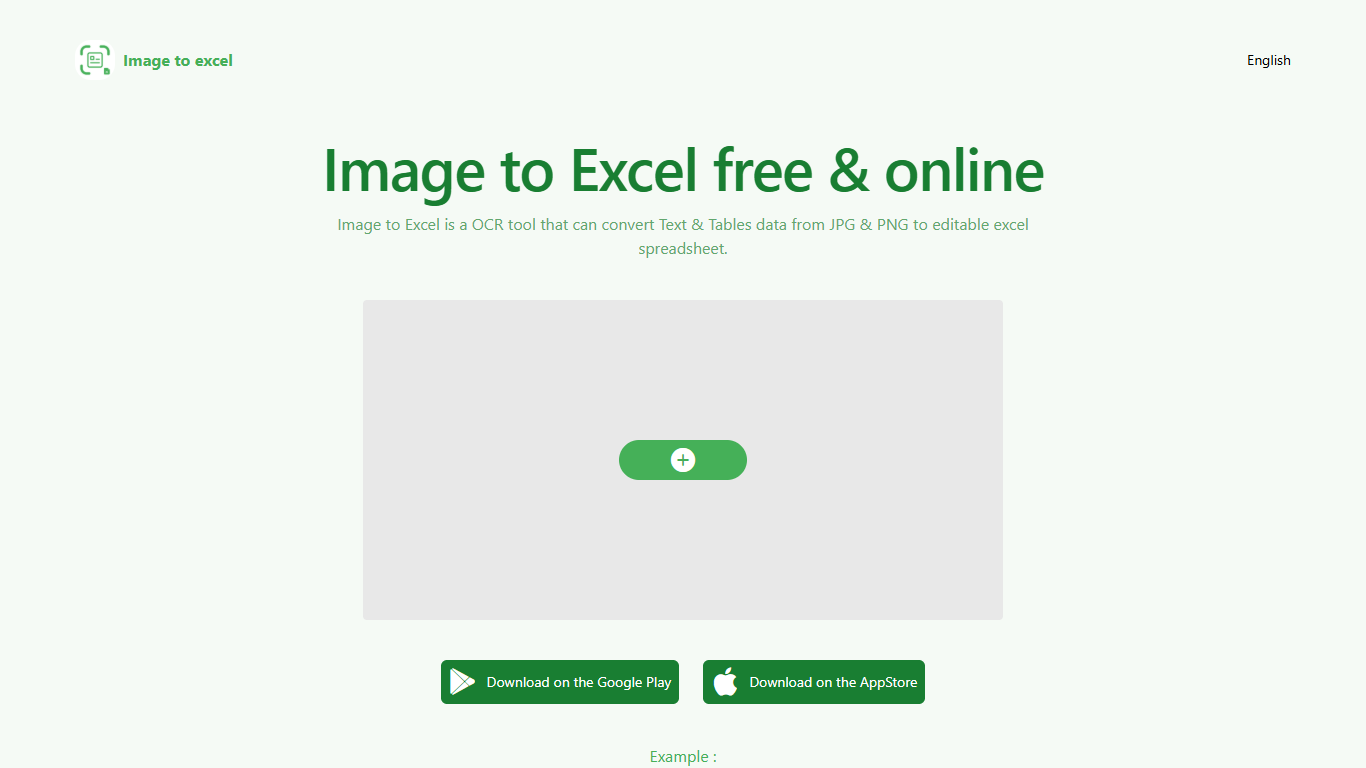

What is Image to Excel (formerly It Excel)?
Upload a JPG or PNG and Image to Excel rebuilds the table rows and text inside as a downloadable .xlsx file. The web converter is free, needs no account, and returns results in a few seconds after you click Convert.
Unlike plain OCR tools that dump unstructured text, Image to Excel targets table grids and form layouts in photos. It handles English, Simplified Chinese, and Traditional Chinese, which covers a lot of scanned receipts, invoices, and paperwork that would otherwise need manual retyping.
You can use it in a browser or through dedicated iOS and Android apps. The interface is built around a single upload-and-convert flow, so the whole process takes a few clicks.
It is aimed at accountants, data entry staff, office admins, and anyone who regularly receives table data as screenshots or scanned images instead of native spreadsheet files.
kasipa (formerly deepsheet)
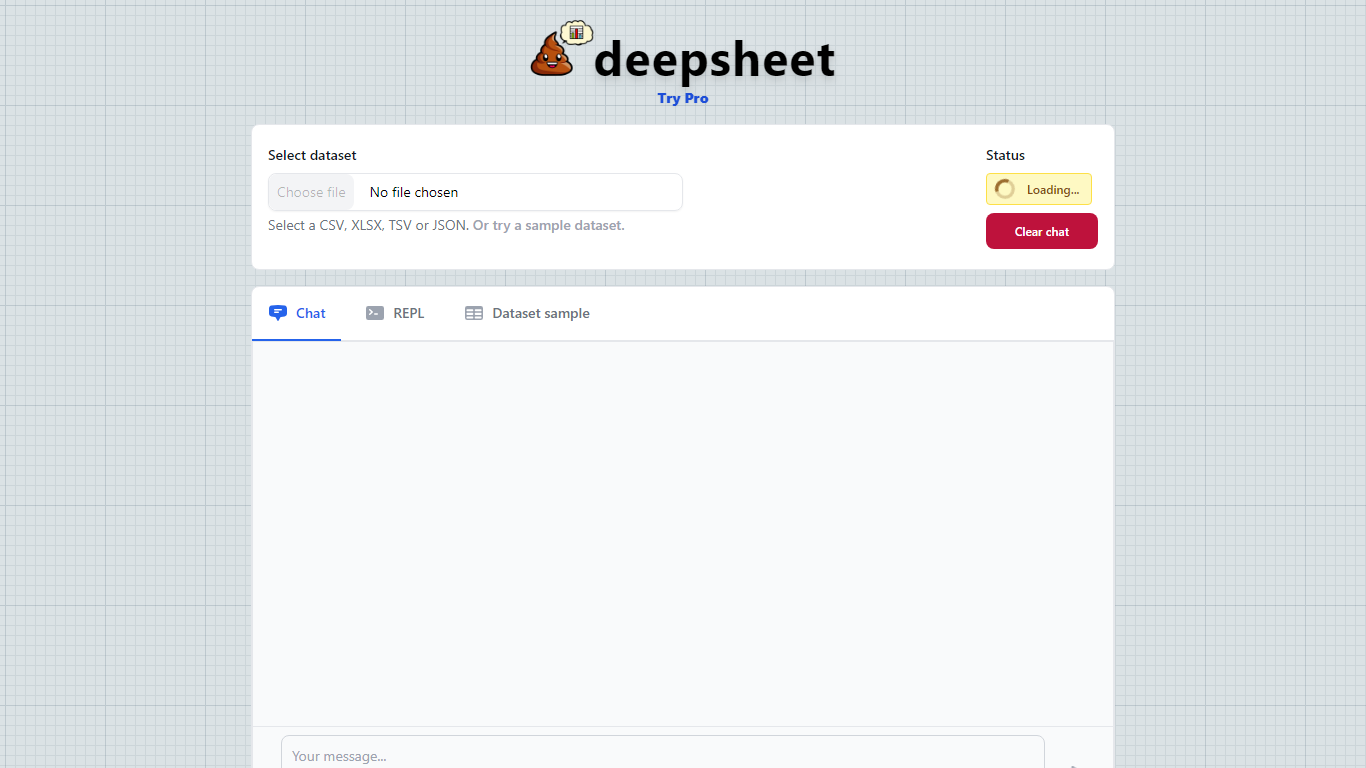
What is kasipa (formerly deepsheet)?
kasipa (formerly deepsheet) turns CSV, Excel, or Google Sheets into interactive Plotly charts when you ask questions in plain English. Upload a spreadsheet or paste a Google Sheets link, describe the chart you want, and refine the result with follow-up messages until it matches what you need.
Unlike cloud analytics suites that upload your files to remote servers, kasipa runs spreadsheet parsing and chart generation locally in the browser via WebAssembly. That local-first approach suits quick one-off visualizations where you do not want data leaving your device, though team database connections and shared Explores sit behind the paid Professional tier.
You can start charting without creating an account, and multi-sheet Excel workbooks let you pick which tab to visualize. kasipa also hosts a community showcase where users publish charts built from public-interest datasets, plus dedicated CSV and Excel to chart landing pages for fast uploads.
Creator Dylan Castillo built kasipa for analysts, researchers, and business users who want spreadsheet insights without writing code or juggling separate charting tools.
Image to Excel (formerly It Excel) Upvotes
kasipa (formerly deepsheet) Upvotes
Image to Excel (formerly It Excel) Top Features
Upload a JPG or PNG and get a downloadable .xlsx file in seconds
Recognizes both table grids and standalone text blocks in photos
Reads English, Simplified Chinese, and Traditional Chinese in the same image
Runs in the browser plus native iOS and Android apps
Built-in sample images show expected input and output before you convert
kasipa (formerly deepsheet) Top Features
Upload CSV, Excel (.xlsx/.xls), or paste a Google Sheets link to start charting
Ask questions in plain English and get Plotly charts you can refine with follow-ups
Spreadsheet parsing and chart generation run locally in the browser via WebAssembly
No sign-up required to upload data and build your first visualization
Multi-sheet Excel workbooks let you pick which tab to visualize
Community showcase for browsing and sharing public data visualizations
Bar, line, pie, scatter, histogram, heatmap, and box plot chart types supported
Image to Excel (formerly It Excel) Category
- Excel
kasipa (formerly deepsheet) Category
- Excel
Image to Excel (formerly It Excel) Pricing Type
- Free
kasipa (formerly deepsheet) Pricing Type
- Freemium