
Last updated 08-31-2026
Category:
Reviews:
Join thousands of AI enthusiasts in the World of AI!
Image to Excel (formerly It Excel)
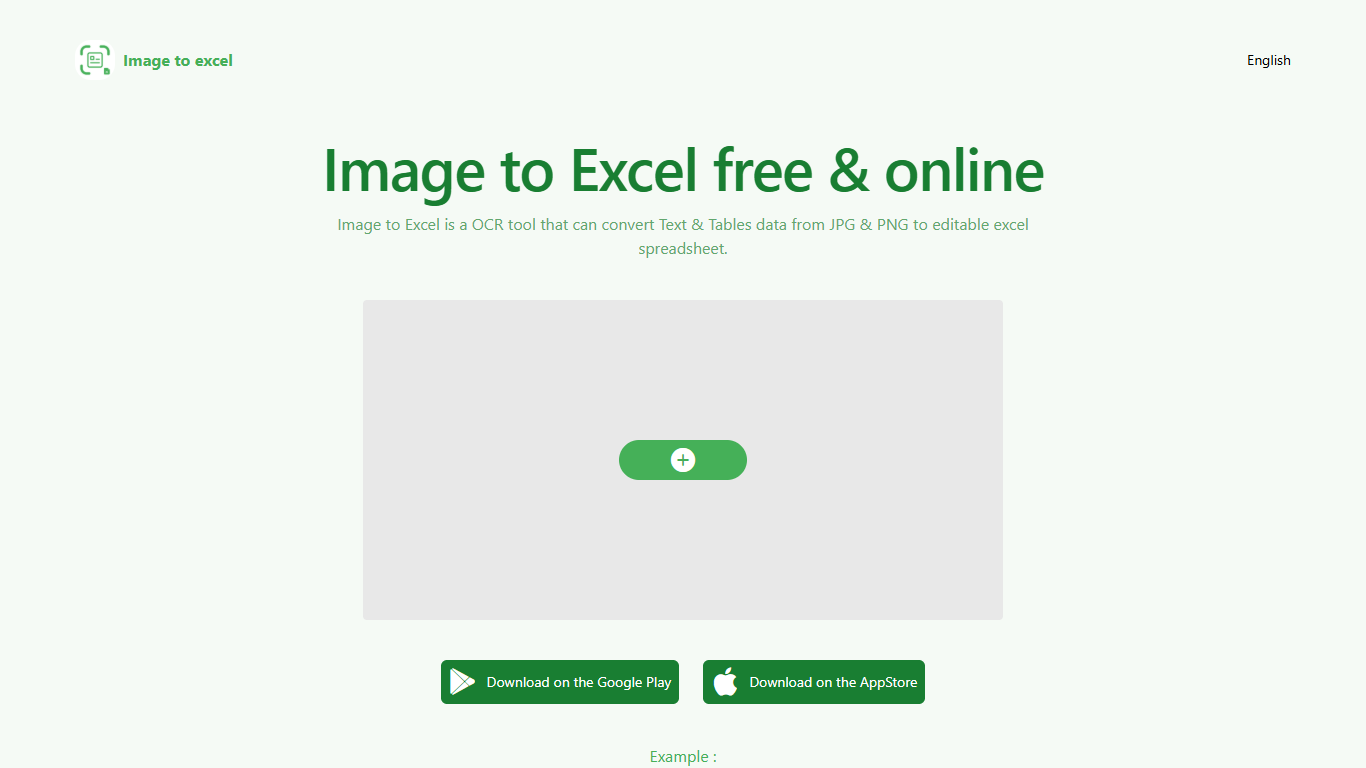
Upload a JPG or PNG and Image to Excel rebuilds the table rows and text inside as a downloadable .xlsx file. The web converter is free, needs no account, and returns results in a few seconds after you click Convert.
Unlike plain OCR tools that dump unstructured text, Image to Excel targets table grids and form layouts in photos. It handles English, Simplified Chinese, and Traditional Chinese, which covers a lot of scanned receipts, invoices, and paperwork that would otherwise need manual retyping.
You can use it in a browser or through dedicated iOS and Android apps. The interface is built around a single upload-and-convert flow, so the whole process takes a few clicks.
It is aimed at accountants, data entry staff, office admins, and anyone who regularly receives table data as screenshots or scanned images instead of native spreadsheet files.
Upload a JPG or PNG and get a downloadable .xlsx file in seconds
Recognizes both table grids and standalone text blocks in photos
Reads English, Simplified Chinese, and Traditional Chinese in the same image
Runs in the browser plus native iOS and Android apps
Built-in sample images show expected input and output before you convert
Free web conversion with no account required
Handles both table structure and plain text in the same image
Supports English and both Chinese script variants
Available on web, iOS, and Android
Sample images on the homepage show expected results before converting
Recognition quality drops on blurry, skewed, or oversized images
Language support limited to English and Chinese variants
No built-in spreadsheet editing after conversion
Is Image to Excel free to use?
Yes. Image to Excel offers free online conversion on the web with no account required. Native iOS and Android apps are also available for mobile use.
What image formats does Image to Excel support?
Image to Excel accepts JPG and PNG files. Pick an image, click Convert, and the tool returns an editable Excel spreadsheet with the table and text data from the photo.
Which languages can Image to Excel recognize?
Image to Excel supports English, Simplified Chinese, and Traditional Chinese. The site is available in all three languages with matching locale pages.
Can I use Image to Excel on my phone?
Yes. Image to Excel has an iOS app on the App Store and an Android app on Google Play, in addition to the free web converter.
What image quality does Image to Excel need for best results?
Image to Excel works best when the table in the photo is clear and flat. Crop large images before converting, keep text at least 40 pixels tall, and cut out non-table areas when possible.
How do I contact Image to Excel support?
For the English site, contact Image to Excel at [email protected]. The Chinese locale page lists [email protected] for support inquiries.