
Last updated 08-31-2026
Category:
Reviews:
Join thousands of AI enthusiasts in the World of AI!
Jspreadsheet
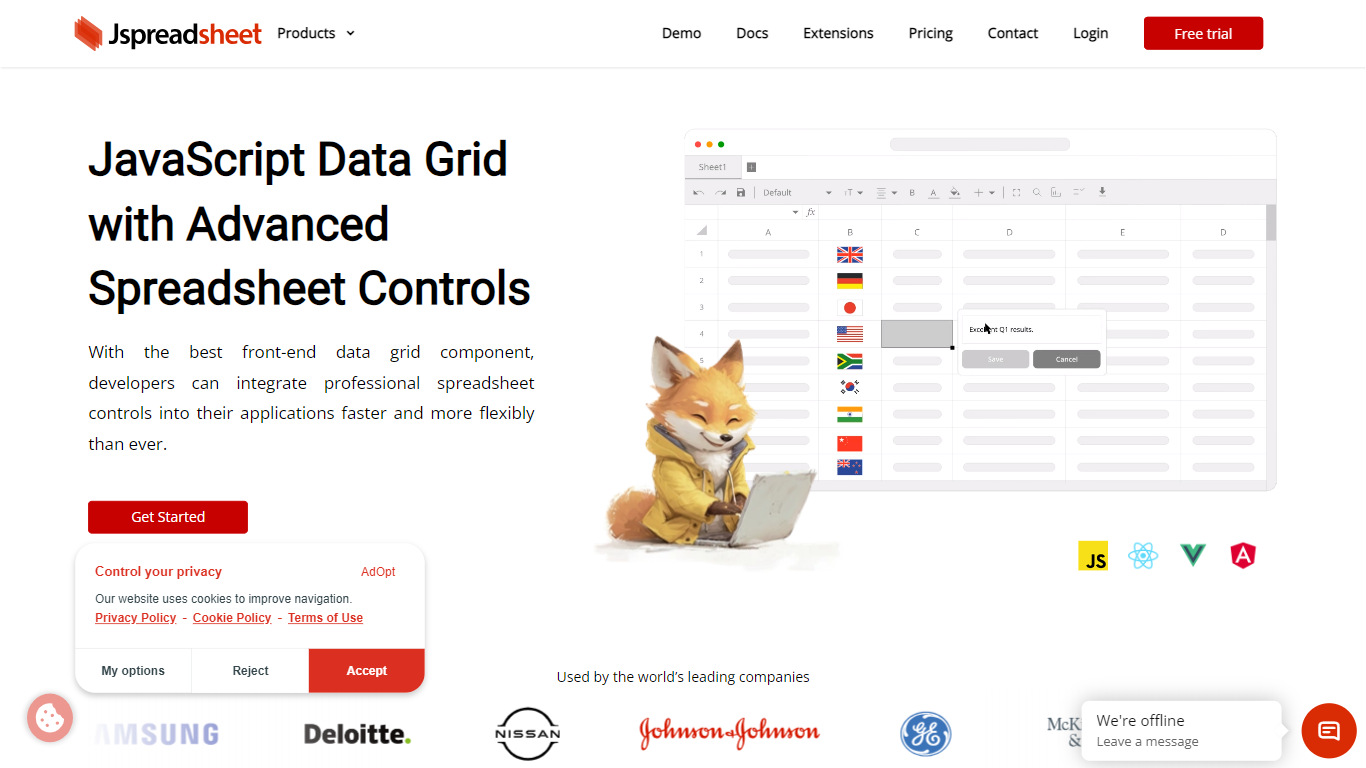
Jspreadsheet is a JavaScript spreadsheet component you drop into web apps when users expect Excel behavior, not just a sortable table. It ships as a front-end library for vanilla JavaScript, React, Vue, or Angular, with 500+ Excel-compatible formulas, import and export for 16+ file formats, and optional AI functions wired into cells. Because the code runs in your application, data stays on your infrastructure under your security model.
Most data grid libraries optimize for read-heavy tables with filtering and pagination. Jspreadsheet targets the opposite workload: modeling, bulk edits, and reporting where the fill handle, absolute references, and paste-from-Excel round-trips are what users test in the first minute. Google Sheets and Excel bake AI into their clouds; Jspreadsheet ships code so you choose the model endpoint, including a local one with no outbound traffic.
It fits teams building SaaS products, internal tools, financial dashboards, and data entry screens that still revolve around spreadsheets. Customer logos on the site include Samsung, Deloitte, and Johnson & Johnson. Jspreadsheet Server adds an optional Node.js backend for live multi-user editing, version history, and document persistence when a browser-only component is not enough.
500+ Excel-compatible formulas with a dependency-graph calculation engine
Import and export 16+ formats including .xlsx, .csv, and .ods with formatting preserved
React, Vue, Angular, and vanilla JavaScript packages with TypeScript definitions
Enterprise from $249 per month; Ultimate adds ChatGPT, Server, and PDF export extensions
30-day production trial with no credit card; free for development use
Virtualized rendering that stays responsive on hundred-thousand-row pastes
Excel-like UX with fill handle, keyboard shortcuts, and clipboard round-tripping
500+ formulas and 16+ import/export formats on paid tiers
Self-hosted front-end code with offline license validation
Framework wrappers for React, Vue, and Angular with TypeScript support
30-day production trial and free development use without a credit card
Production deployment requires a paid license after the trial ends
Real-time collaboration and AI extensions sit on the Ultimate tier only
Tailored pricing for multi-application deployments needs a sales conversation
Does Jspreadsheet require a paid license?
Jspreadsheet is free for development and offers a 30-day production trial with no credit card. Production use after the trial requires a paid Enterprise, Ultimate, or Tailored license. Perpetual licenses include one year of support and updates.
Which JavaScript frameworks does Jspreadsheet support?
Jspreadsheet provides dedicated packages for React, Vue, and Angular, plus a vanilla JavaScript version that works alongside other frameworks. TypeScript definitions cover APIs, events, and configuration options.
Can Jspreadsheet import and export Excel files?
Yes. Jspreadsheet imports and exports 16+ formats including .xlsx, .csv, and .ods on paid tiers. Enterprise and Ultimate extensions preserve worksheets, formatting, formulas, charts, and validation rules where supported.
Does Jspreadsheet support real-time collaboration?
Real-time multi-user editing with presence indicators and conflict resolution is available through Ultimate Edition extensions, including Jspreadsheet Server and Client. The Server package adds WebSocket-based live documents on your own infrastructure.
How is Jspreadsheet priced?
Jspreadsheet Enterprise starts at $249 per month, $2,499 per year, or $7,499 perpetual for a single application. Ultimate starts at $449 per month, $4,499 per year, or $13,499 perpetual and adds AI and Server extensions. Tailored pricing covers custom application scope.
How do I contact Jspreadsheet support?
Jspreadsheet technical support is at [email protected]. Sales and general inquiries go to [email protected]. Support is also available through chat, email, and the GitHub forum.