
Last updated 08-31-2026
Category:
Reviews:
Join thousands of AI enthusiasts in the World of AI!
Columns AI (formerly Columns)
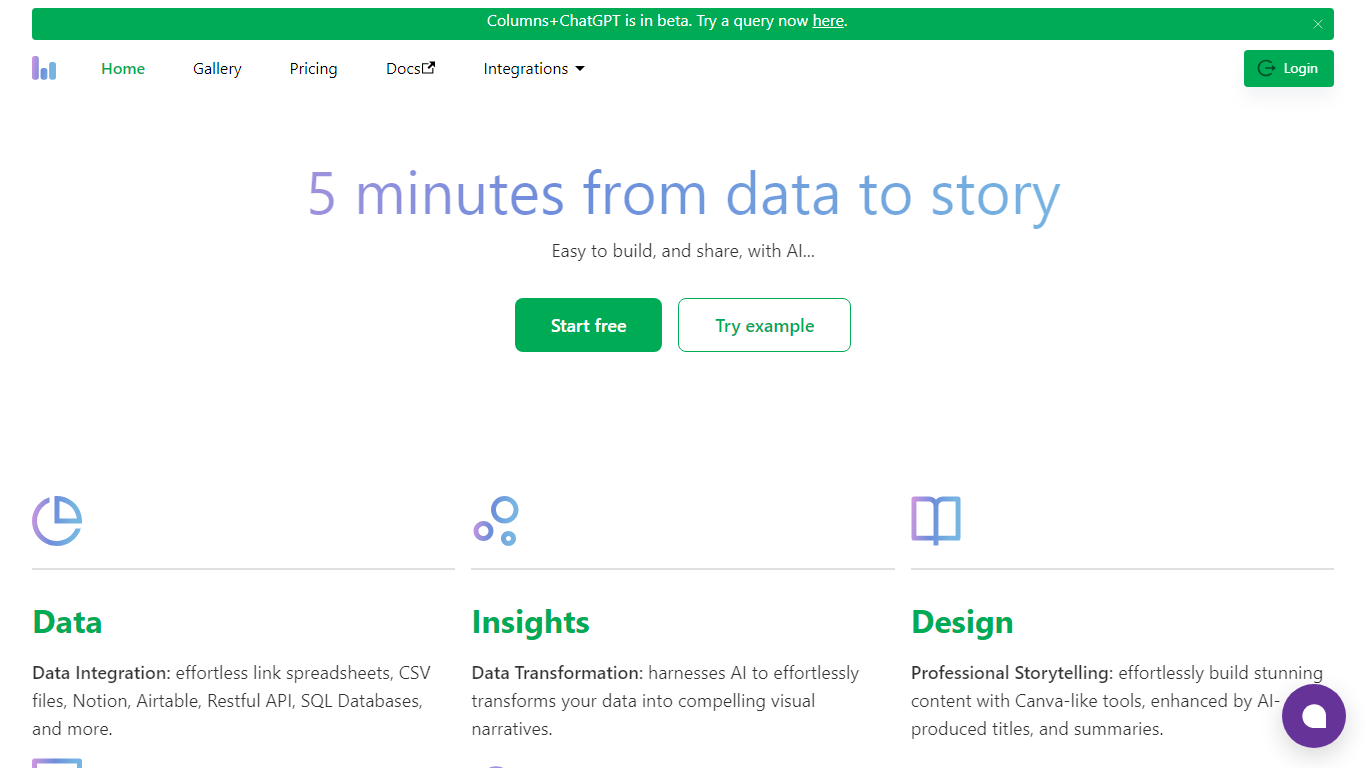
Columns AI takes messy files and live data sources through ingestion, automation, and chart publishing without making you stitch together separate tools. Drive ingests CSV, Excel, PDF, and images with OCR, Flow connects warehouses and apps with plain-language transformations, and Graph publishes brand-matched visuals you can embed or export.
Most BI tools assume your data is already clean and your team knows SQL. Columns splits the problem into three steps on purpose: structure files in Drive, automate sync and transforms in Flow, then ship client-ready charts from Graph without opening a separate design tool. You pay per row processed, and the Basic plan has no monthly base fee.
The site lists 12,000+ users across business operators, consultants, marketing and RevOps teams, analysts, and freelancers. Founder Shawn Cao previously built data infrastructure at Microsoft, Facebook, and Pinterest.
Columns Drive accepts CSV, Excel, PDF, PNG, and JPG and runs OCR plus auto-cleaning before data reaches Flow
Columns Flow connects Google Sheets, Airtable, Notion, Postgres, Snowflake, HubSpot, QuickBooks, and Gusto
Basic plan charges $0 per month plus $0.05 per 1,000 rows across Drive, Flow, and Graph
Columns Graph exports live links, iframe embeds, PNG, SVG, CSV, and presentation decks from one chart
Columns Drive has a Gmail add-on in Google Workspace Marketplace for turning email attachments into spreadsheet rows
Scheduled Flow runs keep downstream Graph visuals synced without manual refreshes
Drive, Flow, and Graph cover ingestion, automation, and visualization without switching tools
Plain-language Flow building reduces the need for SQL or custom scripts
Basic tier has no monthly base fee and charges only for rows processed
Connector list spans spreadsheets, warehouses, CRM, and accounting apps
Graph embeds and export formats support client-facing reporting workflows
Costs scale with row volume, which can add up for very large datasets
Enterprise controls and custom pricing require contacting sales
Premium and Platinum monthly fees only pay off above high row-volume thresholds
What are Columns Drive, Flow, and Graph?
Columns AI splits work across three products. Drive ingests and structures files like CSV, Excel, PDF, and images. Flow automates pipelines from connected sources with plain-language transforms. Graph turns structured data into branded charts, embeds, and exportable visuals.
How does Columns AI pricing work?
Columns AI uses usage-based pricing. Basic is $0 per month at $0.05 per 1,000 rows processed. Premium is $20 per month at $0.03 per 1,000 rows, and Platinum is $50 per month at $0.01 per 1,000 rows. New signups can claim a $10 credit.
Does the Columns AI free plan expire?
No. Columns AI Basic stays free with no time limit on the pricing page. You only pay for rows you process at the listed per-1,000-row rate across Drive, Flow, and Graph.
What data sources does Columns AI support?
Columns AI connects to Google Sheets, Excel, Notion, Airtable, HTTP APIs, Postgres, Snowflake, Databricks, BigQuery, HubSpot, QuickBooks, Gusto, and file uploads through Drive.
Can Columns AI automate recurring data updates?
Yes. Columns Flow supports scheduled runs so downstream Graph charts and reports stay in sync without manual exports. Alerts can notify teams via Slack, email, or webhook when thresholds change.
How can I share Columns AI charts?
Columns Graph lets you publish live links, iframe embeds, PNG, SVG, CSV exports, and presentation decks. Sharing options include domain whitelisting and password-protected embeds for client-facing work.
Is there a Gmail add-on for Columns Drive?
Yes. Columns Drive is listed in the Google Workspace Marketplace. Install it in Gmail, select emails with attachments, and turn those files into structured spreadsheet data inside Columns AI.