
Last updated 07-02-2026
Category:
Reviews:
Join thousands of AI enthusiasts in the World of AI!
Formula Bot (formerly Excel Formula Bot)
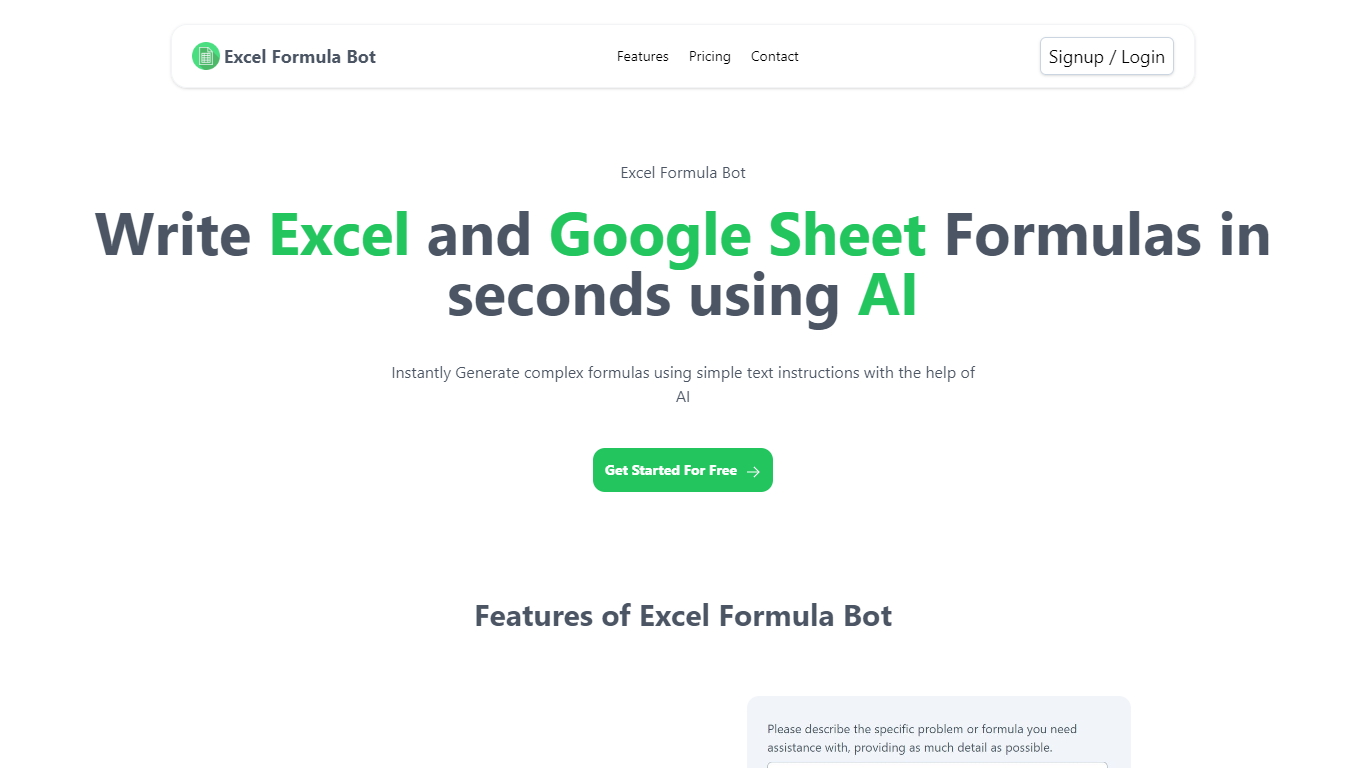
Formula Bot is a chat-based data analytics platform where you upload spreadsheets or connect databases, then ask questions in plain English to get formulas, charts, dashboards, and written insights back. It started as an Excel formula helper and now covers analysis, visualization, and scheduled reporting in one workspace.
The product runs analysis in an isolated sandbox and shows the Python, SQL, or R code behind each answer so you can verify results before exporting. You can also build interactive dashboards from templates, schedule Playbooks to refresh reports automatically, and embed analytics chat on your own site.
It fits analysts, finance teams, marketers, and business owners who live in Excel or Google Sheets but want faster answers without writing every formula or pivot by hand.
Describe a calculation in plain English and get a paste-ready Excel or Google Sheets formula
Upload .xlsx, .csv, or connect PostgreSQL, BigQuery, Snowflake, and 10+ other sources
Build interactive dashboards from templates with click-to-edit charts and scheduled refreshes
Run sentiment analysis, keyword extraction, and text categorization on review or survey data
Schedule Playbooks to rerun analysis daily, weekly, or monthly and deliver reports by email
Export generated Python, SQL, and R code so you can audit or reuse the logic elsewhere
Convert PDFs and bank statements into structured spreadsheet tables inside the same chat
Covers formula writing, data analysis, charting, and scheduled reporting in one chat workspace.
Shows generated Python, SQL, and R code so you can verify outputs before exporting.
Connects to major warehouses and martech tools including BigQuery, Snowflake, PostgreSQL, and Google Analytics.
Free plan permanently deletes chats and files after 60 days without activity.
Starter caps usage at 250 messages and 2,500 AI Actions per month.
Very large or poorly structured files may take longer to process, per the site's own Excel AI documentation.
Does Formula Bot have a free plan?
Yes. Formula Bot includes a free forever plan with no credit card required at signup. Paid Starter, Max, and Enterprise plans add higher message limits, more AI Actions, larger file uploads, and unlimited data retention.
What file formats does Formula Bot support?
Formula Bot accepts Excel (.xlsx, .xls), CSV, and PDF uploads in chat. Its data connectors also pull from Google Sheets, Google Drive, OneDrive, SharePoint, MySQL, PostgreSQL, Supabase, MSSQL, BigQuery, and Snowflake.
Can Formula Bot generate Excel formulas without a plugin?
Yes. Formula Bot works in the browser with file upload or pasted data, so you do not need an Excel desktop plugin or Microsoft 365 subscription. It also offers Excel and Google Sheets add-ons on paid plans.
Is my data used to train AI models on Formula Bot?
No. Formula Bot states that user data is not used to train AI models. Its security documentation says conversations are processed only for your requests under agreements with providers like OpenAI, Anthropic, and Google.
How much does Formula Bot cost?
Formula Bot's paid plans are Starter at $18 per month, Max at $29 per user per month, and Enterprise at $149 per user per month. A free forever tier is available, and annual billing saves about 30% on paid plans.
What happens to free plan data after inactivity?
On Formula Bot's free plan, chats and uploaded files inactive for more than 60 days are permanently deleted. Paid plans retain chats, files, and account data until you delete them or close your account.