
Last updated 08-15-2026
Category:
Reviews:
Join thousands of AI enthusiasts in the World of AI!
Arcwise AI
Arcwise AI is a spreadsheet analytics copilot and decision platform for teams that live in Google Sheets and warehouse data. It began as a Chrome extension for ChatGPT-powered formulas and data cleanup, and now also sells traceable metric explanations tied to Snowflake, BigQuery, Databricks, and internal documentation.
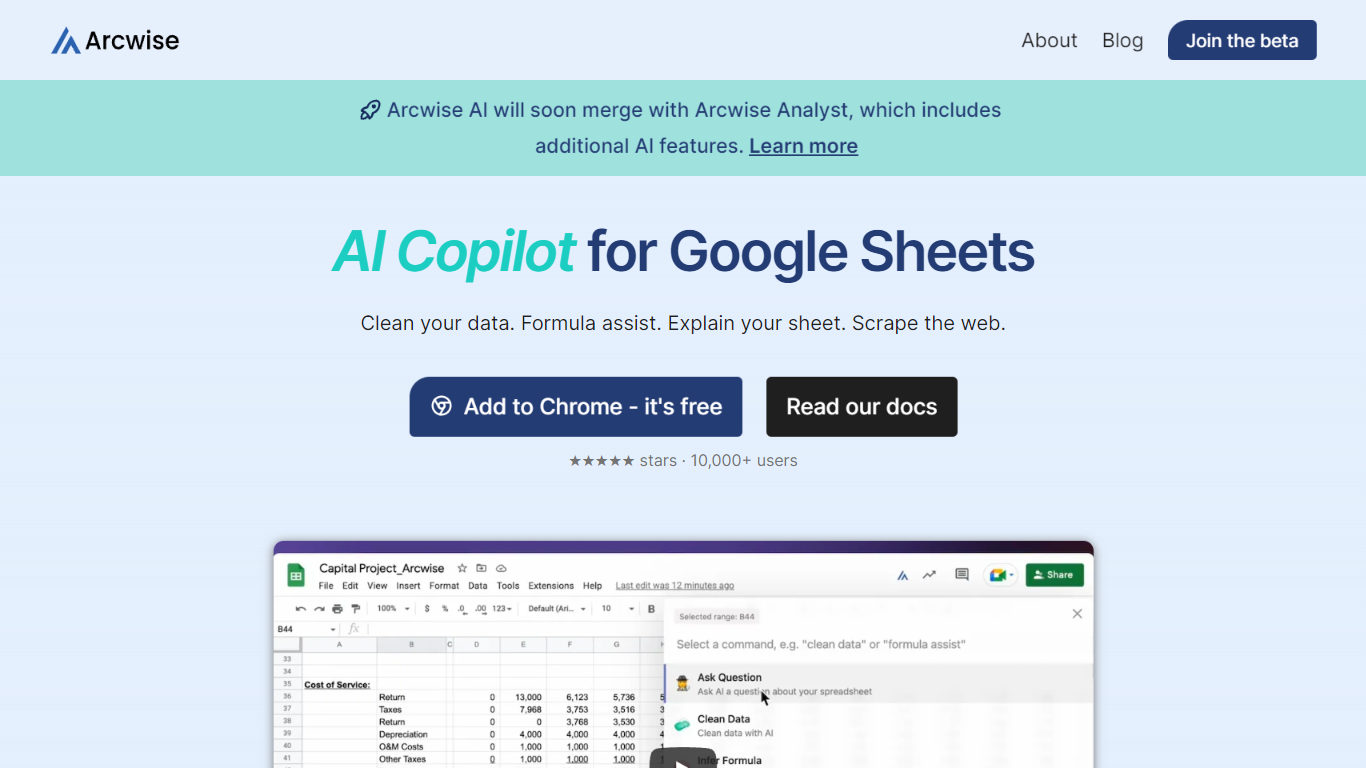
The Sheets extension still ships as a free Chrome add-on with keyboard shortcuts, $AI.TRANSFORM and $AI.CLASSIFY functions, and PDF table extraction. That side competes with formula copilots, while the platform side targets analysts who need audited answers instead of generic chatbot guesses.
Arcwise backs explanations with source tracing rather than open-ended model text, which matters when finance or ops teams need to defend a number in a review. The stored listing URL at /old-ai now returns 404, so the live product homepage is arcwise.app.
Free Chrome extension for Google Sheets with Cmd+Shift+1 shortcut
$AI.TRANSFORM, $AI.CLASSIFY, and $AI.EXTRACT functions inside Sheets
Connects to Snowflake, BigQuery, and Databricks warehouses
Metric shift detection with explanations traced to source data
PDF upload extracts tables directly into spreadsheet cells
Chrome Web Store lists 10,000+ users and a 4.5 star rating
Sheets extension is free to install with keyboard shortcut access
Platform explanations trace back to warehouse data and internal docs
Supports Snowflake, BigQuery, and Databricks connections
PDF upload can populate spreadsheet tables automatically
Backed by Sequoia Arc program with VC funding since 2022
Stored /old-ai listing URL returns 404; users must visit arcwise.app
Public pricing for paid platform tiers is not published on the homepage
Chrome extension last updated September 2024 on the Web Store
What is Arcwise AI?
Arcwise AI combines a free Google Sheets Chrome extension with a decision platform that explains metric changes using warehouse data and internal documentation. Answers are designed to trace back to connected sources rather than generic model knowledge.
Is the Arcwise Sheets extension free?
Yes. The Arcwise Chrome Web Store listing states Arcwise 2.0 is free to download and use, with AI commands, formula help, pivots, graphs, and PDF table extraction inside Google Sheets.
Which data warehouses does Arcwise support?
Arcwise connects to Snowflake, BigQuery, and Databricks according to its homepage. Teams also link business context docs and definitions so explanations stay grounded in internal material.
How do you open Arcwise inside Google Sheets?
After installing the Chrome extension, Arcwise opens inside Google Sheets with Cmd+Shift+1 on Mac or Ctrl+Shift+1 on Windows. Users can ask questions to generate pivots, charts, and insights without leaving the spreadsheet.
What makes Arcwise different from ChatGPT in Sheets?
Arcwise emphasizes traceable, hallucination-free explanations tied to your warehouse data and documentation on the platform side. The Sheets extension adds structured $AI functions for transform, classify, and extract tasks rather than only free-form chat.
Where is Arcwise based?
Arcwise lists a San Francisco address at 149 New Montgomery St on its Chrome Web Store developer profile, and the company was founded in 2022 with United States headquarters.