Arcwise AI vs kasipa (formerly deepsheet)
In the contest of Arcwise AI vs kasipa (formerly deepsheet), which AI Excel tool is the champion? We evaluate pricing, alternatives, upvotes, features, reviews, and more.
If you had to choose between Arcwise AI and kasipa (formerly deepsheet), which one would you go for?
When we examine Arcwise AI and kasipa (formerly deepsheet), both of which are AI-enabled excel tools, what unique characteristics do we discover? Both tools have received the same number of upvotes from aitools.fyi users. You can help us determine the winner by casting your vote and tipping the scales in favor of one of the tools.
You don't agree with the result? Cast your vote to help us decide!
Arcwise AI

What is Arcwise AI?
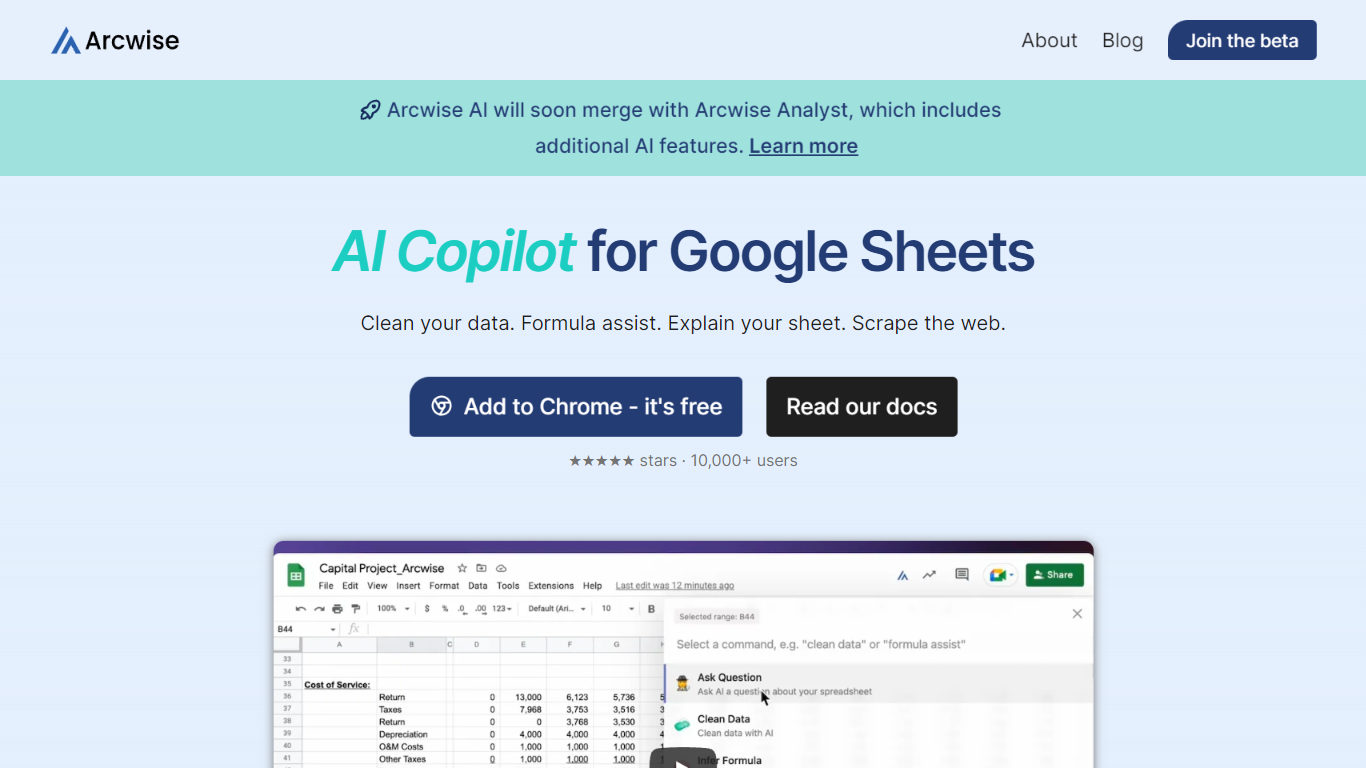
Arcwise AI presents a revolutionary extension designed to enhance the productivity and capabilities of Google Sheets users. Merging the power of OpenAI's ChatGPT and GPT-4, it provides a set of tools tailored to streamline spreadsheet management tasks. Users can take advantage of features like data cleaning, formula assistance, sheet explanations, and web scraping—all directly within Google Sheets. Serving over 10,000+ users, including professionals from various industries, Arcwise AI is lauded for its ease of use and significant time savings. Integrating seamlessly into the workflow, this AI-driven helper is readily available as a free Chrome extension. It is equipped to elevate your data literacy and simplify routine tasks, saving valuable effort and time, and it's backed by glowing five-star reviews for its user-friendly, keyboard-driven command approach.
kasipa (formerly deepsheet)
What is kasipa (formerly deepsheet)?
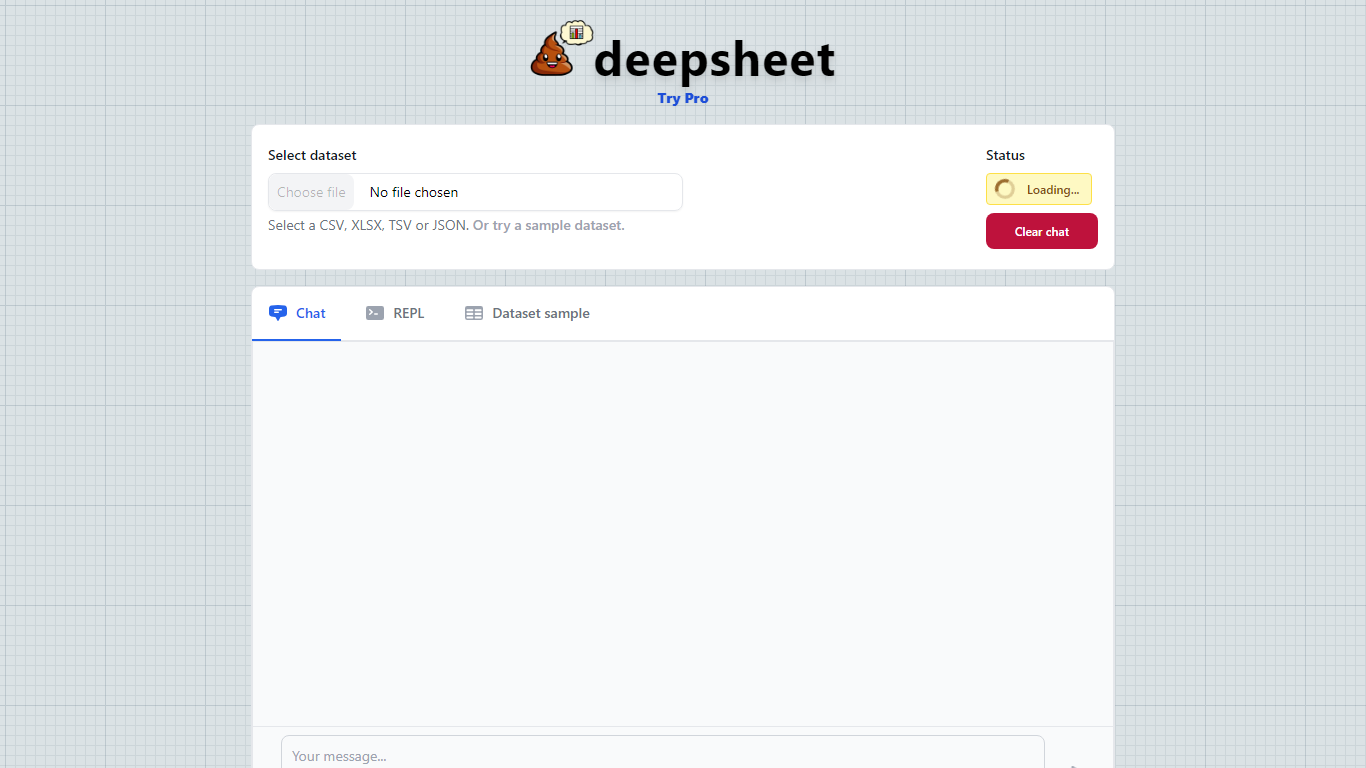
kasipa (formerly deepsheet) is a browser-based data visualization tool that turns spreadsheets into charts and analysis through plain-language questions. Upload a CSV, Excel file, or connect a Google Sheet, describe what you want to see, and get interactive Plotly charts without installing desktop software.
The product runs analysis locally in your browser using WebAssembly, so your spreadsheet data stays on your device during chart generation. You can start from the homepage without creating an account, then refine results with follow-up messages until the chart matches what you need.
Beyond one-off charts, kasipa includes a community showcase where users publish visualizations built from public-interest datasets. The tool also supports multi-sheet Excel workbooks, Google Sheets links, and dedicated CSV and Excel to chart landing pages for quick uploads.
Creator Dylan Castillo built kasipa for analysts, researchers, and business users who want spreadsheet insights without writing code or switching between multiple tools.
Arcwise AI Upvotes
kasipa (formerly deepsheet) Upvotes
Arcwise AI Top Features
Data Cleaning: Effortlessly clean your data within Google Sheets.
Formula Assistance: Get help on formulas to streamline your spreadsheet tasks.
Sheet Explanation: Understand and explain your spreadsheet data with AI assistance.
Web Scraping: Easily scrape data from the web into your Google Sheets.
User-Friendly: Enjoy a keyboard-driven approach for issuing AI commands in Google Sheets.
kasipa (formerly deepsheet) Top Features
Upload CSV, Excel (.xlsx/.xls), or paste a Google Sheets link to start charting
Ask questions in plain English and get Plotly charts you can refine with follow-ups
Spreadsheet parsing and chart generation run locally in the browser via WebAssembly
No sign-up required to upload data and build your first visualization
Multi-sheet Excel workbooks let you pick which tab to visualize
Community showcase for browsing and sharing public data visualizations
Bar, line, pie, scatter, histogram, heatmap, and box plot chart types supported
Arcwise AI Category
- Excel
kasipa (formerly deepsheet) Category
- Excel
Arcwise AI Pricing Type
- Freemium
kasipa (formerly deepsheet) Pricing Type
- Freemium