
Last updated 08-31-2026
Category:
Reviews:
Join thousands of AI enthusiasts in the World of AI!
GRID
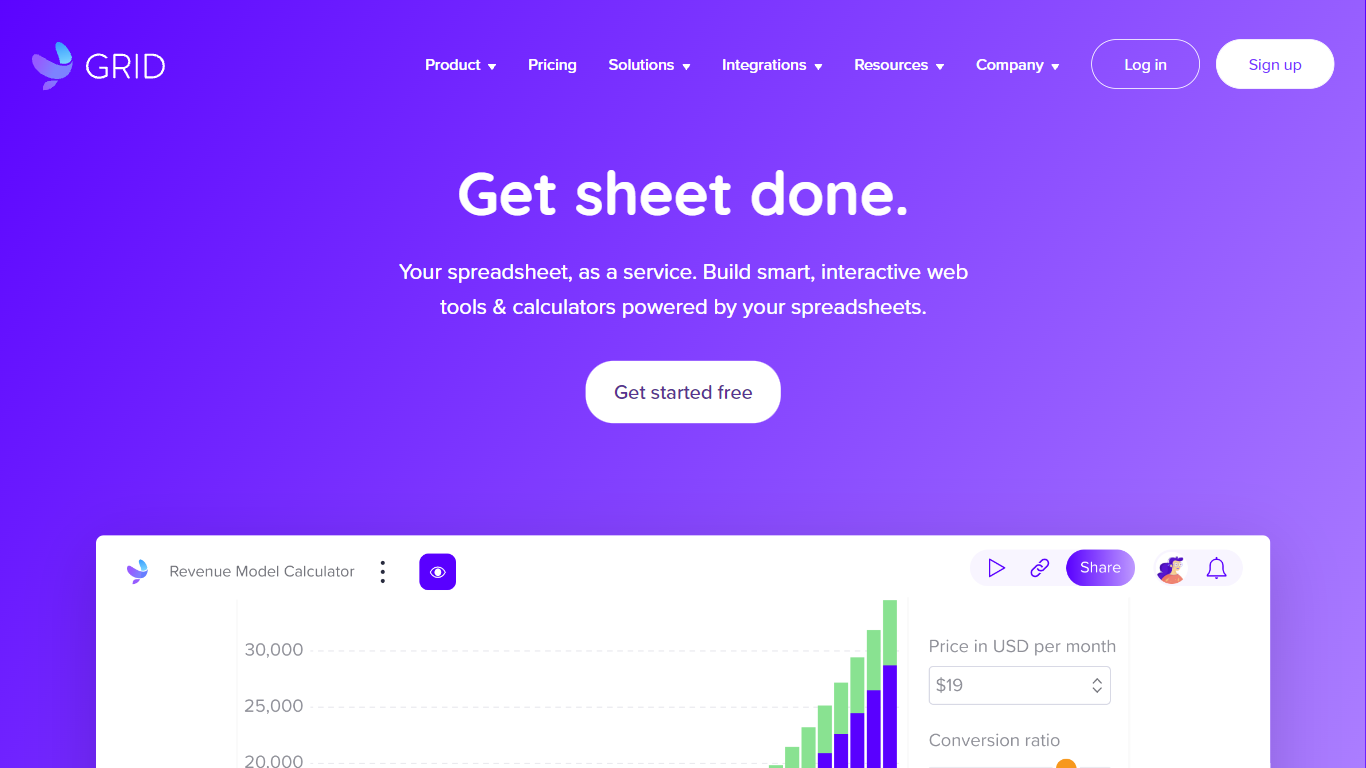
GRID is a spreadsheet engine for developers embedding Excel-grade calculations and sheet UI inside their own products. Install @grid-is/spreadsheet-engine from npm and run recalculation in the browser, on Node.js, on-device, or on your own infrastructure. The companion @grid-is/agent-tools package exposes 27 MCP-ready tools so agents load .xlsx files, trace precedents, edit cells, and goal-seek without writing Python each time.
Generic spreadsheet libraries leave you wiring cell reads by hand, and agents that generate openpyxl scripts burn tokens while guessing at formula dependencies. GRID pairs a deterministic recalculation core with structured tool calls, which is why its agent setup scored 91.25% on SpreadsheetBench's expert-verified 400 tasks while a code-generation approach on the same goal-seek demo needed 3,240 tokens versus 86.
Software teams building SaaS dashboards, Excel add-ins, or LLM products use GRID's headless engine plus optional Spreadsheet Viewer and Editor React components when humans need a familiar sheet surface. Customers cited on grid.is include major investment banks and a leading LLM provider. Every npm package ships with a free evaluation license; commercial licenses apply when you ship to customers.
@grid-is/agent-toolsships 27 tools for load, audit, edit, goal-seek, and MCP stdio servingHomepage benchmark demo reports 1.5s and 86 tokens with GRID versus 11.0s and 3,240 tokens without on the same goal-seek task
Scored 91.25% on SpreadsheetBench expert-verified 400 with Claude Sonnet and GRID agent tools
Headless TypeScript engine runs in browser, Node.js, on-device, or private cloud with no Excel install
Nearly 200,000 automated unit tests back Excel and Google Sheets formula compatibility
npm packages cover spreadsheet-engine, spreadsheet-viewer, spreadsheet-editor, and agent-tools
27 MCP-ready agent tools replace token-heavy Python generation for spreadsheet tasks
Runs client-side or on-premise so workbook data never leaves your infrastructure
npm lineup covers engine, viewer, editor, agent tools, and an Excel add-in
SpreadsheetBench score of 91.25% on expert-verified 400 tasks with shipped agent tools
Commercial production use requires a paid license and sales contact
Spreadsheet Viewer is read-only; in-product editing needs the separate Editor package
Public pricing is not listed; commercial terms require contacting the GRID team
How do I get started with GRID?
GRID installs from npm with a free evaluation license and no signup. Run `npm install @grid-is/spreadsheet-engine` or `npm install @grid-is/agent-tools`, or add GRID skills with `npx skills add GRID-is/skills`. Documentation lives at docs.grid.is.
What can GRID Agent Tools do with a workbook?
GRID Agent Tools exposes 27 tools for understand, audit, edit, and model workflows on .xlsx files. Agents can load workbooks, trace precedents and dependents, list formula errors, write values and formulas, run what-if scenarios, and goal-seek to a target.
Is GRID compatible with Excel and Google Sheets?
Yes. GRID's engine is built for deep compatibility with Excel and Google Sheets functions, operators, and edge cases. Existing workbooks can run without modification through the engine, viewer, editor, or agent tools.
Does GRID need Excel installed or a cloud service?
No. GRID Agent Tools runs headless and in-process on the GRID engine with no Excel install, no COM automation, and no required cloud round-trips, so spreadsheet data stays inside your infrastructure.
What does GRID cost?
GRID's evaluation license is free for development, testing, and personal projects and ships with every npm package. Commercial use in a shipped product or internal workflow requires a commercial license; contact GRID at grid.is/license or [email protected].
How does GRID work with MCP and coding agents?
GRID Agent Tools runs as an MCP server via `npx @grid-is/agent-tools` for Claude, OpenAI Agents SDK, LangChain, and similar runtimes. GRID also publishes official skills for Cursor, Claude Code, and Codex through `npx skills add GRID-is/skills`.
What UI components does GRID offer?
GRID provides a themeable Spreadsheet Viewer for read-only display, a Spreadsheet Editor for in-product editing, and an Excel add-in for domain skills inside Excel. Viewer and Editor install from npm as `@grid-is/spreadsheet-viewer` and `@grid-is/spreadsheet-editor`.