Sheety.ai vs GRID
In the battle of Sheety.ai vs GRID, which AI Excel tool comes out on top? We compare reviews, pricing, alternatives, upvotes, features, and more.
Between Sheety.ai and GRID, which one is superior?
Upon comparing Sheety.ai with GRID, which are both AI-powered excel tools, The upvote count reveals a draw, with both tools earning the same number of upvotes. Your vote matters! Help us decide the winner among aitools.fyi users by casting your vote.
Think we got it wrong? Cast your vote and show us who's boss!
Sheety.ai

What is Sheety.ai?
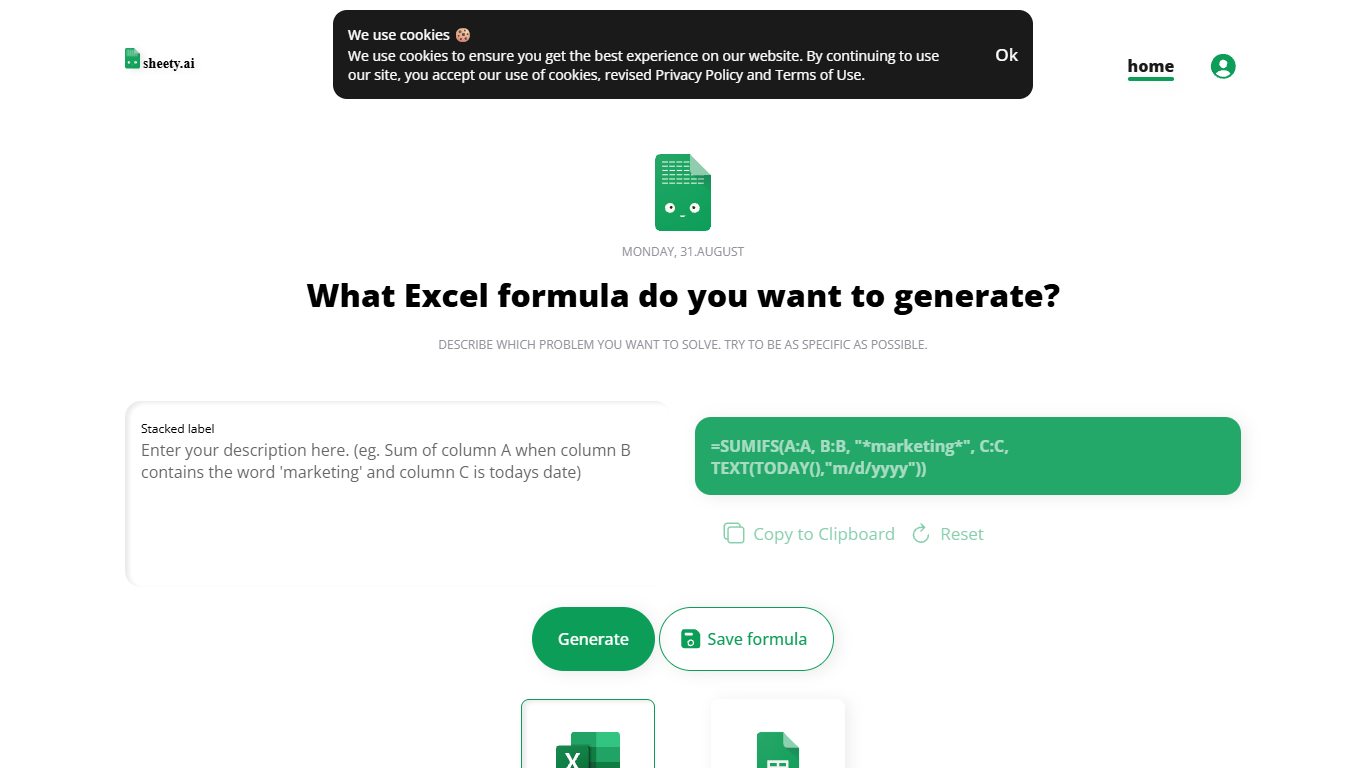
Describe a spreadsheet problem in plain words and Sheety.ai returns a formula ready to copy into Excel or Google Sheets. You pick the platform, generate the result, and paste it into your workbook. The homepage centers on one input box with generate, copy, reset, and save actions.
Unlike broader spreadsheet copilots that edit whole workbooks, Sheety.ai returns only the formula string for you to paste. That narrow focus keeps the workflow quick for one-off lookups and avoids tying you to a single platform thanks to the Excel and Google Sheets toggle.
Anonymous visitors can run 5 formula generations without signing up. A free account removes that limit, lets you save formulas to your profile, and syncs them for access from anywhere. The homepage also lists Latest Formulas other users have shared.
Sheety.ai is developed and hosted in Switzerland, and the homepage states that the team cares about user privacy. Saved formulas stay tied to registered accounts, and the site highlights Swiss hosting as part of its privacy positioning.
GRID
What is GRID?
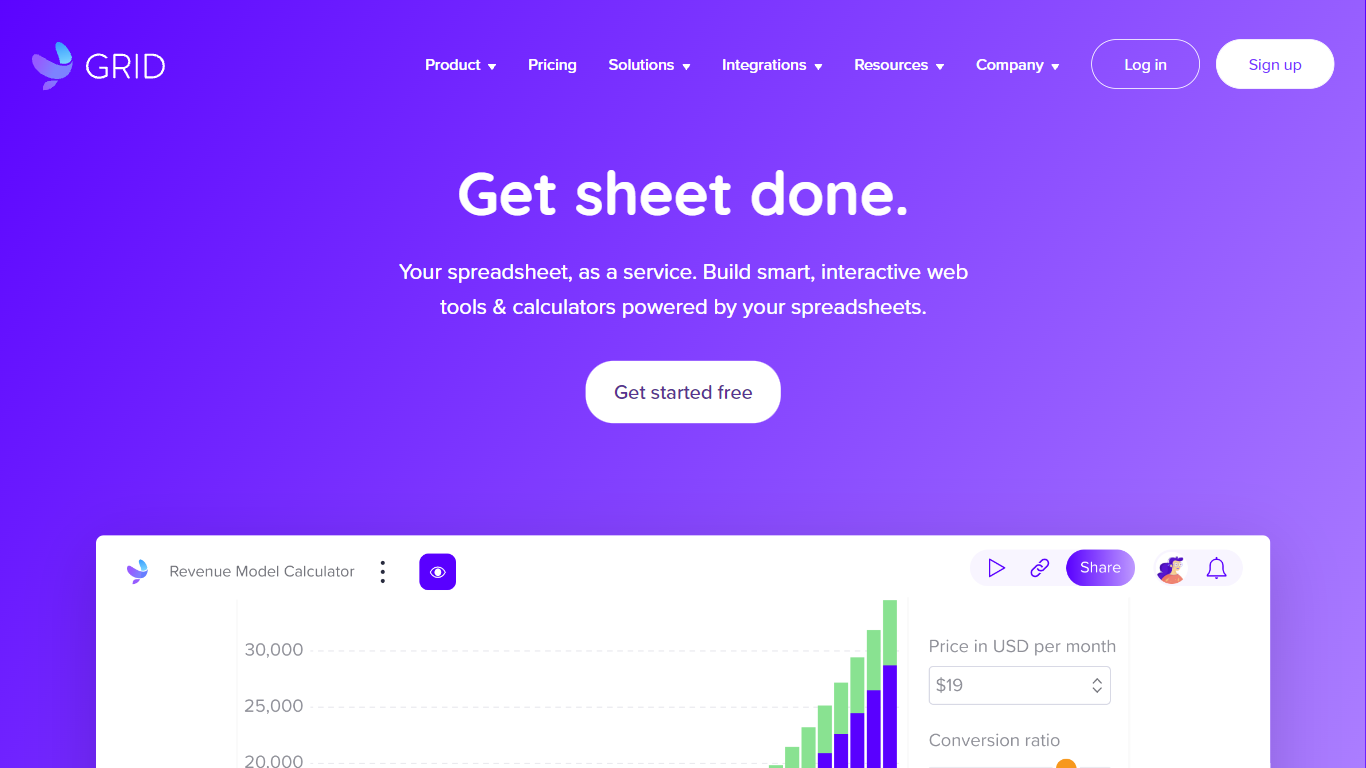
GRID is a spreadsheet engine for developers embedding Excel-grade calculations and sheet UI inside their own products. Install @grid-is/spreadsheet-engine from npm and run recalculation in the browser, on Node.js, on-device, or on your own infrastructure. The companion @grid-is/agent-tools package exposes 27 MCP-ready tools so agents load .xlsx files, trace precedents, edit cells, and goal-seek without writing Python each time.
Generic spreadsheet libraries leave you wiring cell reads by hand, and agents that generate openpyxl scripts burn tokens while guessing at formula dependencies. GRID pairs a deterministic recalculation core with structured tool calls, which is why its agent setup scored 91.25% on SpreadsheetBench's expert-verified 400 tasks while a code-generation approach on the same goal-seek demo needed 3,240 tokens versus 86.
Software teams building SaaS dashboards, Excel add-ins, or LLM products use GRID's headless engine plus optional Spreadsheet Viewer and Editor React components when humans need a familiar sheet surface. Customers cited on grid.is include major investment banks and a leading LLM provider. Every npm package ships with a free evaluation license; commercial licenses apply when you ship to customers.
Sheety.ai Upvotes
GRID Upvotes
Sheety.ai Top Features
Describe your spreadsheet problem in words and get a ready-to-paste formula back
Switch output between Excel and Google Sheets before you generate
Anonymous visitors get 5 formula generations; free accounts unlock unlimited use
Copy results to the clipboard or save formulas to your account profile
Browse the Latest Formulas section on the homepage for shared examples
GRID Top Features
@grid-is/agent-toolsships 27 tools for load, audit, edit, goal-seek, and MCP stdio servingHomepage benchmark demo reports 1.5s and 86 tokens with GRID versus 11.0s and 3,240 tokens without on the same goal-seek task
Scored 91.25% on SpreadsheetBench expert-verified 400 with Claude Sonnet and GRID agent tools
Headless TypeScript engine runs in browser, Node.js, on-device, or private cloud with no Excel install
Nearly 200,000 automated unit tests back Excel and Google Sheets formula compatibility
npm packages cover spreadsheet-engine, spreadsheet-viewer, spreadsheet-editor, and agent-tools
Sheety.ai Category
- Excel
GRID Category
- Excel
Sheety.ai Pricing Type
- Free
GRID Pricing Type
- Freemium