
Last updated 08-31-2026
Category:
Reviews:
Join thousands of AI enthusiasts in the World of AI!
Commabot
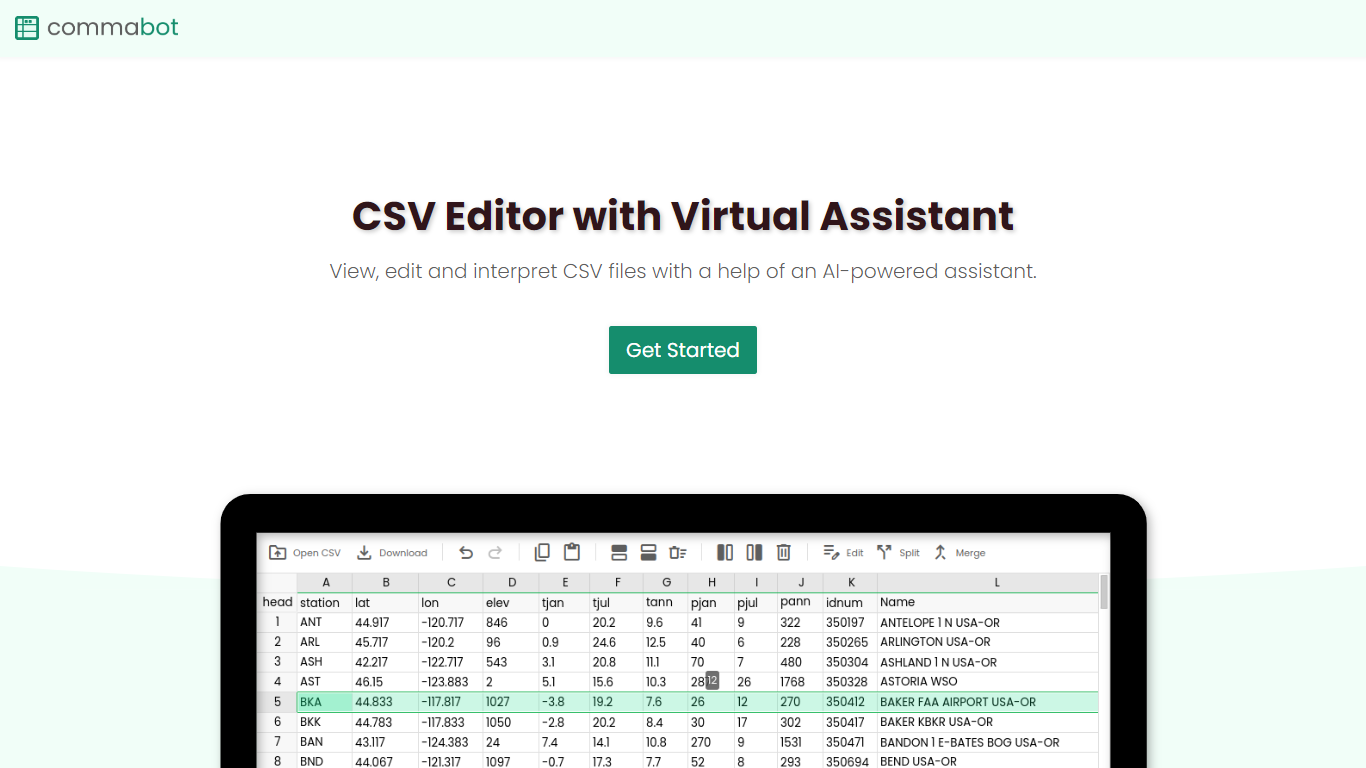
Commabot is a browser-based Excel alternative for CSV work: you upload a file and handle analysis, cleaning, and transformation in a chat interface instead of writing spreadsheet formulas. The homepage frames it as a conversational CSV editor for sales reports, survey results, financial records, and other tabular files.
The About page also describes specialized contact list prep workflows: deduplicating contacts, standardizing phone numbers to E.164, removing unsubscribes, merging multiple lists, and formatting exports for HubSpot or Salesforce import. That gives the product both open-ended CSV chat and CRM-ready contact cleanup paths.
You sign in with Google to upload files. Commabot runs on Google Cloud infrastructure and processes uploads in memory unless you explicitly save them to your account.
Upload a single CSV file at a time and ask questions in plain English to explore and modify your data
Generate charts and summaries from uploaded files through the chat interface
Clean and transform tabular data without writing spreadsheet formulas
Standardize phone numbers to E.164 format through dedicated contact prep workflows
Format contact lists for HubSpot or Salesforce import using workflow templates
Merge multiple contact lists into one consolidated dataset
Workflow templates show usage count and average processing time before you run them
Chat interface makes CSV analysis approachable without Excel formulas or scripts.
Prebuilt contact list workflows cover common CRM import prep tasks.
Files are processed in memory by default, with optional save-to-account storage.
No public pricing page or paid plan details on the website.
CSV uploads require Google sign-in rather than anonymous use.
Only single CSV file uploads are supported at a time.
File size and usage frequency limits apply per the Terms of Service.
Do I need an account to use Commabot?
Yes. Commabot requires you to sign in before uploading files. Google sign-in is supported on the upload page.
What file types does Commabot support?
Commabot accepts CSV files only. The upload interface supports drag-and-drop or click-to-upload for a single CSV file at a time.
How does Commabot handle my uploaded data?
Commabot processes CSV files in memory and automatically deletes them after your session unless you save them to your account. Saved chat conversations are encrypted and stored until you delete them or close your account.
Can Commabot prepare contact lists for CRM import?
Yes. Commabot offers workflow templates for HubSpot import and Salesforce import, along with tasks like deduplication, phone number standardization to E.164, and unsubscribe removal.
Does Commabot store my data permanently?
Not by default. Commabot processes uploads in memory and removes them after the session unless you save them. Account information stays until you delete your account.
Are there usage limits on Commabot?
Yes. Commabot's Terms of Service note reasonable limits on file sizes, processing time, and usage frequency to keep access fair for all users.
How do I contact Commabot support?
You can reach the team at [email protected]. The address is listed on the site footer and in the Privacy Policy and Terms of Service.