Formula Dog vs GRID
Explore the showdown between Formula Dog vs GRID and find out which AI Excel tool wins. We analyze upvotes, features, reviews, pricing, alternatives, and more.
When comparing Formula Dog and GRID, which one rises above the other?
When we contrast Formula Dog with GRID, both of which are exceptional AI-operated excel tools, and place them side by side, we can spot several crucial similarities and divergences. Neither tool takes the lead, as they both have the same upvote count. Your vote matters! Help us decide the winner among aitools.fyi users by casting your vote.
Does the result make you go "hmm"? Cast your vote and turn that frown upside down!
Formula Dog
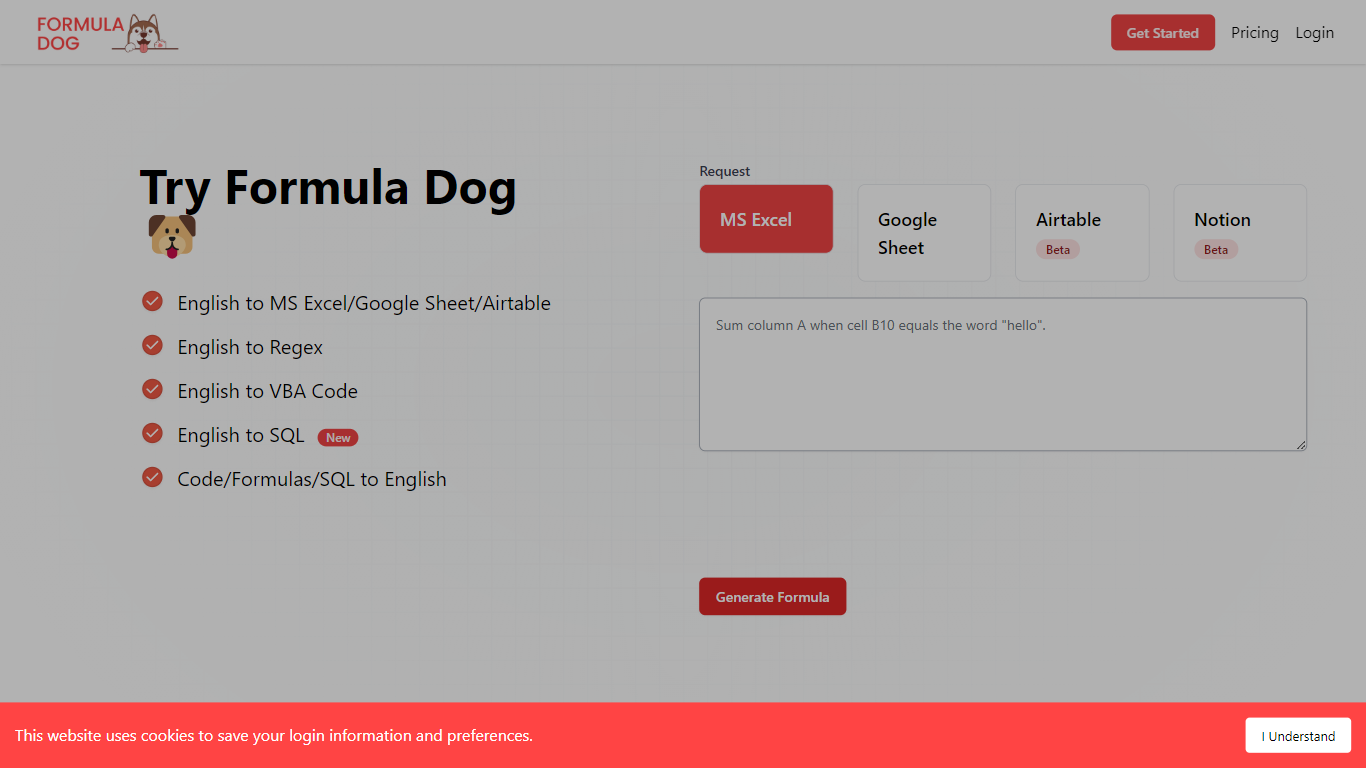

What is Formula Dog?
Formula Dog turns spreadsheet problems written in plain English into working Excel or Google Sheets formulas. You describe what you need, and the tool returns a paste-ready formula, often with a short explanation of how it works. The first five requests each day are free with no account required.
The product centers on a fine-tuned model trained on real spreadsheet formulas paired with human-written descriptions. That focus shows up in the output: fewer invented function names and syntax tuned for Excel, Google Sheets, VBA, regex helpers, and basic Airtable or Notion formulas.
It fits analysts, ops teams, and anyone who lives in spreadsheets but does not want to memorize every function variant. The site also ships a searchable cheat sheet, a playground with worked examples, and support for 12 interface languages.
GRID

What is GRID?
GRID is a spreadsheet engine for developers embedding Excel-grade calculations and sheet UI inside their own products. Install @grid-is/spreadsheet-engine from npm and run recalculation in the browser, on Node.js, on-device, or on your own infrastructure. The companion @grid-is/agent-tools package exposes 27 MCP-ready tools so agents load .xlsx files, trace precedents, edit cells, and goal-seek without writing Python each time.
Generic spreadsheet libraries leave you wiring cell reads by hand, and agents that generate openpyxl scripts burn tokens while guessing at formula dependencies. GRID pairs a deterministic recalculation core with structured tool calls, which is why its agent setup scored 91.25% on SpreadsheetBench's expert-verified 400 tasks while a code-generation approach on the same goal-seek demo needed 3,240 tokens versus 86.
Software teams building SaaS dashboards, Excel add-ins, or LLM products use GRID's headless engine plus optional Spreadsheet Viewer and Editor React components when humans need a familiar sheet surface. Customers cited on grid.is include major investment banks and a leading LLM provider. Every npm package ships with a free evaluation license; commercial licenses apply when you ship to customers.
Formula Dog Upvotes
GRID Upvotes
Formula Dog Top Features
Describe a spreadsheet task in plain English and get a paste-ready formula back
Covers Excel, Google Sheets, VBA macros, regex helpers, and basic Airtable or Notion syntax
Five free formula generations per day with no signup required
Built-in playground with six worked examples from COUNTIF to conditional VBA
Searchable cheat sheet for common sums, lookups, dates, arrays, and VBA snippets
Interface available in 12 languages including English, French, German, Spanish, and Japanese
GRID Top Features
@grid-is/agent-toolsships 27 tools for load, audit, edit, goal-seek, and MCP stdio servingHomepage benchmark demo reports 1.5s and 86 tokens with GRID versus 11.0s and 3,240 tokens without on the same goal-seek task
Scored 91.25% on SpreadsheetBench expert-verified 400 with Claude Sonnet and GRID agent tools
Headless TypeScript engine runs in browser, Node.js, on-device, or private cloud with no Excel install
Nearly 200,000 automated unit tests back Excel and Google Sheets formula compatibility
npm packages cover spreadsheet-engine, spreadsheet-viewer, spreadsheet-editor, and agent-tools
Formula Dog Category
- Excel
GRID Category
- Excel
Formula Dog Pricing Type
- Freemium
GRID Pricing Type
- Freemium