
Last updated 08-31-2026
Category:
Reviews:
Join thousands of AI enthusiasts in the World of AI!
AI Excel Bot
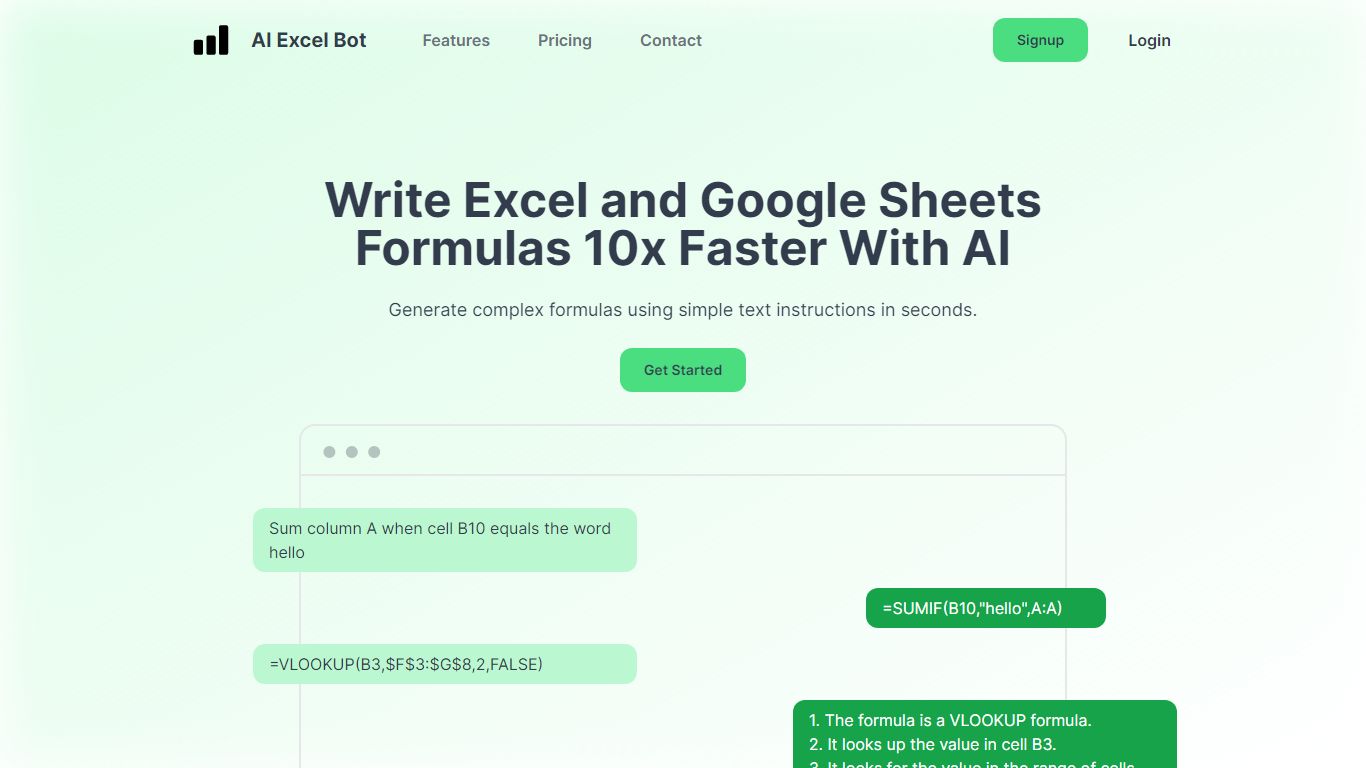
AI Excel Bot turns plain-English instructions into Excel and Google Sheets formulas in seconds. It is built for spreadsheet users who know the outcome they want but do not want to hunt through function syntax to get there.
Unlike general chat assistants, it stays focused on spreadsheet work: generating formulas, explaining nested functions line by line, and writing or decoding VBA. Pro plans add in-spreadsheet access through a Chrome extension for Google Sheets and an Excel add-in, so you rarely need to copy results from a separate tab. The site says formula output runs on a GPT-3 model.
Query Labs operates the service from India. You can work from the web app or install the Chrome extension to stay inside Google Sheets. The formulas page documents support across array, database, date, financial, lookup, logical, math, statistical, text, and other formula families.
Free plan includes 5 formula, code, or task generations and explanations per month
Pro is $2.99 per month with unlimited formula, VBA, and task generations
Pro Annual costs $24.99 per year and is labeled Best Value on the pricing page
Chrome extension brings formula help into Google Sheets; Pro adds an Excel add-in
Formulas page documents array, database, date, financial, lookup, logical, math, statistical, and text families
Turns plain-English prompts into spreadsheet formulas without manual syntax lookup.
Explains existing formulas and VBA code in readable language.
Chrome extension and Excel add-in keep the workflow inside the spreadsheet on paid plans.
Low monthly Pro pricing with an annual option that discounts the yearly total.
Documents broad formula coverage across financial, lookup, statistical, and text families.
Free usage caps at five generations and explanations per month.
Excel add-in access requires a paid Pro or Pro Annual subscription.
Core features depend on an internet connection and the web app or extensions.
Can AI Excel Bot generate formulas for both Excel and Google Sheets?
Yes. AI Excel Bot generates formulas for Microsoft Excel and Google Sheets from simple text prompts on the homepage and in its browser tools.
What are the limits on the AI Excel Bot free plan?
AI Excel Bot's free plan includes limited access plus five formula, code, or task generations and explanations per month. It also includes the Chrome extension and email support.
How much does AI Excel Bot Pro cost?
AI Excel Bot Pro is $2.99 per month. A Pro Annual plan is $24.99 per year and is labeled Best Value on the pricing section.
Does AI Excel Bot include an Excel add-in?
Yes. AI Excel Bot includes an Excel add-in for Pro and Pro Annual subscribers. The Chrome extension for Google Sheets is available on the free tier and paid plans.
What formula types does AI Excel Bot support?
AI Excel Bot documents formula families including array, database, date, engineering, filter, financial, logical, lookup, math, statistical, text, and web formulas on its formulas page.
Who makes AI Excel Bot?
AI Excel Bot is a product by Query Labs. The privacy policy lists Query Labs in Nashik, Maharashtra, India as the operating company.
How do I contact AI Excel Bot support?
AI Excel Bot's homepage has a contact form for technical issues and product feedback. The free plan lists email support, and Pro plans include priority support.