Columns AI (formerly Columns) vs AI Excel Bot
In the face-off between Columns AI (formerly Columns) vs AI Excel Bot, which AI Excel tool takes the crown? We scrutinize features, alternatives, upvotes, reviews, pricing, and more.
When we put Columns AI (formerly Columns) and AI Excel Bot head to head, which one emerges as the victor?
If we were to analyze Columns AI (formerly Columns) and AI Excel Bot, both of which are AI-powered excel tools, what would we find? The upvote count reveals a draw, with both tools earning the same number of upvotes. You can help us determine the winner by casting your vote and tipping the scales in favor of one of the tools.
Think we got it wrong? Cast your vote and show us who's boss!
Columns AI (formerly Columns)
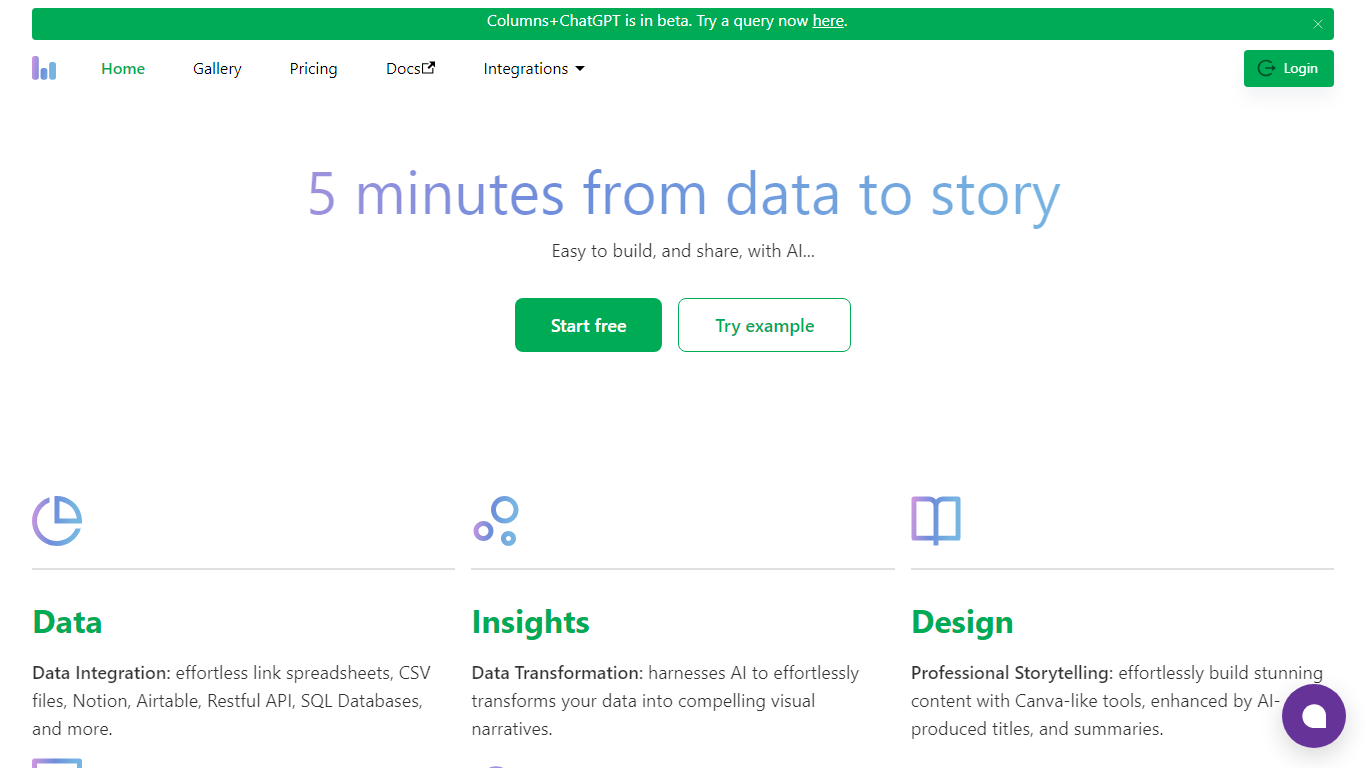

What is Columns AI (formerly Columns)?
Columns AI takes messy files and live data sources through ingestion, automation, and chart publishing without making you stitch together separate tools. Drive ingests CSV, Excel, PDF, and images with OCR, Flow connects warehouses and apps with plain-language transformations, and Graph publishes brand-matched visuals you can embed or export.
Most BI tools assume your data is already clean and your team knows SQL. Columns splits the problem into three steps on purpose: structure files in Drive, automate sync and transforms in Flow, then ship client-ready charts from Graph without opening a separate design tool. You pay per row processed, and the Basic plan has no monthly base fee.
The site lists 12,000+ users across business operators, consultants, marketing and RevOps teams, analysts, and freelancers. Founder Shawn Cao previously built data infrastructure at Microsoft, Facebook, and Pinterest.
AI Excel Bot
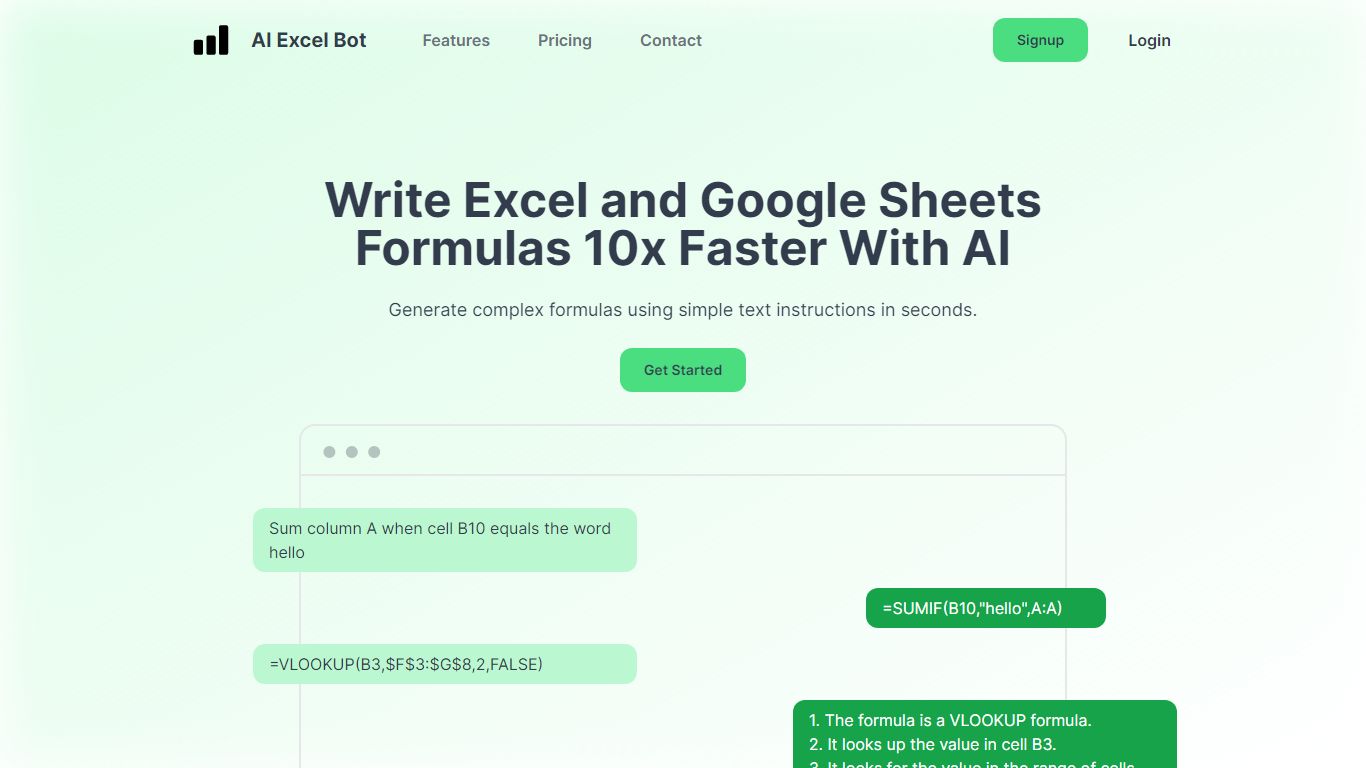
What is AI Excel Bot?
AI Excel Bot turns plain-English instructions into Excel and Google Sheets formulas in seconds. It is built for spreadsheet users who know the outcome they want but do not want to hunt through function syntax to get there.
Unlike general chat assistants, it stays focused on spreadsheet work: generating formulas, explaining nested functions line by line, and writing or decoding VBA. Pro plans add in-spreadsheet access through a Chrome extension for Google Sheets and an Excel add-in, so you rarely need to copy results from a separate tab. The site says formula output runs on a GPT-3 model.
Query Labs operates the service from India. You can work from the web app or install the Chrome extension to stay inside Google Sheets. The formulas page documents support across array, database, date, financial, lookup, logical, math, statistical, text, and other formula families.
Columns AI (formerly Columns) Upvotes
AI Excel Bot Upvotes
Columns AI (formerly Columns) Top Features
Columns Drive accepts CSV, Excel, PDF, PNG, and JPG and runs OCR plus auto-cleaning before data reaches Flow
Columns Flow connects Google Sheets, Airtable, Notion, Postgres, Snowflake, HubSpot, QuickBooks, and Gusto
Basic plan charges $0 per month plus $0.05 per 1,000 rows across Drive, Flow, and Graph
Columns Graph exports live links, iframe embeds, PNG, SVG, CSV, and presentation decks from one chart
Columns Drive has a Gmail add-on in Google Workspace Marketplace for turning email attachments into spreadsheet rows
Scheduled Flow runs keep downstream Graph visuals synced without manual refreshes
AI Excel Bot Top Features
Free plan includes 5 formula, code, or task generations and explanations per month
Pro is $2.99 per month with unlimited formula, VBA, and task generations
Pro Annual costs $24.99 per year and is labeled Best Value on the pricing page
Chrome extension brings formula help into Google Sheets; Pro adds an Excel add-in
Formulas page documents array, database, date, financial, lookup, logical, math, statistical, and text families
Columns AI (formerly Columns) Category
- Excel
AI Excel Bot Category
- Excel
Columns AI (formerly Columns) Pricing Type
- Freemium
AI Excel Bot Pricing Type
- Freemium