ExcelMaster vs Columns AI (formerly Columns)
In the contest of ExcelMaster vs Columns AI (formerly Columns), which AI Excel tool is the champion? We evaluate pricing, alternatives, upvotes, features, reviews, and more.
If you had to choose between ExcelMaster and Columns AI (formerly Columns), which one would you go for?
When we examine ExcelMaster and Columns AI (formerly Columns), both of which are AI-enabled excel tools, what unique characteristics do we discover? Columns AI (formerly Columns) is the clear winner in terms of upvotes. Columns AI (formerly Columns) has been upvoted 6 times by aitools.fyi users, and ExcelMaster has been upvoted 1 times.
Does the result make you go "hmm"? Cast your vote and turn that frown upside down!
ExcelMaster


What is ExcelMaster?
Windows desktop Excel can run an autonomous agent add-in that plans multi-step spreadsheet work from plain-language prompts. ExcelMaster reads workbook structure across sheets, writes formulas or VBA/Python, executes changes inside Excel, and shows each step in a live sidebar. Finance teams, analysts, and operations staff use it for month-end close, variance reports, data cleanup, and macro automation without leaving the file.
Where Copilot and ChatGPT stop at suggested snippets, ExcelMaster closes the loop inside the workbook. It maps real sheet names, merged cells, and cross-sheet references before generating code, runs VBA or Python locally, verifies output, and retries on errors with automatic rollback. The product site cites internal benchmarks where template-style chat code needed far more edit rounds than agent execution on real user cases.
Dedicated Formula Assistant, VBA Assistant, and Cell AI modules cover formula dialogue, macro automation, and per-cell tasks like classification, keyword extraction, format conversion, sentiment scoring, and translation. Files stay on your machine; only relevant cell content goes to AI models when analysis is needed.
ExcelMaster requires Excel 2016 or later on Windows 10/11 (desktop, not Excel Online). Subscription plans start at $9.99 per month with a 3-day trial, and one-time credit packs are sold separately. The site also hosts free browser utilities for Excel, PDF, and Word conversions.
Columns AI (formerly Columns)
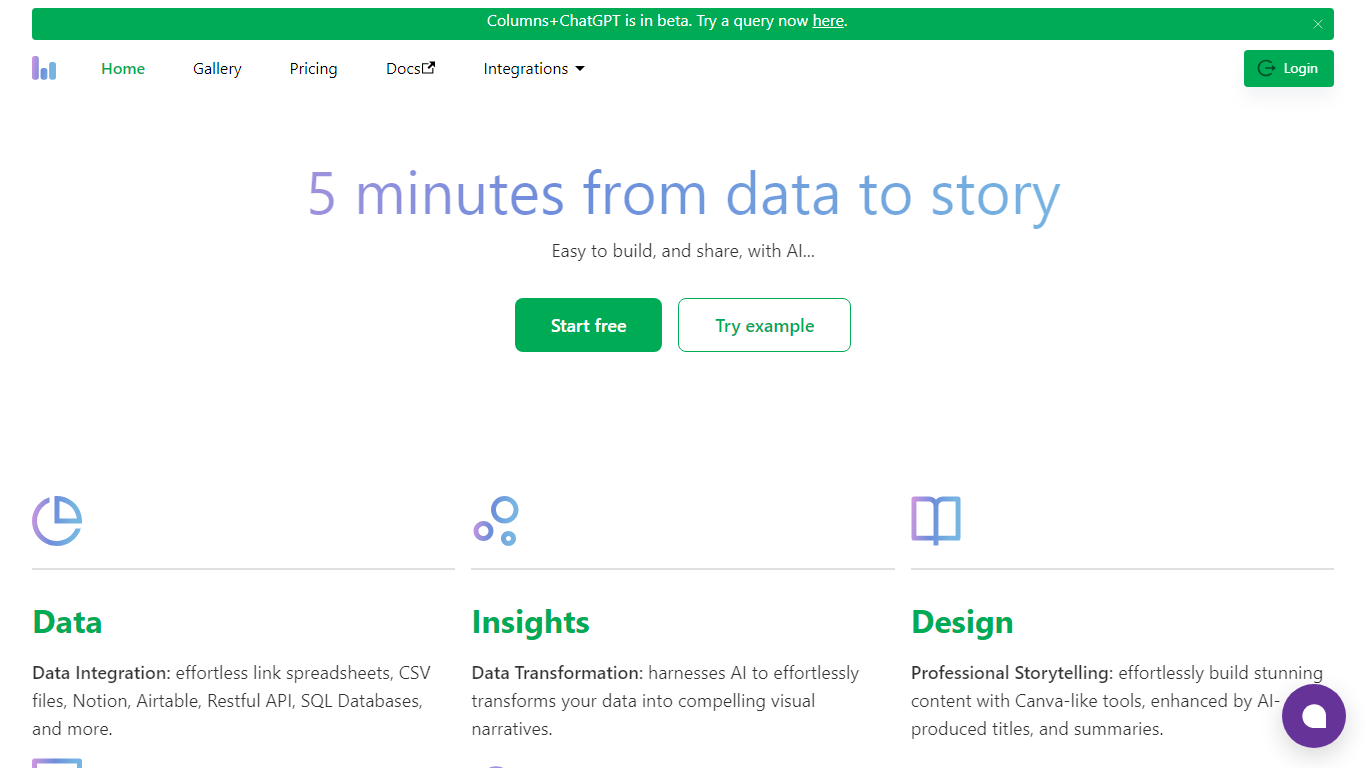
What is Columns AI (formerly Columns)?
Columns AI takes messy files and live data sources through ingestion, automation, and chart publishing without making you stitch together separate tools. Drive ingests CSV, Excel, PDF, and images with OCR, Flow connects warehouses and apps with plain-language transformations, and Graph publishes brand-matched visuals you can embed or export.
Most BI tools assume your data is already clean and your team knows SQL. Columns splits the problem into three steps on purpose: structure files in Drive, automate sync and transforms in Flow, then ship client-ready charts from Graph without opening a separate design tool. You pay per row processed, and the Basic plan has no monthly base fee.
The site lists 12,000+ users across business operators, consultants, marketing and RevOps teams, analysts, and freelancers. Founder Shawn Cao previously built data infrastructure at Microsoft, Facebook, and Pinterest.
ExcelMaster Upvotes
Columns AI (formerly Columns) Upvotes
ExcelMaster Top Features
Starter includes 600 agent credits per month; Pro includes 1,800 credits on monthly billing
Uses GPT 5.4, Claude Sonnet 4.6, Claude Opus 4.6, and ExcelMaster Operator models
Reads multi-sheet workbook structure before writing formulas, VBA, or Python
Auto-backup and one-click rollback before every operation on live workbooks
Cell AI handles classification, keyword extraction, format conversion, sentiment analysis, and translation per cell
Supports Excel 2016+ on Windows 10/11 desktop; Excel Online is not supported
Columns AI (formerly Columns) Top Features
Columns Drive accepts CSV, Excel, PDF, PNG, and JPG and runs OCR plus auto-cleaning before data reaches Flow
Columns Flow connects Google Sheets, Airtable, Notion, Postgres, Snowflake, HubSpot, QuickBooks, and Gusto
Basic plan charges $0 per month plus $0.05 per 1,000 rows across Drive, Flow, and Graph
Columns Graph exports live links, iframe embeds, PNG, SVG, CSV, and presentation decks from one chart
Columns Drive has a Gmail add-on in Google Workspace Marketplace for turning email attachments into spreadsheet rows
Scheduled Flow runs keep downstream Graph visuals synced without manual refreshes
ExcelMaster Category
- Excel
Columns AI (formerly Columns) Category
- Excel
ExcelMaster Pricing Type
- Freemium
Columns AI (formerly Columns) Pricing Type
- Freemium