Jspreadsheet vs ExcelMaster
When comparing Jspreadsheet vs ExcelMaster, which AI Excel tool shines brighter? We look at pricing, alternatives, upvotes, features, reviews, and more.
Between Jspreadsheet and ExcelMaster, which one is superior?
When we put Jspreadsheet and ExcelMaster side by side, both being AI-powered excel tools, Jspreadsheet is the clear winner in terms of upvotes. Jspreadsheet has attracted 6 upvotes from aitools.fyi users, and ExcelMaster has attracted 1 upvotes.
Does the result make you go "hmm"? Cast your vote and turn that frown upside down!
Jspreadsheet

What is Jspreadsheet?
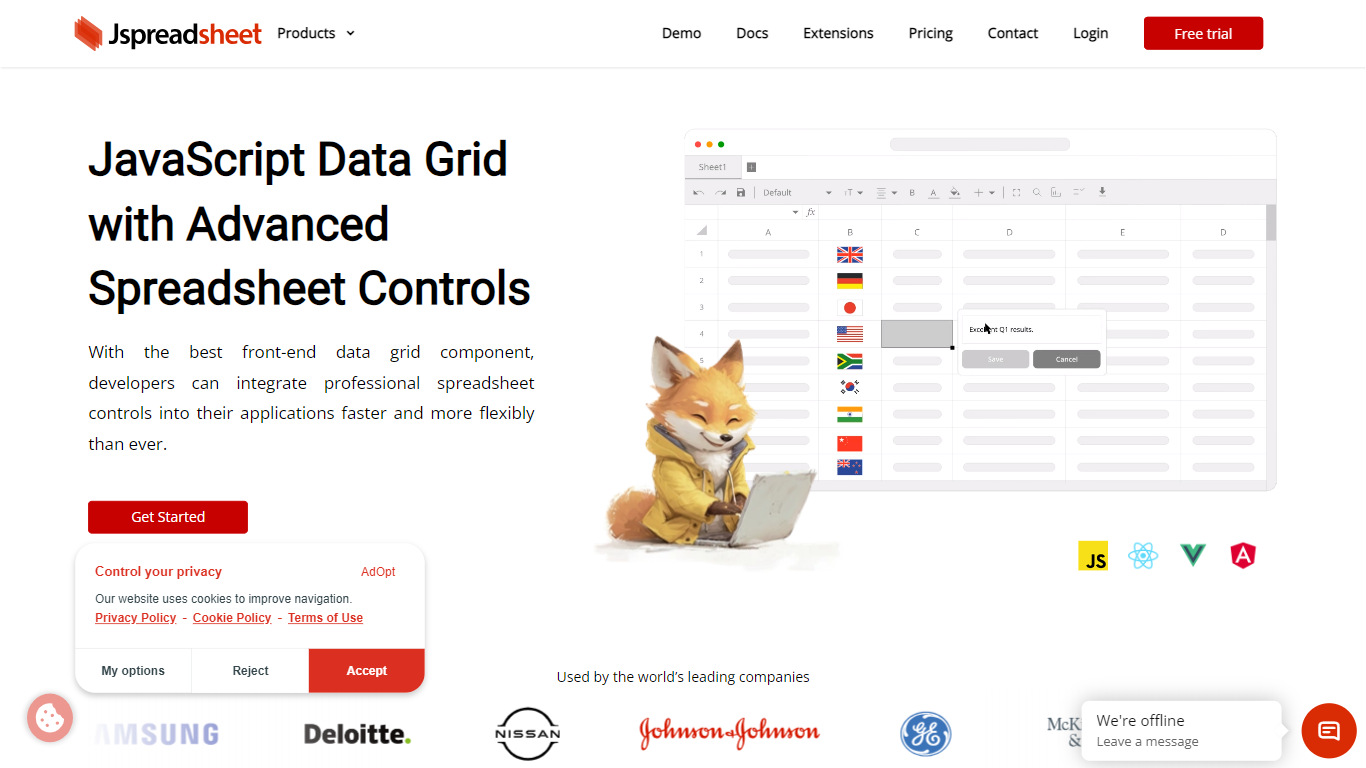
Jspreadsheet is a JavaScript spreadsheet component you drop into web apps when users expect Excel behavior, not just a sortable table. It ships as a front-end library for vanilla JavaScript, React, Vue, or Angular, with 500+ Excel-compatible formulas, import and export for 16+ file formats, and optional AI functions wired into cells. Because the code runs in your application, data stays on your infrastructure under your security model.
Most data grid libraries optimize for read-heavy tables with filtering and pagination. Jspreadsheet targets the opposite workload: modeling, bulk edits, and reporting where the fill handle, absolute references, and paste-from-Excel round-trips are what users test in the first minute. Google Sheets and Excel bake AI into their clouds; Jspreadsheet ships code so you choose the model endpoint, including a local one with no outbound traffic.
It fits teams building SaaS products, internal tools, financial dashboards, and data entry screens that still revolve around spreadsheets. Customer logos on the site include Samsung, Deloitte, and Johnson & Johnson. Jspreadsheet Server adds an optional Node.js backend for live multi-user editing, version history, and document persistence when a browser-only component is not enough.
ExcelMaster

What is ExcelMaster?
Windows desktop Excel can run an autonomous agent add-in that plans multi-step spreadsheet work from plain-language prompts. ExcelMaster reads workbook structure across sheets, writes formulas or VBA/Python, executes changes inside Excel, and shows each step in a live sidebar. Finance teams, analysts, and operations staff use it for month-end close, variance reports, data cleanup, and macro automation without leaving the file.
Where Copilot and ChatGPT stop at suggested snippets, ExcelMaster closes the loop inside the workbook. It maps real sheet names, merged cells, and cross-sheet references before generating code, runs VBA or Python locally, verifies output, and retries on errors with automatic rollback. The product site cites internal benchmarks where template-style chat code needed far more edit rounds than agent execution on real user cases.
Dedicated Formula Assistant, VBA Assistant, and Cell AI modules cover formula dialogue, macro automation, and per-cell tasks like classification, keyword extraction, format conversion, sentiment scoring, and translation. Files stay on your machine; only relevant cell content goes to AI models when analysis is needed.
ExcelMaster requires Excel 2016 or later on Windows 10/11 (desktop, not Excel Online). Subscription plans start at $9.99 per month with a 3-day trial, and one-time credit packs are sold separately. The site also hosts free browser utilities for Excel, PDF, and Word conversions.
Jspreadsheet Upvotes
ExcelMaster Upvotes
Jspreadsheet Top Features
500+ Excel-compatible formulas with a dependency-graph calculation engine
Import and export 16+ formats including .xlsx, .csv, and .ods with formatting preserved
React, Vue, Angular, and vanilla JavaScript packages with TypeScript definitions
Enterprise from $249 per month; Ultimate adds ChatGPT, Server, and PDF export extensions
30-day production trial with no credit card; free for development use
Virtualized rendering that stays responsive on hundred-thousand-row pastes
ExcelMaster Top Features
Starter includes 600 agent credits per month; Pro includes 1,800 credits on monthly billing
Uses GPT 5.4, Claude Sonnet 4.6, Claude Opus 4.6, and ExcelMaster Operator models
Reads multi-sheet workbook structure before writing formulas, VBA, or Python
Auto-backup and one-click rollback before every operation on live workbooks
Cell AI handles classification, keyword extraction, format conversion, sentiment analysis, and translation per cell
Supports Excel 2016+ on Windows 10/11 desktop; Excel Online is not supported
Jspreadsheet Category
- Excel
ExcelMaster Category
- Excel
Jspreadsheet Pricing Type
- Paid
ExcelMaster Pricing Type
- Freemium