CapGo vs Columns AI (formerly Columns)
When comparing CapGo vs Columns AI (formerly Columns), which AI Excel tool shines brighter? We look at pricing, alternatives, upvotes, features, reviews, and more.
In a comparison between CapGo and Columns AI (formerly Columns), which one comes out on top?
When we put CapGo and Columns AI (formerly Columns) side by side, both being AI-powered excel tools, The upvote count is neck and neck for both CapGo and Columns AI (formerly Columns). You can help us determine the winner by casting your vote and tipping the scales in favor of one of the tools.
Want to flip the script? Upvote your favorite tool and change the game!
CapGo
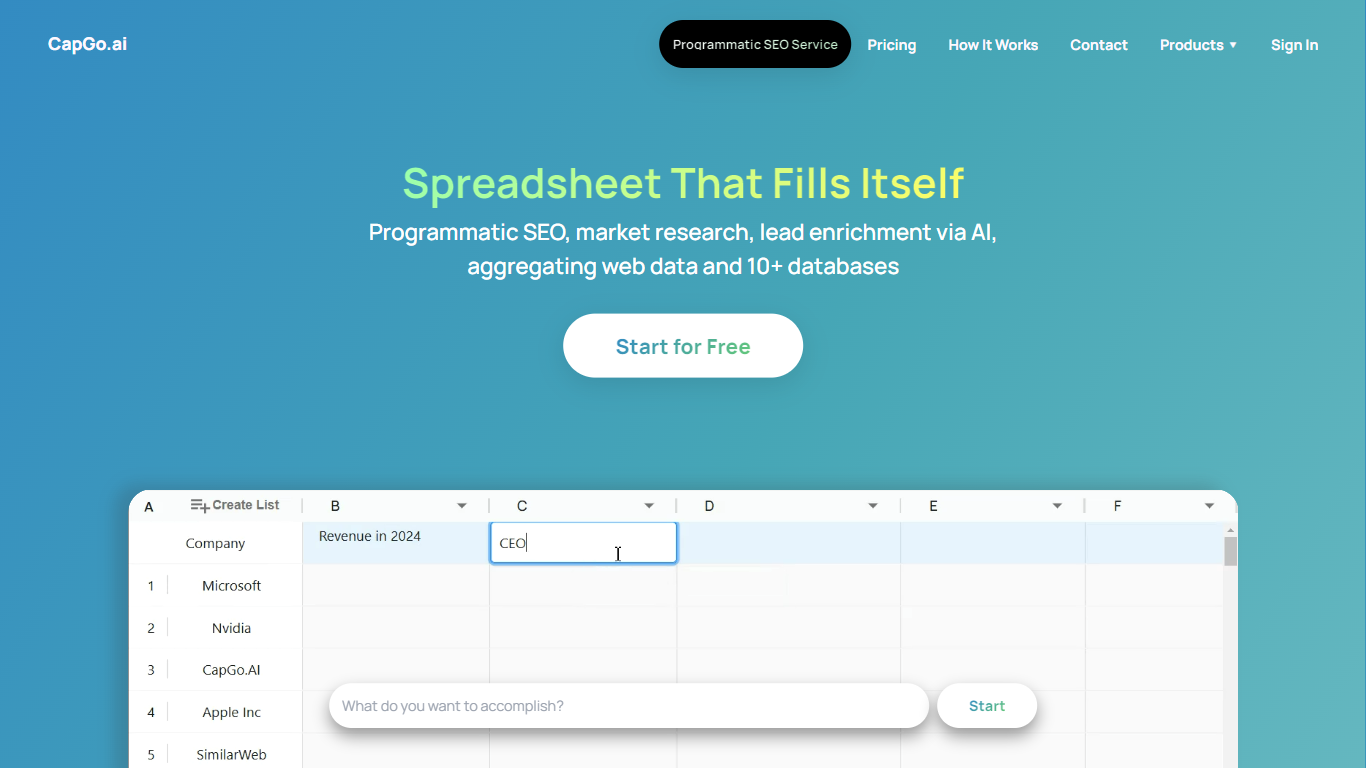

What is CapGo?
CapGo scales programmatic SEO and GEO content through Google Sheets and browser spreadsheets, with Excel-style columns as workflow steps and rows as publishable landing pages. Each column in a CapGo sheet is an action step, and each row lets you repeat research, generation, optimization, and publishing across hundreds or thousands of pages. The product runs as CapGo Sheets in the browser and as the Sheet2Pages Google Sheets add-on, which lists more than 50,000 installations and a 4.9/5 rating on Google Workspace Marketplace.
Most programmatic SEO tools wire templates inside a CMS or custom codebase. CapGo keeps the full pipeline in a grid you can inspect row by row, which makes it easier to catch a bad template before it scales to thousands of pages. The same workflow also syndicates content to Reddit, X, LinkedIn, and Medium, so web pages and distribution posts do not live in separate tools.
Marketing teams, SEO agencies, and growth leads use CapGo to build local landing pages, product comparison hubs, and answer-focused content aimed at Google search and AI answer engines. Exports reach WordPress, Webflow, Framer, Shopify, Wix, Squarespace, Ghost, Drupal, and other CMS platforms through CSV upload or bulk HTML download.
CapGo is backed by Harvard Innovation Lab and Antler, and names clients including Math-GPT Pro, BlueFocus, Fish.audio, and Final Round AI. Teams that want a managed rollout can also book done-for-you programmatic SEO and GEO consulting through CapGo.
Columns AI (formerly Columns)
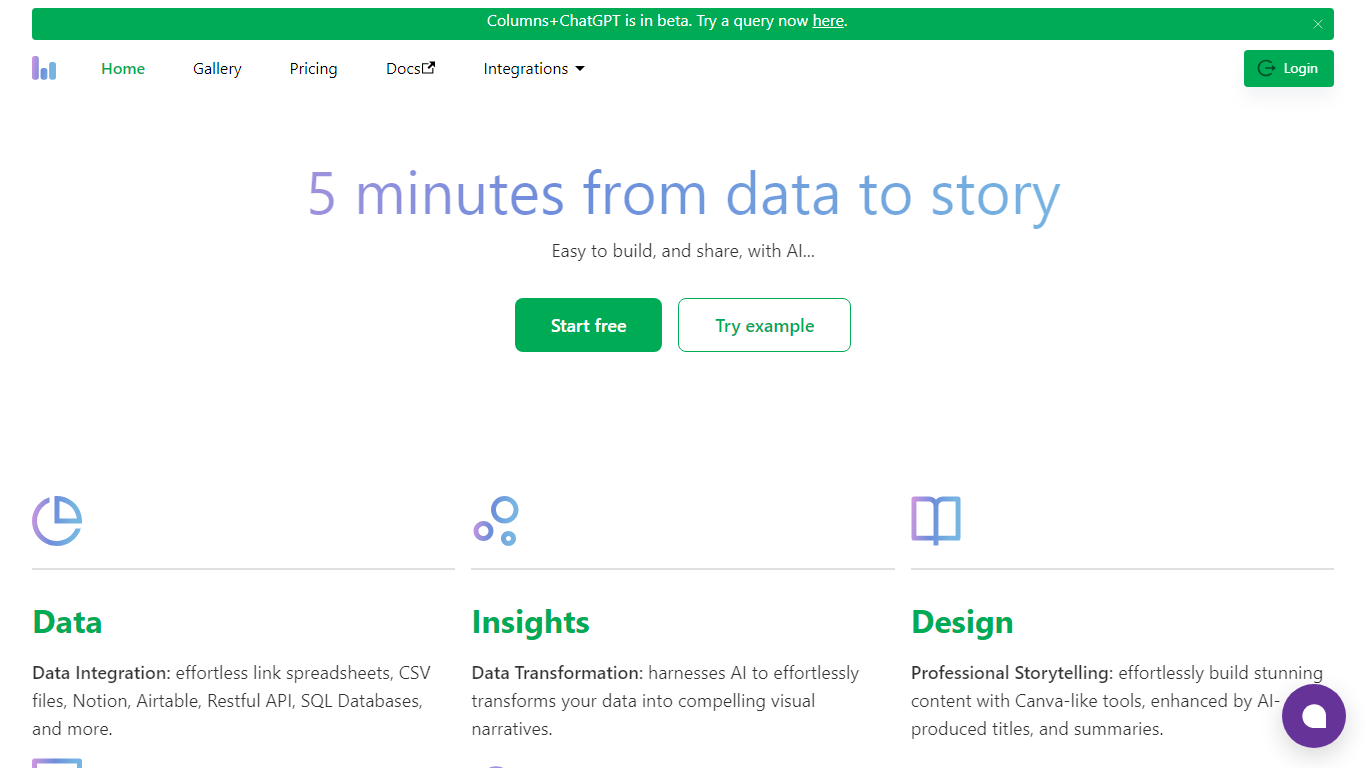
What is Columns AI (formerly Columns)?
Columns AI takes messy files and live data sources through ingestion, automation, and chart publishing without making you stitch together separate tools. Drive ingests CSV, Excel, PDF, and images with OCR, Flow connects warehouses and apps with plain-language transformations, and Graph publishes brand-matched visuals you can embed or export.
Most BI tools assume your data is already clean and your team knows SQL. Columns splits the problem into three steps on purpose: structure files in Drive, automate sync and transforms in Flow, then ship client-ready charts from Graph without opening a separate design tool. You pay per row processed, and the Basic plan has no monthly base fee.
The site lists 12,000+ users across business operators, consultants, marketing and RevOps teams, analysts, and freelancers. Founder Shawn Cao previously built data infrastructure at Microsoft, Facebook, and Pinterest.
CapGo Upvotes
Columns AI (formerly Columns) Upvotes
CapGo Top Features
Each spreadsheet column is a workflow step, so one working row scales to thousands of SEO or GEO pages
Sheet2Pages Google Sheets add-on has 50,000+ Marketplace installations and a 4.9/5 user rating
Publish bulk pages to WordPress, Webflow, Framer, Shopify, Wix, Squarespace, Ghost, and Drupal via CSV or HTML export
Premium plan includes 1,200 monthly credits, Pro includes 3,600, and Max includes 9,000 on paid tiers
Syndicate generated content to Reddit, X, LinkedIn, and Medium from the same spreadsheet workflow
Automate meta tags, internal linking, and content variations across large keyword or query sets without coding
Columns AI (formerly Columns) Top Features
Columns Drive accepts CSV, Excel, PDF, PNG, and JPG and runs OCR plus auto-cleaning before data reaches Flow
Columns Flow connects Google Sheets, Airtable, Notion, Postgres, Snowflake, HubSpot, QuickBooks, and Gusto
Basic plan charges $0 per month plus $0.05 per 1,000 rows across Drive, Flow, and Graph
Columns Graph exports live links, iframe embeds, PNG, SVG, CSV, and presentation decks from one chart
Columns Drive has a Gmail add-on in Google Workspace Marketplace for turning email attachments into spreadsheet rows
Scheduled Flow runs keep downstream Graph visuals synced without manual refreshes
CapGo Category
- Excel
Columns AI (formerly Columns) Category
- Excel
CapGo Pricing Type
- Freemium
Columns AI (formerly Columns) Pricing Type
- Freemium