
Last updated 08-31-2026
Category:
Reviews:
Join thousands of AI enthusiasts in the World of AI!
AskCSV
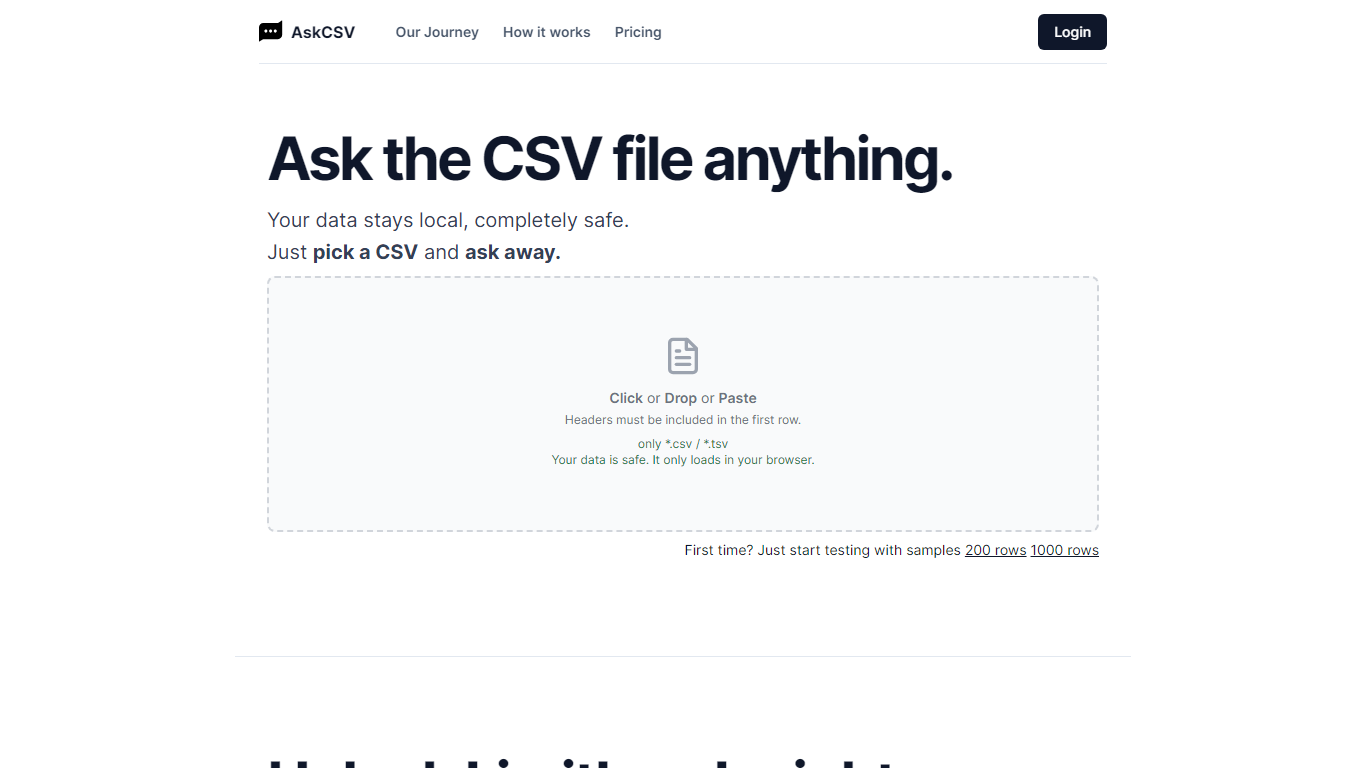
AskCSV runs CSV and TSV analysis entirely in your browser. You drop a file, ask business questions in plain English, and get tables or charts without uploading spreadsheet rows to AskCSV servers. It targets anyone who wants Excel-style answers from tabular exports while keeping revenue, customer, or HR data off shared infrastructure.
Most AI spreadsheet tools route your file through cloud models. AskCSV keeps the query path local instead. An on-device AI turns questions into SQL, DuckDB runs the query in the browser, and only app assets plus the cached model use the network. That trade-off means a one-time 1.8 GB model download and WebGPU browser requirements, but the site documents a verifiable zero-upload path you can confirm in DevTools.
Pro at $5 per month adds unlimited successful analyses, ZIP and chart PNG exports, deterministic two-file join or stack, and an ad-free interface. The free tier still covers 10 successful analyses per month with no account required, though ads fund that plan. Failed query attempts do not consume the monthly analysis counter.
The workflow fits analysts, marketers, and small business owners who work with sales exports, customer lists, or operational spreadsheets and need quick charts without building pivot tables. Google sign-in is only required when upgrading to Pro, with billing handled through Stripe while file data stays in the browser.
Free tier includes 10 successful analyses per month with no account required
CSV, questions, SQL, and results stay on device with 0 bytes sent to AskCSV servers
On-device AI plus DuckDB turns plain English into local queries and charts
First use downloads about 1.8 GB AI model, then caches it in the browser
Pro at $5 per month adds unlimited analyses, ZIP exports, two-file combine, and no ads
Requires WebGPU in Chrome 113+, Safari 26+, or Firefox 141+ on Windows
CSV and analysis content stay on your device with 0 bytes uploaded to AskCSV servers
Free tier needs no account and includes 10 successful analyses per month
DuckDB runs queries locally so follow-ups do not round-trip to cloud AI
Pro at $5 per month adds exports, two-file combine, and removes ads
Failed analyses do not count against the Free monthly limit
Requires WebGPU support in Chrome 113+, Safari 26+, or Firefox 141+
First session downloads about 1.8 GB on-device AI model before analysis
Free plan shows ads and limits you to one CSV at a time
Pro requires Google sign-in and Stripe billing for subscription management
How does AskCSV keep my CSV private?
AskCSV opens your CSV or TSV directly in the browser and runs analysis locally with DuckDB and an on-device AI model. Your file rows, questions, SQL, results, and chats are not transferred to AskCSV servers, which the site documents as 0 bytes of CSV upload.
What does AskCSV Pro cost?
AskCSV Pro costs $5 per month and includes unlimited successful analyses, ZIP and chart PNG exports, deterministic two-file join or stack, and no ads. Billing is handled through Stripe, and you can cancel anytime.
What counts as a successful analysis on AskCSV?
AskCSV counts an analysis only when it successfully produces a result from your CSV. Loading a file, general chat, and setup steps do not count, and failed model, SQL, browser, or query errors do not reduce the Free monthly limit.
Do I need to sign up for AskCSV?
AskCSV includes a Free tier you can use immediately for CSV analysis. Google sign-in is required only when you upgrade to Pro so your subscription follows you across sessions, and file analysis stays on your device on both plans.
What browsers support AskCSV?
AskCSV requires WebGPU support in Chrome or Edge 113+, Safari 26+ on macOS or iOS 26, or Firefox 141+ on Windows. The homepage warns when your browser cannot run the on-device AI model.
What is two-file combine on AskCSV?
AskCSV Pro can deterministically join two related CSV files by a shared key or stack compatible files in your browser. The relationship is computed locally instead of being inferred by the AI.
Can I export results from AskCSV?
AskCSV Pro can export a conversation as a ZIP with CSV, PNG, and TXT files, or download an individual chart as a PNG. Export files are generated in your browser without uploading your source CSV.