Formula Dog vs AskCSV
Compare Formula Dog vs AskCSV and see which AI Excel tool is better when we compare features, reviews, pricing, alternatives, upvotes, etc.
Which one is better? Formula Dog or AskCSV?
When we compare Formula Dog with AskCSV, which are both AI-powered excel tools, AskCSV stands out as the clear frontrunner in terms of upvotes. AskCSV has garnered 8 upvotes, and Formula Dog has garnered 6 upvotes.
Don't agree with the result? Cast your vote and be a part of the decision-making process!
Formula Dog

What is Formula Dog?
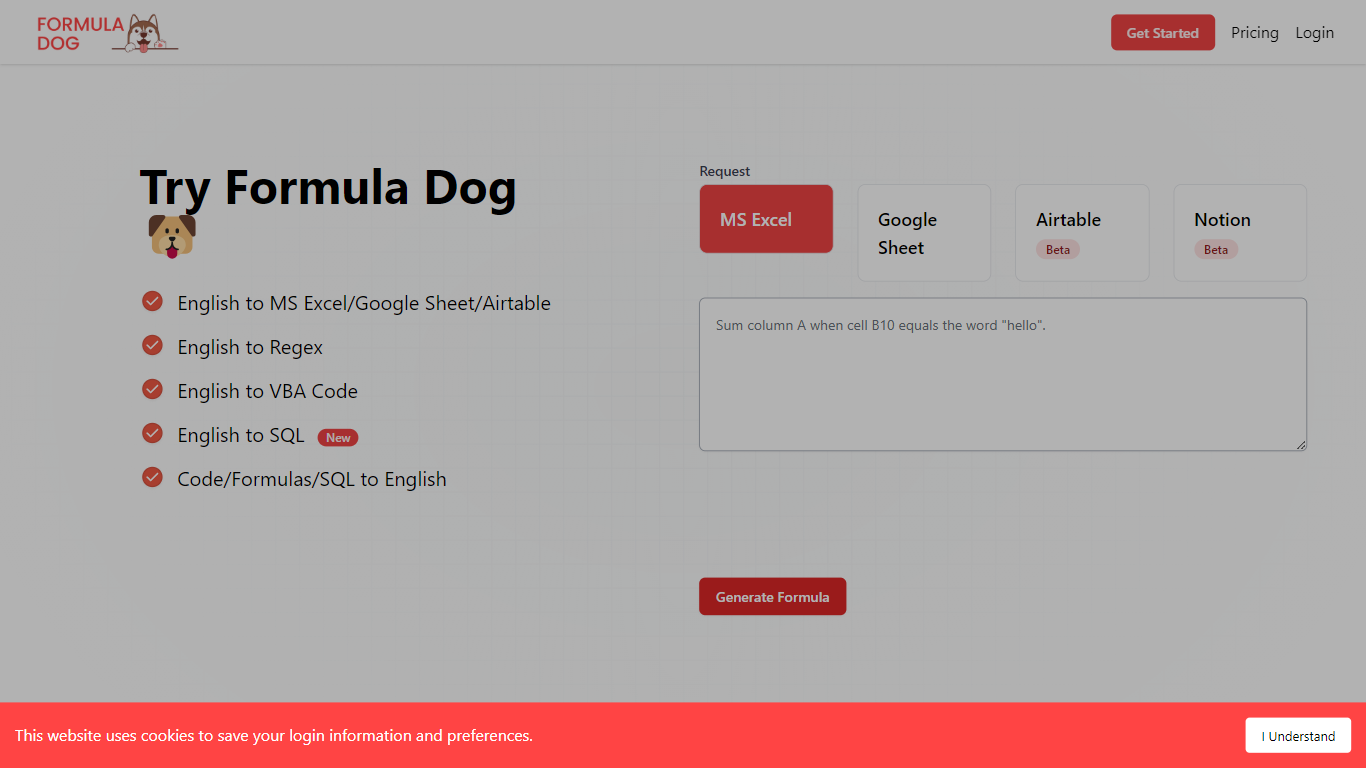
Formula Dog turns spreadsheet problems written in plain English into working Excel or Google Sheets formulas. You describe what you need, and the tool returns a paste-ready formula, often with a short explanation of how it works. The first five requests each day are free with no account required.
The product centers on a fine-tuned model trained on real spreadsheet formulas paired with human-written descriptions. That focus shows up in the output: fewer invented function names and syntax tuned for Excel, Google Sheets, VBA, regex helpers, and basic Airtable or Notion formulas.
It fits analysts, ops teams, and anyone who lives in spreadsheets but does not want to memorize every function variant. The site also ships a searchable cheat sheet, a playground with worked examples, and support for 12 interface languages.
AskCSV
What is AskCSV?
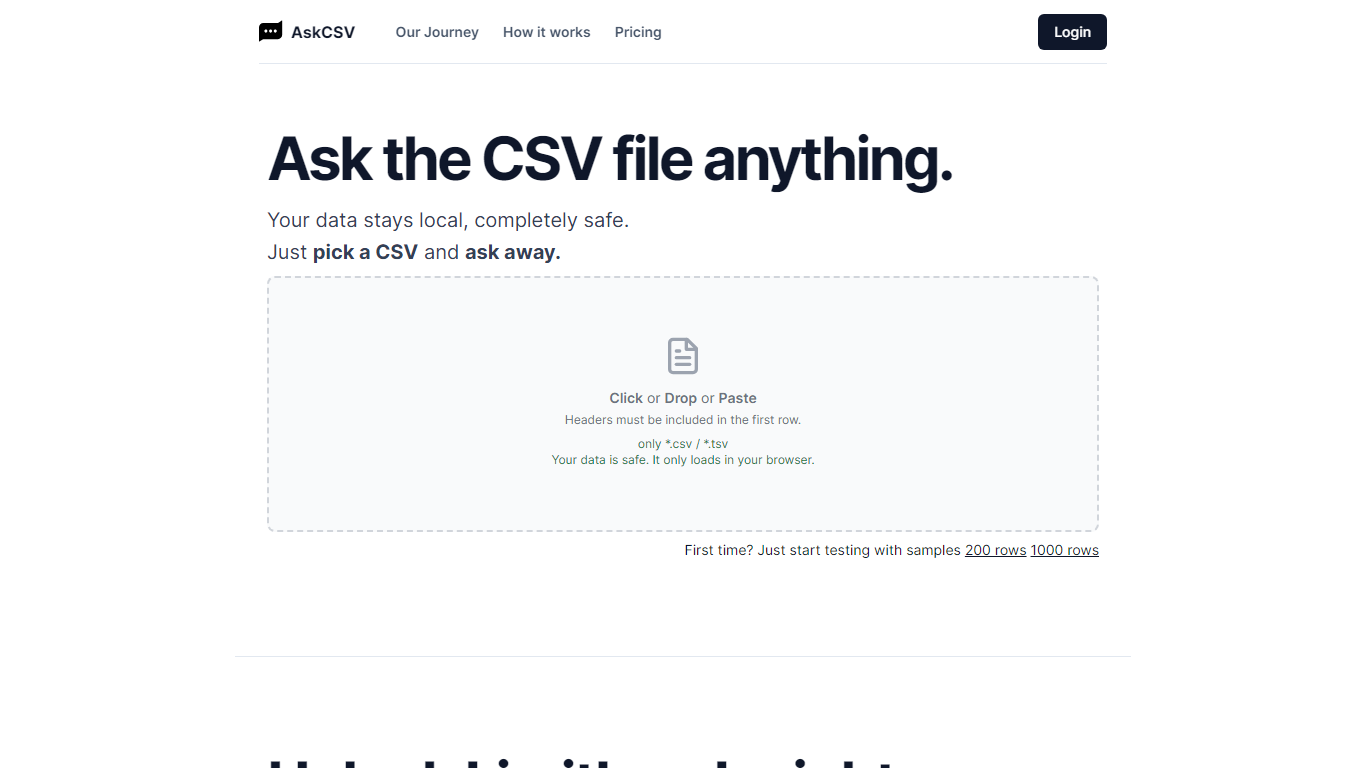
AskCSV runs CSV and TSV analysis entirely in your browser. You drop a file, ask business questions in plain English, and get tables or charts without uploading spreadsheet rows to AskCSV servers. It targets anyone who wants Excel-style answers from tabular exports while keeping revenue, customer, or HR data off shared infrastructure.
Most AI spreadsheet tools route your file through cloud models. AskCSV keeps the query path local instead. An on-device AI turns questions into SQL, DuckDB runs the query in the browser, and only app assets plus the cached model use the network. That trade-off means a one-time 1.8 GB model download and WebGPU browser requirements, but the site documents a verifiable zero-upload path you can confirm in DevTools.
Pro at $5 per month adds unlimited successful analyses, ZIP and chart PNG exports, deterministic two-file join or stack, and an ad-free interface. The free tier still covers 10 successful analyses per month with no account required, though ads fund that plan. Failed query attempts do not consume the monthly analysis counter.
The workflow fits analysts, marketers, and small business owners who work with sales exports, customer lists, or operational spreadsheets and need quick charts without building pivot tables. Google sign-in is only required when upgrading to Pro, with billing handled through Stripe while file data stays in the browser.
Formula Dog Upvotes
AskCSV Upvotes
Formula Dog Top Features
Describe a spreadsheet task in plain English and get a paste-ready formula back
Covers Excel, Google Sheets, VBA macros, regex helpers, and basic Airtable or Notion syntax
Five free formula generations per day with no signup required
Built-in playground with six worked examples from COUNTIF to conditional VBA
Searchable cheat sheet for common sums, lookups, dates, arrays, and VBA snippets
Interface available in 12 languages including English, French, German, Spanish, and Japanese
AskCSV Top Features
Free tier includes 10 successful analyses per month with no account required
CSV, questions, SQL, and results stay on device with 0 bytes sent to AskCSV servers
On-device AI plus DuckDB turns plain English into local queries and charts
First use downloads about 1.8 GB AI model, then caches it in the browser
Pro at $5 per month adds unlimited analyses, ZIP exports, two-file combine, and no ads
Requires WebGPU in Chrome 113+, Safari 26+, or Firefox 141+ on Windows
Formula Dog Category
- Excel
AskCSV Category
- Excel
Formula Dog Pricing Type
- Freemium
AskCSV Pricing Type
- Freemium