Commabot vs AskCSV
In the clash of Commabot vs AskCSV, which AI Excel tool emerges victorious? We assess reviews, pricing, alternatives, features, upvotes, and more.
When we put Commabot and AskCSV head to head, which one emerges as the victor?
Let's take a closer look at Commabot and AskCSV, both of which are AI-driven excel tools, and see what sets them apart. The upvote count favors AskCSV, making it the clear winner. The upvote count for AskCSV is 8, and for Commabot it's 6.
Not your cup of tea? Upvote your preferred tool and stir things up!
Commabot
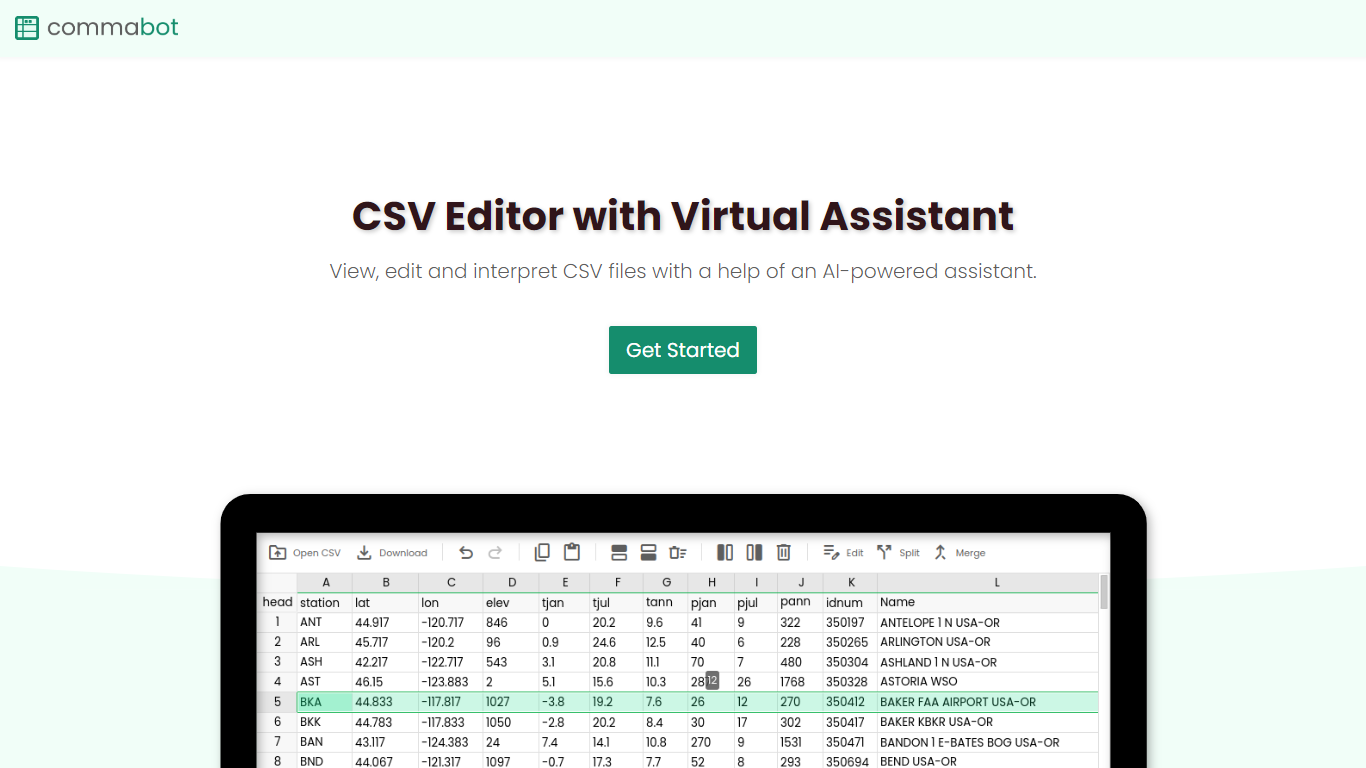

What is Commabot?
Commabot is a browser-based Excel alternative for CSV work: you upload a file and handle analysis, cleaning, and transformation in a chat interface instead of writing spreadsheet formulas. The homepage frames it as a conversational CSV editor for sales reports, survey results, financial records, and other tabular files.
The About page also describes specialized contact list prep workflows: deduplicating contacts, standardizing phone numbers to E.164, removing unsubscribes, merging multiple lists, and formatting exports for HubSpot or Salesforce import. That gives the product both open-ended CSV chat and CRM-ready contact cleanup paths.
You sign in with Google to upload files. Commabot runs on Google Cloud infrastructure and processes uploads in memory unless you explicitly save them to your account.
AskCSV
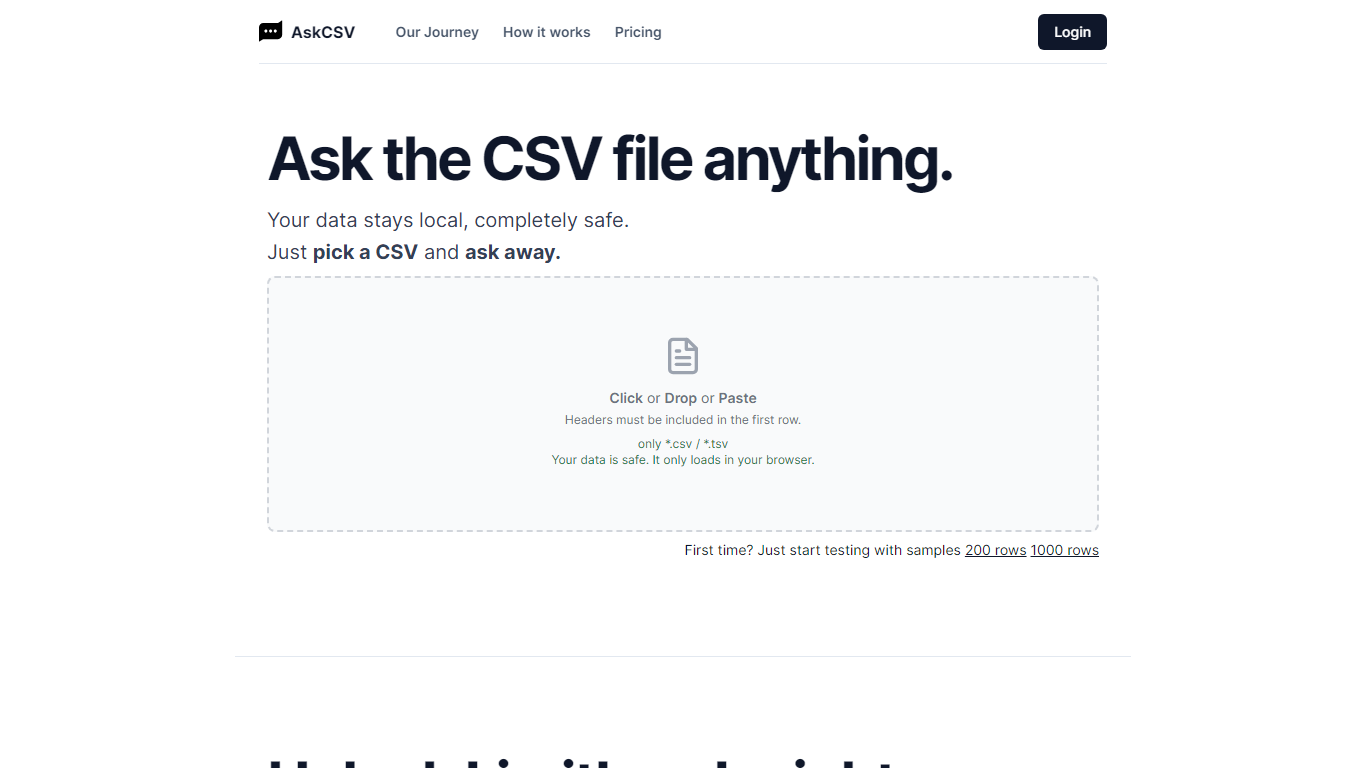
What is AskCSV?
AskCSV runs CSV and TSV analysis entirely in your browser. You drop a file, ask business questions in plain English, and get tables or charts without uploading spreadsheet rows to AskCSV servers. It targets anyone who wants Excel-style answers from tabular exports while keeping revenue, customer, or HR data off shared infrastructure.
Most AI spreadsheet tools route your file through cloud models. AskCSV keeps the query path local instead. An on-device AI turns questions into SQL, DuckDB runs the query in the browser, and only app assets plus the cached model use the network. That trade-off means a one-time 1.8 GB model download and WebGPU browser requirements, but the site documents a verifiable zero-upload path you can confirm in DevTools.
Pro at $5 per month adds unlimited successful analyses, ZIP and chart PNG exports, deterministic two-file join or stack, and an ad-free interface. The free tier still covers 10 successful analyses per month with no account required, though ads fund that plan. Failed query attempts do not consume the monthly analysis counter.
The workflow fits analysts, marketers, and small business owners who work with sales exports, customer lists, or operational spreadsheets and need quick charts without building pivot tables. Google sign-in is only required when upgrading to Pro, with billing handled through Stripe while file data stays in the browser.
Commabot Upvotes
AskCSV Upvotes
Commabot Top Features
Upload a single CSV file at a time and ask questions in plain English to explore and modify your data
Generate charts and summaries from uploaded files through the chat interface
Clean and transform tabular data without writing spreadsheet formulas
Standardize phone numbers to E.164 format through dedicated contact prep workflows
Format contact lists for HubSpot or Salesforce import using workflow templates
Merge multiple contact lists into one consolidated dataset
Workflow templates show usage count and average processing time before you run them
AskCSV Top Features
Free tier includes 10 successful analyses per month with no account required
CSV, questions, SQL, and results stay on device with 0 bytes sent to AskCSV servers
On-device AI plus DuckDB turns plain English into local queries and charts
First use downloads about 1.8 GB AI model, then caches it in the browser
Pro at $5 per month adds unlimited analyses, ZIP exports, two-file combine, and no ads
Requires WebGPU in Chrome 113+, Safari 26+, or Firefox 141+ on Windows
Commabot Category
- Excel
AskCSV Category
- Excel
Commabot Pricing Type
- Free
AskCSV Pricing Type
- Freemium