ManyExcel vs AskCSV
When comparing ManyExcel vs AskCSV, which AI Excel tool shines brighter? We look at pricing, alternatives, upvotes, features, reviews, and more.
Between ManyExcel and AskCSV, which one is superior?
When we put ManyExcel and AskCSV side by side, both being AI-powered excel tools, AskCSV is the clear winner in terms of upvotes. AskCSV has garnered 8 upvotes, and ManyExcel has garnered 6 upvotes.
Feeling rebellious? Cast your vote and shake things up!
ManyExcel

What is ManyExcel?
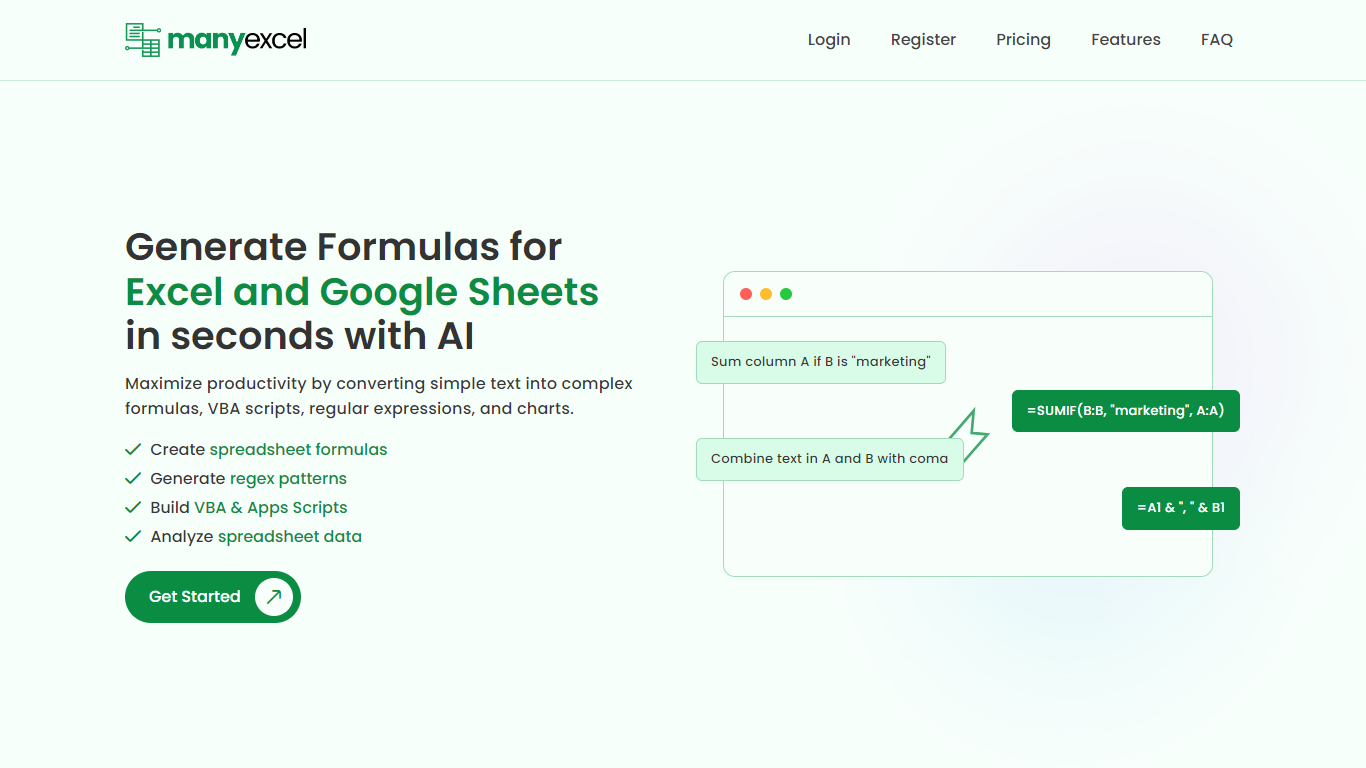
ManyExcel turns plain-English prompts into spreadsheet formulas, regex patterns, and automation scripts for Excel and Google Sheets. You describe what you want in everyday language, and the tool returns the formula or code plus an explanation of how it works.
Most formula assistants stop at cell logic. ManyExcel also generates regex patterns from text instructions and writes VBA for Excel plus Apps Scripts for Google Workspace, so you can automate repetitive workbook tasks without opening separate tools. Pro subscribers get access to the Data Analysis Tool for working with uploaded spreadsheet files.
ManyExcel is built for analysts, accountants, and anyone who lives in spreadsheets but does not want to memorize function syntax. The free tier lets you try every generator without a credit card, and paid plans remove monthly caps on generation.
AskCSV
What is AskCSV?
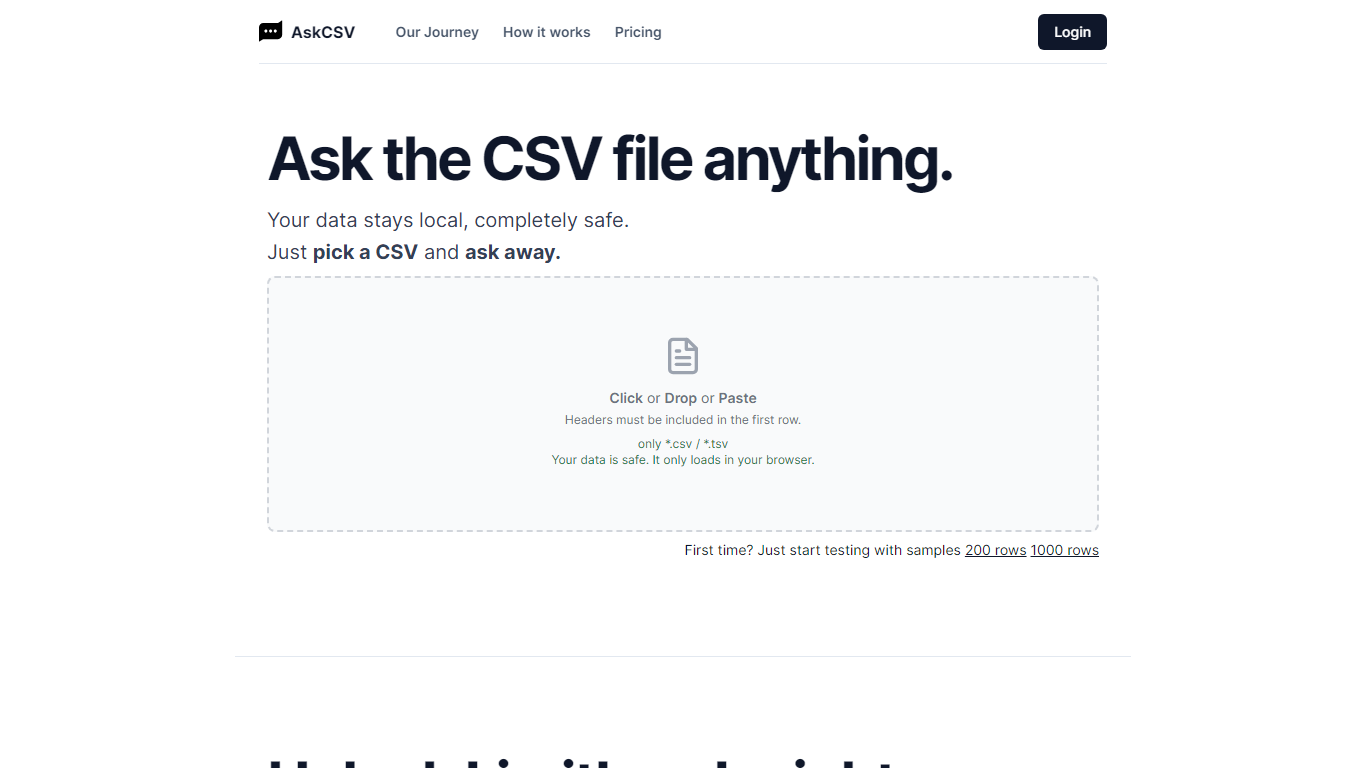
AskCSV runs CSV and TSV analysis entirely in your browser. You drop a file, ask business questions in plain English, and get tables or charts without uploading spreadsheet rows to AskCSV servers. It targets anyone who wants Excel-style answers from tabular exports while keeping revenue, customer, or HR data off shared infrastructure.
Most AI spreadsheet tools route your file through cloud models. AskCSV keeps the query path local instead. An on-device AI turns questions into SQL, DuckDB runs the query in the browser, and only app assets plus the cached model use the network. That trade-off means a one-time 1.8 GB model download and WebGPU browser requirements, but the site documents a verifiable zero-upload path you can confirm in DevTools.
Pro at $5 per month adds unlimited successful analyses, ZIP and chart PNG exports, deterministic two-file join or stack, and an ad-free interface. The free tier still covers 10 successful analyses per month with no account required, though ads fund that plan. Failed query attempts do not consume the monthly analysis counter.
The workflow fits analysts, marketers, and small business owners who work with sales exports, customer lists, or operational spreadsheets and need quick charts without building pivot tables. Google sign-in is only required when upgrading to Pro, with billing handled through Stripe while file data stays in the browser.
ManyExcel Upvotes
AskCSV Upvotes
ManyExcel Top Features
Type a sentence like "sum column A if B is marketing" and get a working formula back
Free plan includes 5 formula, 5 regex, and 5 script generations per month with no credit card
Pro plan costs $2.50 per month when billed annually, with 40% off the monthly rate
Regex generator turns plain instructions into patterns with step-by-step breakdowns
VBA and Google Apps Script writer automates repetitive Excel and Sheets tasks
Unlimited formula, regex, and script explanations on every plan tier
AskCSV Top Features
Free tier includes 10 successful analyses per month with no account required
CSV, questions, SQL, and results stay on device with 0 bytes sent to AskCSV servers
On-device AI plus DuckDB turns plain English into local queries and charts
First use downloads about 1.8 GB AI model, then caches it in the browser
Pro at $5 per month adds unlimited analyses, ZIP exports, two-file combine, and no ads
Requires WebGPU in Chrome 113+, Safari 26+, or Firefox 141+ on Windows
ManyExcel Category
- Excel
AskCSV Category
- Excel
ManyExcel Pricing Type
- Freemium
AskCSV Pricing Type
- Freemium