Arcwise AI vs Columns AI (formerly Columns)
When comparing Arcwise AI vs Columns AI (formerly Columns), which AI Excel tool shines brighter? We look at pricing, alternatives, upvotes, features, reviews, and more.
Between Arcwise AI and Columns AI (formerly Columns), which one is superior?
When we put Arcwise AI and Columns AI (formerly Columns) side by side, both being AI-powered excel tools, Both tools have received the same number of upvotes from aitools.fyi users. Every vote counts! Cast yours and contribute to the decision of the winner.
Feeling rebellious? Cast your vote and shake things up!
Arcwise AI

What is Arcwise AI?
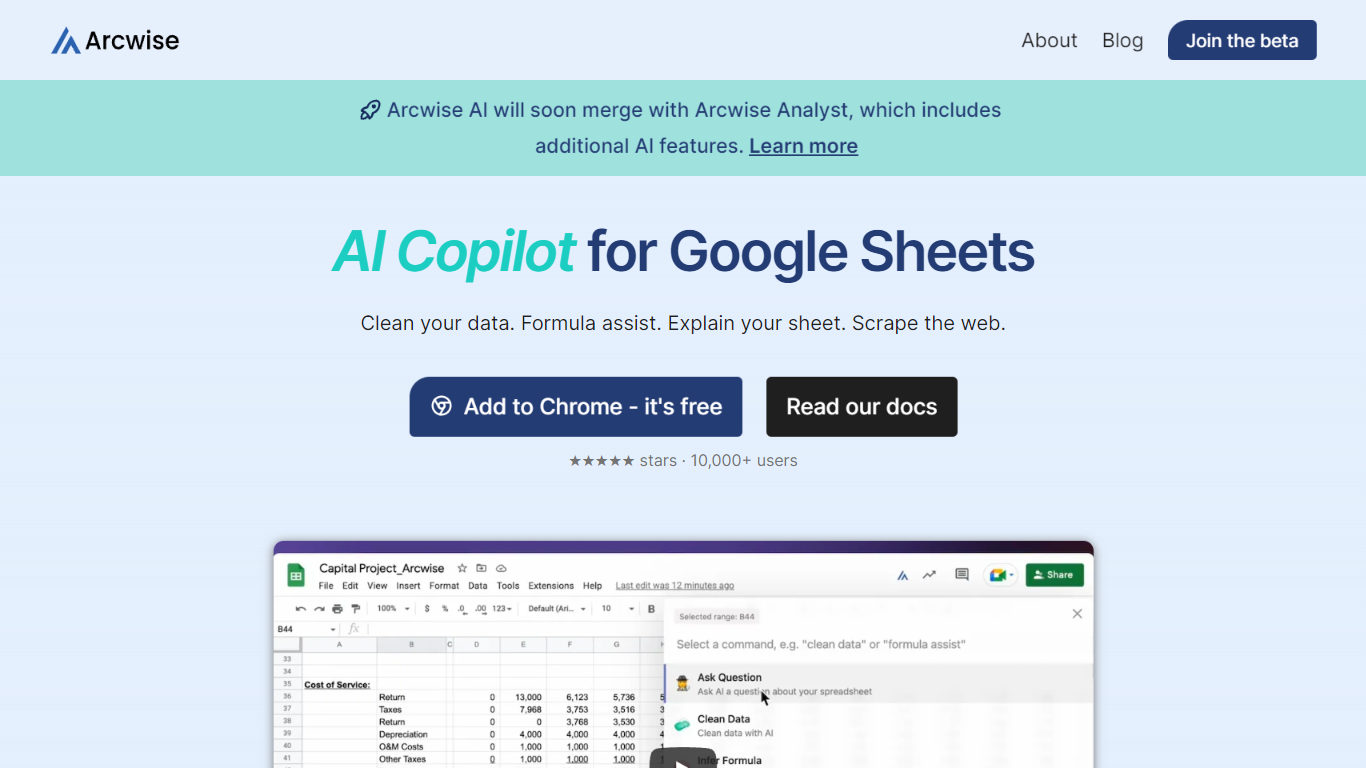
Arcwise AI is a spreadsheet analytics copilot and decision platform for teams that live in Google Sheets and warehouse data. It began as a Chrome extension for ChatGPT-powered formulas and data cleanup, and now also sells traceable metric explanations tied to Snowflake, BigQuery, Databricks, and internal documentation.
The Sheets extension still ships as a free Chrome add-on with keyboard shortcuts, $AI.TRANSFORM and $AI.CLASSIFY functions, and PDF table extraction. That side competes with formula copilots, while the platform side targets analysts who need audited answers instead of generic chatbot guesses.
Arcwise backs explanations with source tracing rather than open-ended model text, which matters when finance or ops teams need to defend a number in a review. The stored listing URL at /old-ai now returns 404, so the live product homepage is arcwise.app.
Columns AI (formerly Columns)
What is Columns AI (formerly Columns)?
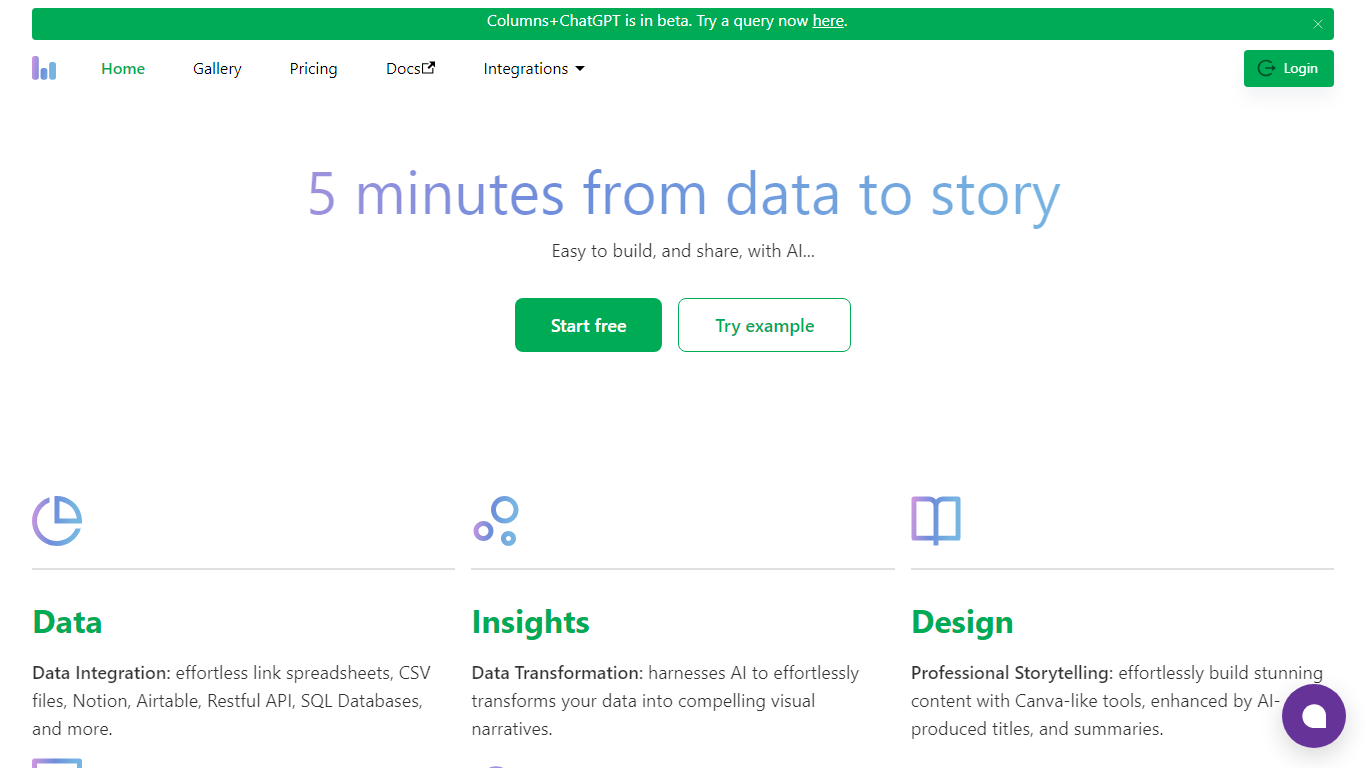
Columns AI is an end-to-end data platform that connects messy files and live sources, automates transformations, and turns the results into charts and dashboards you can share. It is built around three products: Drive for ingesting and structuring files, Flow for no-code data pipelines, and Graph for branded visualizations.
The platform targets teams that need reliable data workflows without standing up a full engineering stack. You can connect Google Sheets, Airtable, Notion, Excel, databases, Snowflake, HubSpot, QuickBooks, Gusto, and HTTP APIs, then describe transformations in plain language instead of writing SQL.
Columns AI fits business operators, consultants, marketing and RevOps teams, analysts, and freelancers who need to move from raw inputs to client-ready visuals. Founder Shawn Cao previously built large-scale data infrastructure at Microsoft, Facebook, and Pinterest.
Arcwise AI Upvotes
Columns AI (formerly Columns) Upvotes
Arcwise AI Top Features
Free Chrome extension for Google Sheets with Cmd+Shift+1 shortcut
$AI.TRANSFORM, $AI.CLASSIFY, and $AI.EXTRACT functions inside Sheets
Connects to Snowflake, BigQuery, and Databricks warehouses
Metric shift detection with explanations traced to source data
PDF upload extracts tables directly into spreadsheet cells
Chrome Web Store lists 10,000+ users and a 4.5 star rating
Columns AI (formerly Columns) Top Features
Columns Drive turns CSV, Excel, PDF, and image uploads into structured, analysis-ready data with OCR and auto-cleaning
Columns Flow connects warehouses, APIs, and files, then builds transformation logic from plain-language prompts
Columns Graph creates brand-matched charts you can share via live links, embeds, PNG, SVG, CSV, or slide decks
Scheduled sync keeps downstream graphs and reports updated without manual exports
Alert rules notify you via Slack, email, or webhook when thresholds, spikes, or drops occur
Integrations include Google Sheets, Airtable, Notion, Postgres, Snowflake, HubSpot, QuickBooks, and Gusto
Arcwise AI Category
- Excel
Columns AI (formerly Columns) Category
- Excel
Arcwise AI Pricing Type
- Freemium
Columns AI (formerly Columns) Pricing Type
- Freemium