SheetXAI vs Arcwise AI
Dive into the comparison of SheetXAI vs Arcwise AI and discover which AI Excel tool stands out. We examine alternatives, upvotes, features, reviews, pricing, and beyond.
When comparing SheetXAI and Arcwise AI, which one rises above the other?
When we compare SheetXAI and Arcwise AI, two exceptional excel tools powered by artificial intelligence, and place them side by side, several key similarities and differences come to light. The upvote count reveals a draw, with both tools earning the same number of upvotes. Be a part of the decision-making process. Your vote could determine the winner.
Don't agree with the result? Cast your vote and be a part of the decision-making process!
SheetXAI
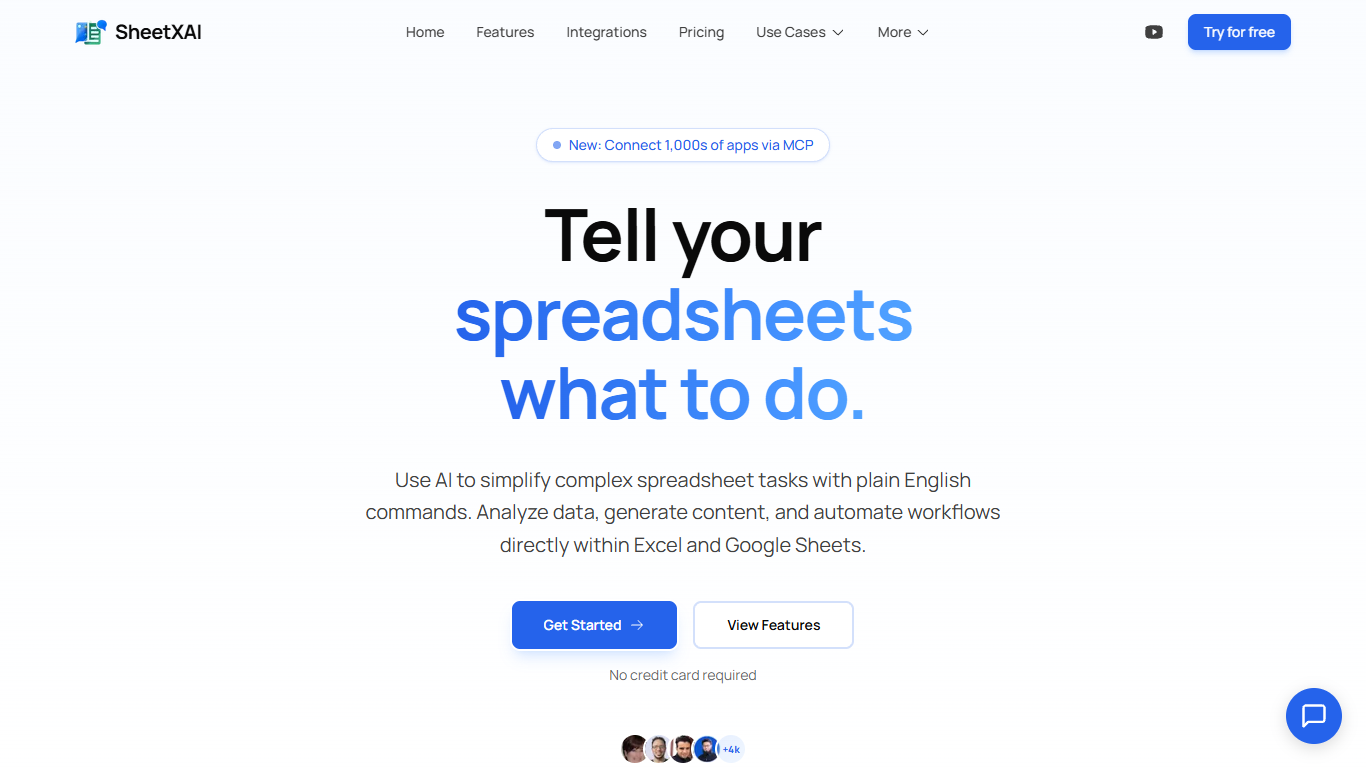

What is SheetXAI?
SheetXAI adds a plain-English assistant inside Excel and Google Sheets so you can sort columns, build formulas, extract invoice data, and generate content without memorizing VLOOKUP syntax. Highlight a range, describe what you want, and the add-in runs light or heavy AI operations across entire tabs in one charge.
Built-in spreadsheet copilots often stop at single-cell suggestions. SheetXAI also connects to 500-plus apps like Shopify, Stripe, HubSpot, and Jira, pulls PDFs and images into structured tables through OCR, and prices work in flat-fee operations rather than per-row analysis, which matters when you are cleaning thousands of leads or rewriting hundreds of product descriptions.
Operations teams, sales analysts, solo creators, and AppSumo buyers use it for deduping email lists, merging multi-tab reports, highlighting campaign trends, and bulk-generating SEO copy. A 7-day free trial is available on every paid tier, and a BYOK plan lets you bring your own API keys for $15 per month.
Arcwise AI
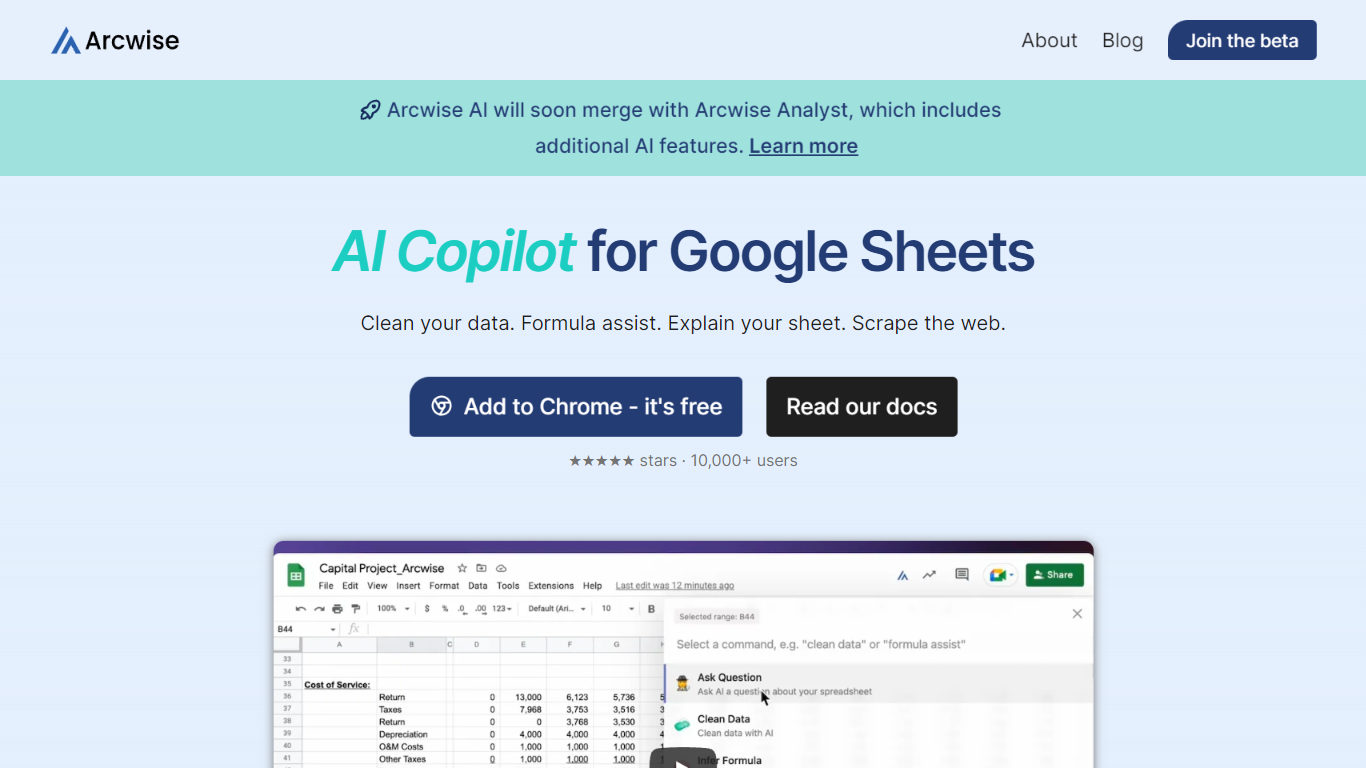
What is Arcwise AI?
Arcwise AI is a spreadsheet analytics copilot and decision platform for teams that live in Google Sheets and warehouse data. It began as a Chrome extension for ChatGPT-powered formulas and data cleanup, and now also sells traceable metric explanations tied to Snowflake, BigQuery, Databricks, and internal documentation.
The Sheets extension still ships as a free Chrome add-on with keyboard shortcuts, $AI.TRANSFORM and $AI.CLASSIFY functions, and PDF table extraction. That side competes with formula copilots, while the platform side targets analysts who need audited answers instead of generic chatbot guesses.
Arcwise backs explanations with source tracing rather than open-ended model text, which matters when finance or ops teams need to defend a number in a review. The stored listing URL at /old-ai now returns 404, so the live product homepage is arcwise.app.
SheetXAI Upvotes
Arcwise AI Upvotes
SheetXAI Top Features
Runs light operations at about 10 credits and heavy analysis at about 50 credits per action
Extracts structured tables from PDFs, images, and scanned invoices with OCR
Connects to 500-plus apps including Shopify, Stripe, HubSpot, and Jira through OAuth
Professional plan includes 5,000 monthly credits, roughly 500 light operations or 2,500 content rows
Flat-fee operations can touch large ranges without per-row analysis charges
Available on Google Workspace and Microsoft AppSource with a 7-day free trial on paid plans
Arcwise AI Top Features
Free Chrome extension for Google Sheets with Cmd+Shift+1 shortcut
$AI.TRANSFORM, $AI.CLASSIFY, and $AI.EXTRACT functions inside Sheets
Connects to Snowflake, BigQuery, and Databricks warehouses
Metric shift detection with explanations traced to source data
PDF upload extracts tables directly into spreadsheet cells
Chrome Web Store lists 10,000+ users and a 4.5 star rating
SheetXAI Category
- Excel
Arcwise AI Category
- Excel
SheetXAI Pricing Type
- Freemium
Arcwise AI Pricing Type
- Freemium