Columns AI (formerly Columns) vs Formula Bot
In the clash of Columns AI (formerly Columns) vs Formula Bot, which AI Excel tool emerges victorious? We assess reviews, pricing, alternatives, features, upvotes, and more.
When we put Columns AI (formerly Columns) and Formula Bot head to head, which one emerges as the victor?
Let's take a closer look at Columns AI (formerly Columns) and Formula Bot, both of which are AI-driven excel tools, and see what sets them apart. The users have made their preference clear, Formula Bot leads in upvotes. The number of upvotes for Formula Bot stands at 9, and for Columns AI (formerly Columns) it's 6.
Want to flip the script? Upvote your favorite tool and change the game!
Columns AI (formerly Columns)
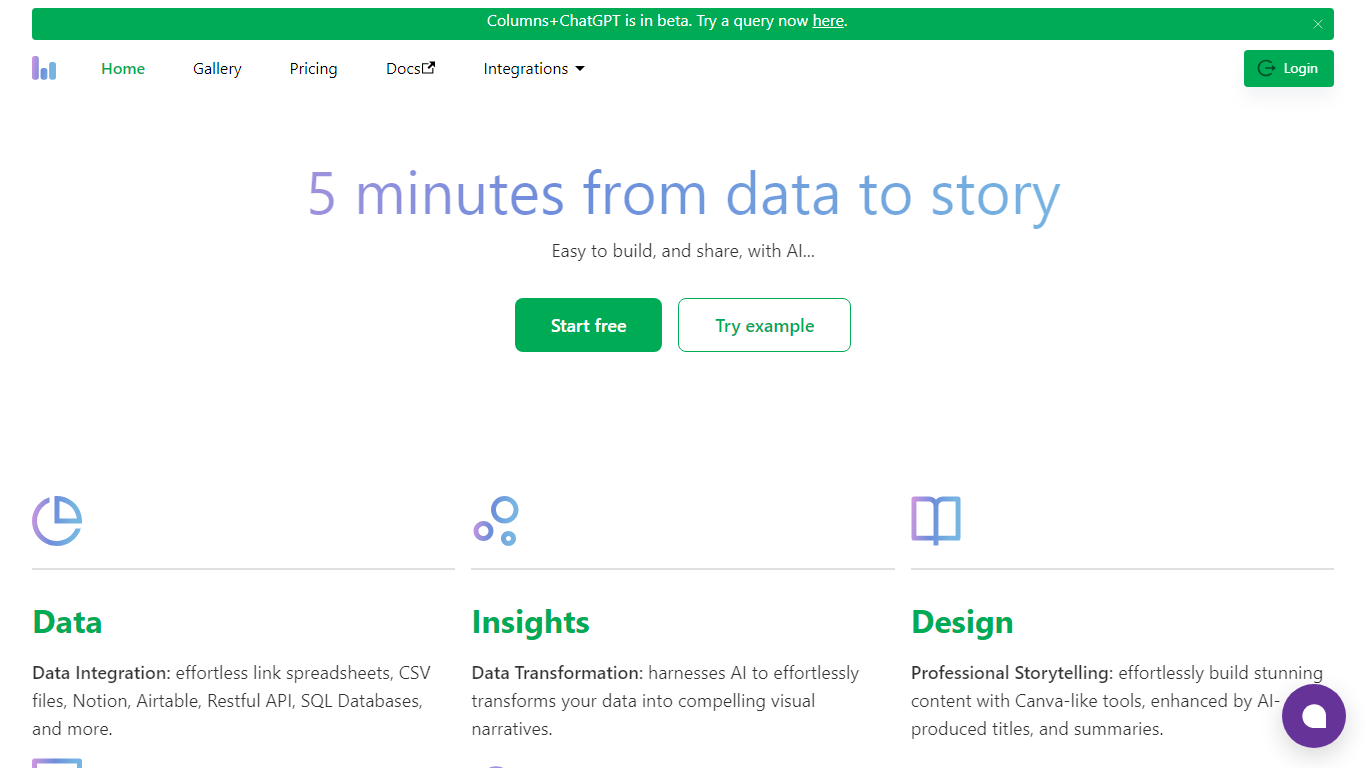

What is Columns AI (formerly Columns)?
Columns AI is an end-to-end data platform that connects messy files and live sources, automates transformations, and turns the results into charts and dashboards you can share. It is built around three products: Drive for ingesting and structuring files, Flow for no-code data pipelines, and Graph for branded visualizations.
The platform targets teams that need reliable data workflows without standing up a full engineering stack. You can connect Google Sheets, Airtable, Notion, Excel, databases, Snowflake, HubSpot, QuickBooks, Gusto, and HTTP APIs, then describe transformations in plain language instead of writing SQL.
Columns AI fits business operators, consultants, marketing and RevOps teams, analysts, and freelancers who need to move from raw inputs to client-ready visuals. Founder Shawn Cao previously built large-scale data infrastructure at Microsoft, Facebook, and Pinterest.
Formula Bot
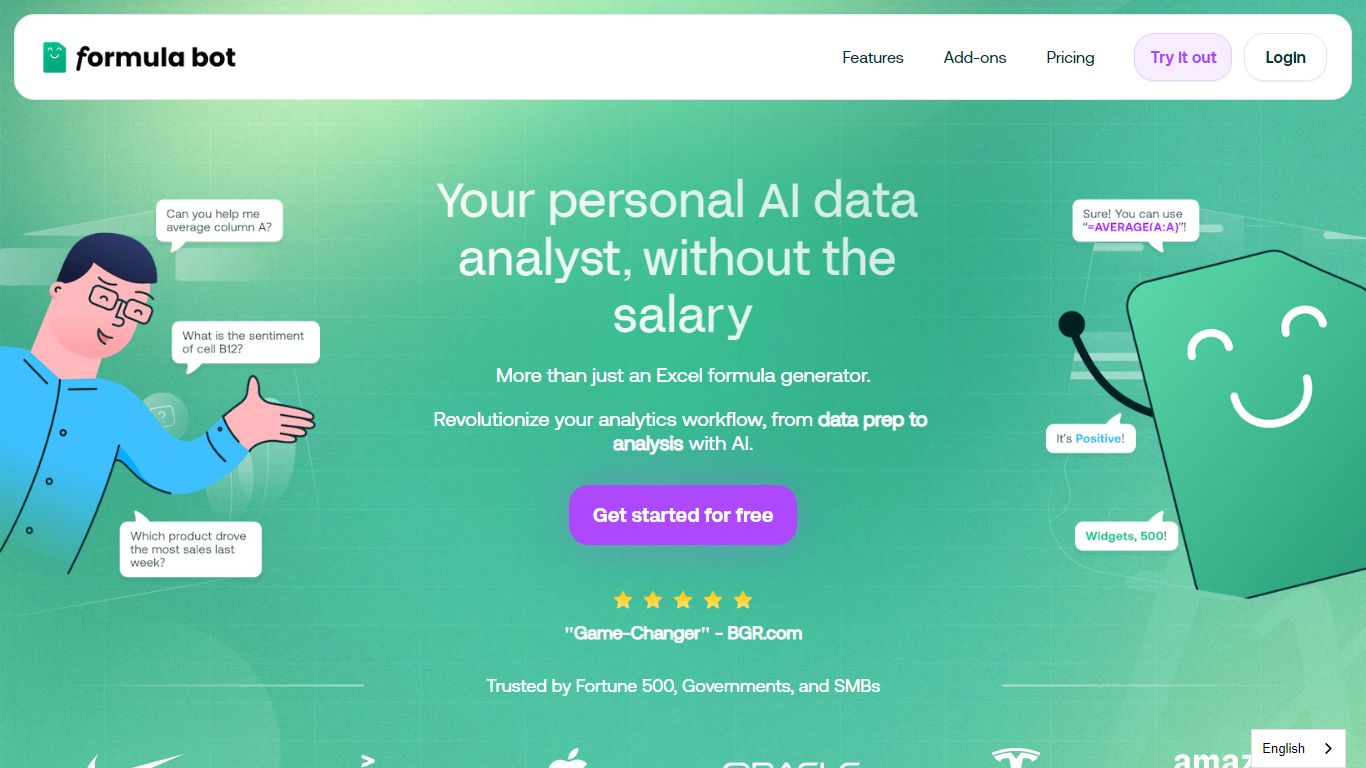
What is Formula Bot?
Formula Bot is an Excel and data analytics workspace where you upload spreadsheets or connect databases, then ask questions in plain English to get formulas, charts, cleaned tables, and written insights back in one chat. It handles .xlsx, .csv, and connected sources without requiring Excel plugins or VBA macros.
Most Excel AI helpers stop at formula syntax. Formula Bot also reshapes messy datasets, runs sentiment analysis on text columns, generates dashboards from templates, and shows the Python, SQL, or R code behind each answer so you can verify or export it. That mix targets analysts who want speed without hiding the logic.
Operations teams, BI analysts, and spreadsheet-heavy small businesses are the audience named in site testimonials. The free tier lets you try real questions with no credit card, while paid plans add premium models, scheduled reports, and shared workspaces.
Columns AI (formerly Columns) Upvotes
Formula Bot Upvotes
Columns AI (formerly Columns) Top Features
Columns Drive turns CSV, Excel, PDF, and image uploads into structured, analysis-ready data with OCR and auto-cleaning
Columns Flow connects warehouses, APIs, and files, then builds transformation logic from plain-language prompts
Columns Graph creates brand-matched charts you can share via live links, embeds, PNG, SVG, CSV, or slide decks
Scheduled sync keeps downstream graphs and reports updated without manual exports
Alert rules notify you via Slack, email, or webhook when thresholds, spikes, or drops occur
Integrations include Google Sheets, Airtable, Notion, Postgres, Snowflake, HubSpot, QuickBooks, and Gusto
Formula Bot Top Features
Excel AI page generates formulas from plain-English prompts and explains existing formulas in your sheet
Upload .xlsx, .xls, or .csv files or paste data from Excel and Google Sheets with no plugin install
Starter plan at $18 per month includes 250 chat messages and 2,500 AI Actions per month
MAX plan at $29 per month adds unlimited chat messages and 5,000 AI Actions per user
AI dashboard generator builds interactive dashboards from templates with scheduled data refreshes
Shows generated Python, SQL, and R code for every analysis request for verification and export
Connects databases, warehouses, and cloud files with row-level security on Enterprise plans
Columns AI (formerly Columns) Category
- Excel
Formula Bot Category
- Excel
Columns AI (formerly Columns) Pricing Type
- Freemium
Formula Bot Pricing Type
- Freemium