Formula Wizard vs Columns AI (formerly Columns)
Compare Formula Wizard vs Columns AI (formerly Columns) and see which AI Excel tool is better when we compare features, reviews, pricing, alternatives, upvotes, etc.
Which one is better? Formula Wizard or Columns AI (formerly Columns)?
When we compare Formula Wizard with Columns AI (formerly Columns), which are both AI-powered excel tools, The upvote count reveals a draw, with both tools earning the same number of upvotes. Every vote counts! Cast yours and contribute to the decision of the winner.
Does the result make you go "hmm"? Cast your vote and turn that frown upside down!
Formula Wizard


What is Formula Wizard?
Formula Wizard is a smart tool that helps you create formulas for Excel, Notion, and Airtable without needing to write them yourself. Just explain what you want to achieve, and the AI generates the formula for you. This saves time and reduces errors, making complex calculations and data tasks easier for everyone.
The tool is designed for a wide range of users, from beginners who struggle with formulas to advanced users who want to speed up their workflow. It supports automating repetitive tasks, customizing templates, validating data, and filtering information efficiently.
Formula Wizard stands out by offering a simple interface combined with powerful AI that understands your goals and translates them into working formulas. It removes the need to search through documentation or learn complex syntax.
The software is continuously updated to support more platforms and formula types, ensuring it stays useful as your needs grow. It also includes helpful illustrations to guide users through the process.
Built with care by its creator Samir, Formula Wizard is free to use and focuses on making formula creation accessible and enjoyable. It helps users focus on analyzing data and making decisions rather than struggling with formula writing.
Overall, Formula Wizard is a practical assistant for anyone working with spreadsheets or databases who wants to save time and reduce frustration by letting AI handle the formula writing.
Columns AI (formerly Columns)
What is Columns AI (formerly Columns)?
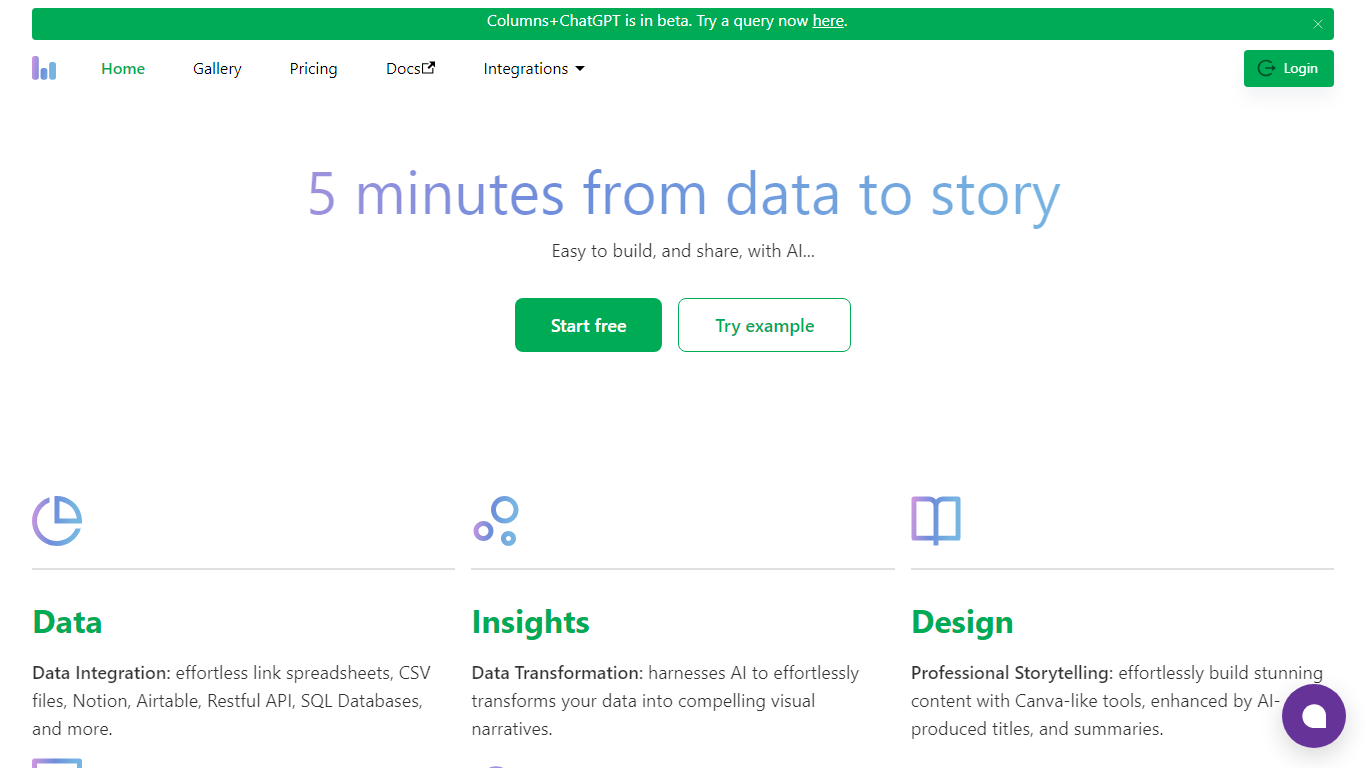
Columns AI is an end-to-end data platform that connects messy files and live sources, automates transformations, and turns the results into charts and dashboards you can share. It is built around three products: Drive for ingesting and structuring files, Flow for no-code data pipelines, and Graph for branded visualizations.
The platform targets teams that need reliable data workflows without standing up a full engineering stack. You can connect Google Sheets, Airtable, Notion, Excel, databases, Snowflake, HubSpot, QuickBooks, Gusto, and HTTP APIs, then describe transformations in plain language instead of writing SQL.
Columns AI fits business operators, consultants, marketing and RevOps teams, analysts, and freelancers who need to move from raw inputs to client-ready visuals. Founder Shawn Cao previously built large-scale data infrastructure at Microsoft, Facebook, and Pinterest.
Formula Wizard Upvotes
Columns AI (formerly Columns) Upvotes
Formula Wizard Top Features
🧮 AI-Powered Formula Creation: Generate accurate formulas by simply describing your needs.
📊 Multi-Platform Support: Works seamlessly with Excel, Notion, and Airtable formulas.
⚙️ Automate Repetitive Tasks: Save time by automating common calculations and data processes.
🔍 Data Validation Made Easy: Ensure your data meets specific rules without manual formula writing.
🎨 Template Customization: Quickly adapt and enhance templates with tailored formulas.
Columns AI (formerly Columns) Top Features
Columns Drive turns CSV, Excel, PDF, and image uploads into structured, analysis-ready data with OCR and auto-cleaning
Columns Flow connects warehouses, APIs, and files, then builds transformation logic from plain-language prompts
Columns Graph creates brand-matched charts you can share via live links, embeds, PNG, SVG, CSV, or slide decks
Scheduled sync keeps downstream graphs and reports updated without manual exports
Alert rules notify you via Slack, email, or webhook when thresholds, spikes, or drops occur
Integrations include Google Sheets, Airtable, Notion, Postgres, Snowflake, HubSpot, QuickBooks, and Gusto
Formula Wizard Category
- Excel
Columns AI (formerly Columns) Category
- Excel
Formula Wizard Pricing Type
- Freemium
Columns AI (formerly Columns) Pricing Type
- Freemium