Formula Bot (formerly Excel Formula Bot) vs Columns AI (formerly Columns)
Dive into the comparison of Formula Bot (formerly Excel Formula Bot) vs Columns AI (formerly Columns) and discover which AI Excel tool stands out. We examine alternatives, upvotes, features, reviews, pricing, and beyond.
In a comparison between Formula Bot (formerly Excel Formula Bot) and Columns AI (formerly Columns), which one comes out on top?
When we compare Formula Bot (formerly Excel Formula Bot) and Columns AI (formerly Columns), two exceptional excel tools powered by artificial intelligence, and place them side by side, several key similarities and differences come to light. Neither tool takes the lead, as they both have the same upvote count. Since other aitools.fyi users could decide the winner, the ball is in your court now to cast your vote and help us determine the winner.
Think we got it wrong? Cast your vote and show us who's boss!
Formula Bot (formerly Excel Formula Bot)

What is Formula Bot (formerly Excel Formula Bot)?
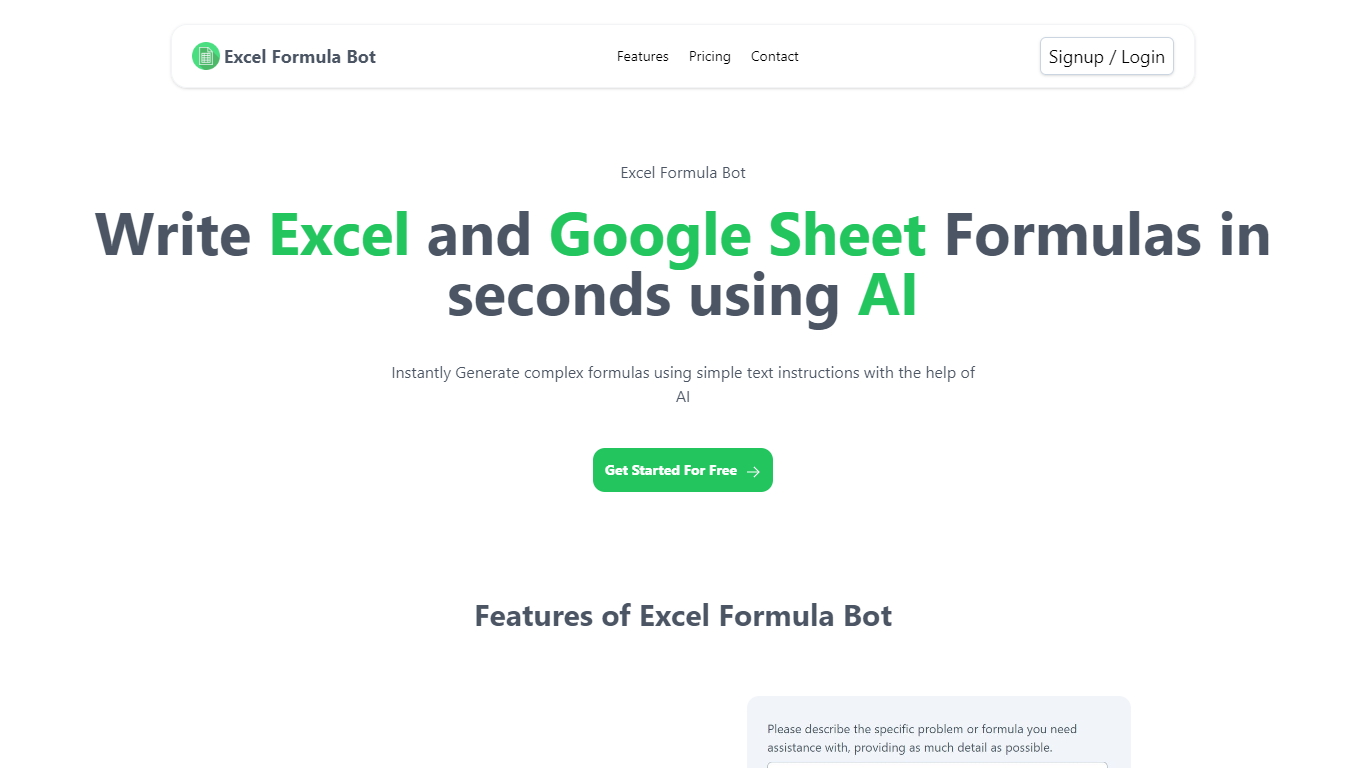
Formula Bot is a chat-based data analytics platform where you upload spreadsheets or connect databases, then ask questions in plain English to get formulas, charts, dashboards, and written insights back. It started as an Excel formula helper and now covers analysis, visualization, and scheduled reporting in one workspace.
The product runs analysis in an isolated sandbox and shows the Python, SQL, or R code behind each answer so you can verify results before exporting. You can also build interactive dashboards from templates, schedule Playbooks to refresh reports automatically, and embed analytics chat on your own site.
It fits analysts, finance teams, marketers, and business owners who live in Excel or Google Sheets but want faster answers without writing every formula or pivot by hand.
Columns AI (formerly Columns)
What is Columns AI (formerly Columns)?
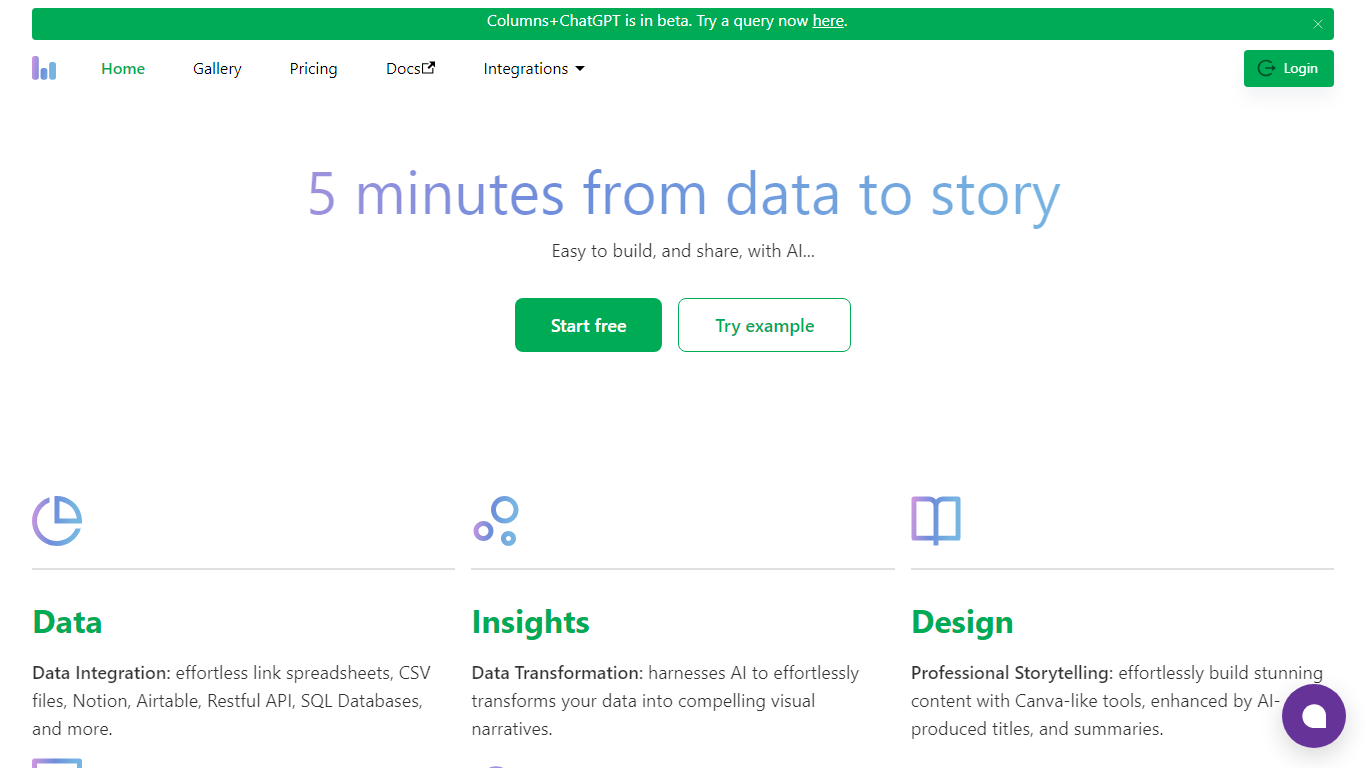
Columns AI is an end-to-end data platform that connects messy files and live sources, automates transformations, and turns the results into charts and dashboards you can share. It is built around three products: Drive for ingesting and structuring files, Flow for no-code data pipelines, and Graph for branded visualizations.
The platform targets teams that need reliable data workflows without standing up a full engineering stack. You can connect Google Sheets, Airtable, Notion, Excel, databases, Snowflake, HubSpot, QuickBooks, Gusto, and HTTP APIs, then describe transformations in plain language instead of writing SQL.
Columns AI fits business operators, consultants, marketing and RevOps teams, analysts, and freelancers who need to move from raw inputs to client-ready visuals. Founder Shawn Cao previously built large-scale data infrastructure at Microsoft, Facebook, and Pinterest.
Formula Bot (formerly Excel Formula Bot) Upvotes
Columns AI (formerly Columns) Upvotes
Formula Bot (formerly Excel Formula Bot) Top Features
Describe a calculation in plain English and get a paste-ready Excel or Google Sheets formula
Upload .xlsx, .csv, or connect PostgreSQL, BigQuery, Snowflake, and 10+ other sources
Build interactive dashboards from templates with click-to-edit charts and scheduled refreshes
Run sentiment analysis, keyword extraction, and text categorization on review or survey data
Schedule Playbooks to rerun analysis daily, weekly, or monthly and deliver reports by email
Export generated Python, SQL, and R code so you can audit or reuse the logic elsewhere
Convert PDFs and bank statements into structured spreadsheet tables inside the same chat
Columns AI (formerly Columns) Top Features
Columns Drive turns CSV, Excel, PDF, and image uploads into structured, analysis-ready data with OCR and auto-cleaning
Columns Flow connects warehouses, APIs, and files, then builds transformation logic from plain-language prompts
Columns Graph creates brand-matched charts you can share via live links, embeds, PNG, SVG, CSV, or slide decks
Scheduled sync keeps downstream graphs and reports updated without manual exports
Alert rules notify you via Slack, email, or webhook when thresholds, spikes, or drops occur
Integrations include Google Sheets, Airtable, Notion, Postgres, Snowflake, HubSpot, QuickBooks, and Gusto
Formula Bot (formerly Excel Formula Bot) Category
- Excel
Columns AI (formerly Columns) Category
- Excel
Formula Bot (formerly Excel Formula Bot) Pricing Type
- Freemium
Columns AI (formerly Columns) Pricing Type
- Freemium