Tablesmith vs Columns AI (formerly Columns)
Compare Tablesmith vs Columns AI (formerly Columns) and see which AI Excel tool is better when we compare features, reviews, pricing, alternatives, upvotes, etc.
Which one is better? Tablesmith or Columns AI (formerly Columns)?
When we compare Tablesmith with Columns AI (formerly Columns), which are both AI-powered excel tools, Both tools are equally favored, as indicated by the identical upvote count. The power is in your hands! Cast your vote and have a say in deciding the winner.
Does the result make you go "hmm"? Cast your vote and turn that frown upside down!
Tablesmith
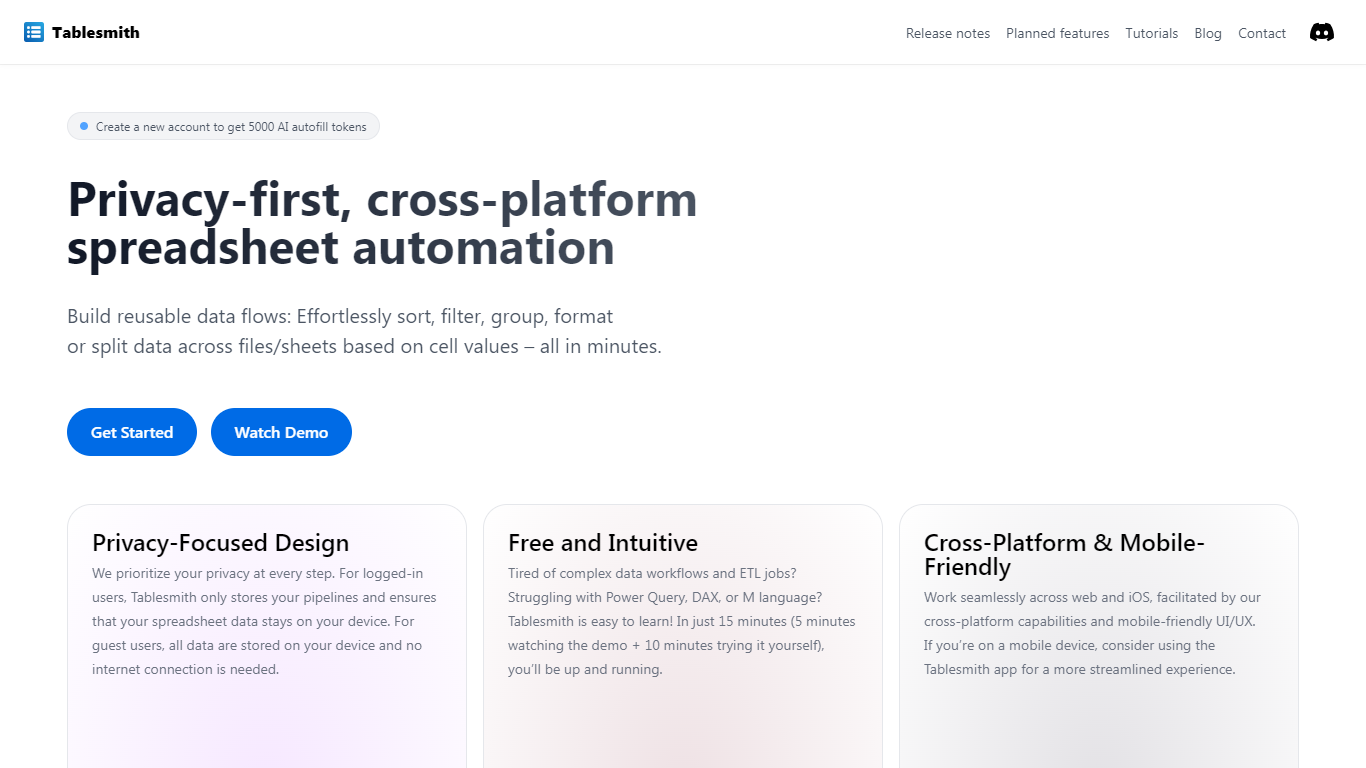

What is Tablesmith?
Tablesmith is an innovative, free no-code ETL platform designed to simplify and automate spreadsheet-related tasks for both CSV and XLSX files. With a focus on user privacy and ease of use, Tablesmith empowers users to create efficient data pipelines for sorting, filtering, formatting, and more, without the need for an internet connection for guest users. It only takes 15 minutes to learn how to use Tablesmith, thanks to a short demo and intuitive interface.
The AI autofill feature leverages upstream AI technology to predict and complete data entries, ensuring your prompts remain private. Tablesmith is compatible across different spreadsheet programs and is optimized for cross-platform use, with a mobile-friendly design that's perfect for working on the go. With Tablesmith, complex data management becomes a straightforward task, enabling users to focus on more important aspects of their work.
Columns AI (formerly Columns)
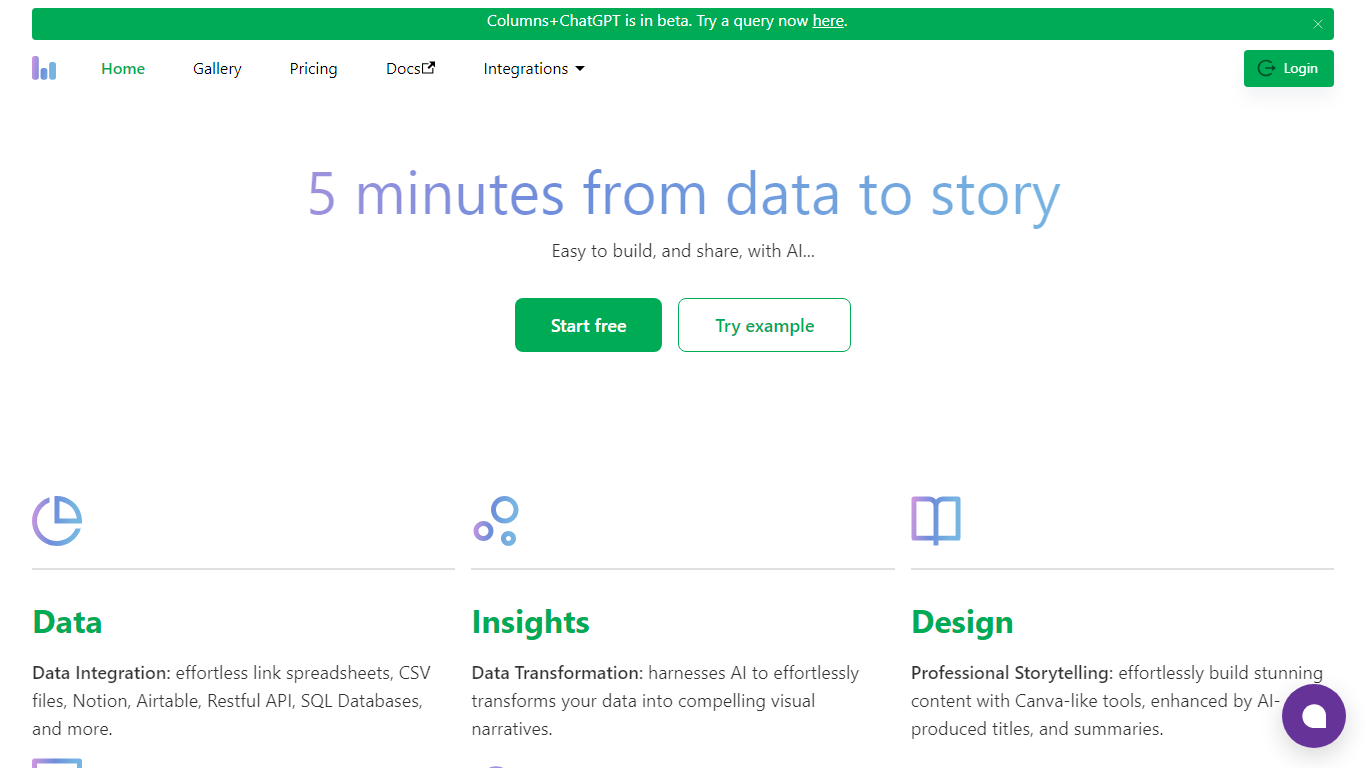
What is Columns AI (formerly Columns)?
Columns AI is an end-to-end data platform that connects messy files and live sources, automates transformations, and turns the results into charts and dashboards you can share. It is built around three products: Drive for ingesting and structuring files, Flow for no-code data pipelines, and Graph for branded visualizations.
The platform targets teams that need reliable data workflows without standing up a full engineering stack. You can connect Google Sheets, Airtable, Notion, Excel, databases, Snowflake, HubSpot, QuickBooks, Gusto, and HTTP APIs, then describe transformations in plain language instead of writing SQL.
Columns AI fits business operators, consultants, marketing and RevOps teams, analysts, and freelancers who need to move from raw inputs to client-ready visuals. Founder Shawn Cao previously built large-scale data infrastructure at Microsoft, Facebook, and Pinterest.
Tablesmith Upvotes
Columns AI (formerly Columns) Upvotes
Tablesmith Top Features
Privacy-First Design: Ensures that user data remains on-device with no internet requirement for guest users.
Free and Easy-to-Learn: Offers a no-cost solution that users can master in just 15 minutes.
Cross-Platform & Mobile-Friendly: Provides a seamless experience across web and iOS platforms, with a mobile-friendly interface.
AI Autofill: Introduces a future-forward data entry feature leveraging AI to suggest and autofill based on user prompts, without storing any data on servers.
Flexible Input and Output: Handles multiple file formats like CSV and XLSX, offering versatility with various spreadsheet applications.
Columns AI (formerly Columns) Top Features
Columns Drive turns CSV, Excel, PDF, and image uploads into structured, analysis-ready data with OCR and auto-cleaning
Columns Flow connects warehouses, APIs, and files, then builds transformation logic from plain-language prompts
Columns Graph creates brand-matched charts you can share via live links, embeds, PNG, SVG, CSV, or slide decks
Scheduled sync keeps downstream graphs and reports updated without manual exports
Alert rules notify you via Slack, email, or webhook when thresholds, spikes, or drops occur
Integrations include Google Sheets, Airtable, Notion, Postgres, Snowflake, HubSpot, QuickBooks, and Gusto
Tablesmith Category
- Excel
Columns AI (formerly Columns) Category
- Excel
Tablesmith Pricing Type
- Freemium
Columns AI (formerly Columns) Pricing Type
- Freemium