Spreadsheet.com vs Columns AI (formerly Columns)
Dive into the comparison of Spreadsheet.com vs Columns AI (formerly Columns) and discover which AI Excel tool stands out. We examine alternatives, upvotes, features, reviews, pricing, and beyond.
In a comparison between Spreadsheet.com and Columns AI (formerly Columns), which one comes out on top?
When we compare Spreadsheet.com and Columns AI (formerly Columns), two exceptional excel tools powered by artificial intelligence, and place them side by side, several key similarities and differences come to light. Both tools have received the same number of upvotes from aitools.fyi users. Every vote counts! Cast yours and contribute to the decision of the winner.
Does the result make you go "hmm"? Cast your vote and turn that frown upside down!
Spreadsheet.com

What is Spreadsheet.com?
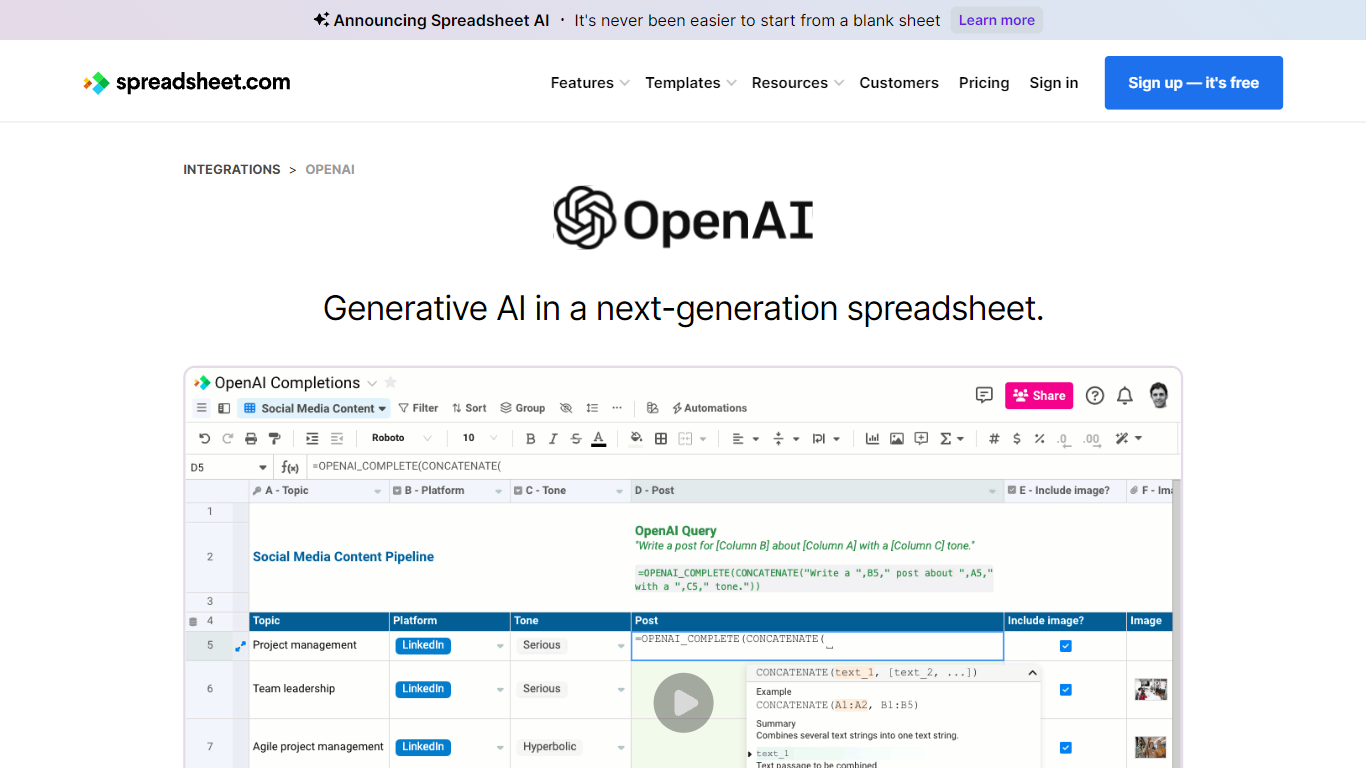
The collaboration between OpenAI and Spreadsheet.com introduces the power of generative AI into the realm of spreadsheets, transforming the traditional spreadsheet experience. With this integration, users can now utilize the advanced technology behind ChatGPT to generate content and answer queries based on their spreadsheet data. This innovative feature simplifies data management, analysis, and reporting, making it accessible to users with any level of technical expertise. Spreadsheet.com’s next-generation platform allows for building no-code solutions like Project Management, CRM, ATS, and ERP systems. It enhances productivity with tailored views for sheets, Gantt charts, Kanban boards, forms, and calendars. Plus, the platform supports a vast array of integrations and automation to streamline processes. The service caters to various business needs and offers specialized templates for a quick start. Whether it's for project planning, sales management, or personal organization, Spreadsheet.com’s versatile features open up new possibilities for work management.
Columns AI (formerly Columns)
What is Columns AI (formerly Columns)?
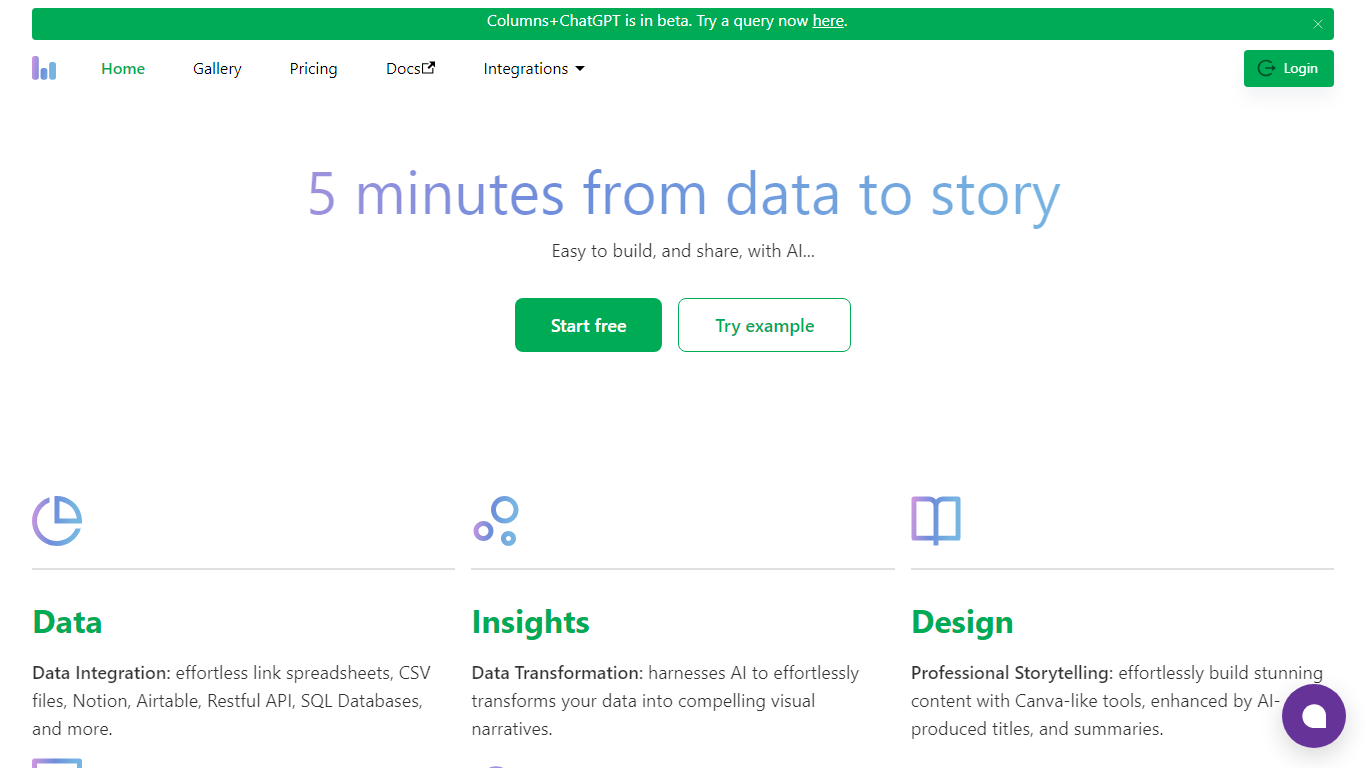
Columns AI is an end-to-end data platform that connects messy files and live sources, automates transformations, and turns the results into charts and dashboards you can share. It is built around three products: Drive for ingesting and structuring files, Flow for no-code data pipelines, and Graph for branded visualizations.
The platform targets teams that need reliable data workflows without standing up a full engineering stack. You can connect Google Sheets, Airtable, Notion, Excel, databases, Snowflake, HubSpot, QuickBooks, Gusto, and HTTP APIs, then describe transformations in plain language instead of writing SQL.
Columns AI fits business operators, consultants, marketing and RevOps teams, analysts, and freelancers who need to move from raw inputs to client-ready visuals. Founder Shawn Cao previously built large-scale data infrastructure at Microsoft, Facebook, and Pinterest.
Spreadsheet.com Upvotes
Columns AI (formerly Columns) Upvotes
Spreadsheet.com Top Features
Generative AI Integration: Leverage the power of OpenAI in spreadsheets for content generation and data queries.
No-Code Solutions: Create complex applications for Project Management CRM and more without any coding required.
Interactive Views: Organize and visualize your data with custom sheet views Gantt Kanban calendar and form views.
Robust Automations: Set up no-code automations to streamline repetitive tasks and workflows.
Comprehensive Templates: Access over 200 pre-made templates for various industries and use cases to get started quickly.
Columns AI (formerly Columns) Top Features
Columns Drive turns CSV, Excel, PDF, and image uploads into structured, analysis-ready data with OCR and auto-cleaning
Columns Flow connects warehouses, APIs, and files, then builds transformation logic from plain-language prompts
Columns Graph creates brand-matched charts you can share via live links, embeds, PNG, SVG, CSV, or slide decks
Scheduled sync keeps downstream graphs and reports updated without manual exports
Alert rules notify you via Slack, email, or webhook when thresholds, spikes, or drops occur
Integrations include Google Sheets, Airtable, Notion, Postgres, Snowflake, HubSpot, QuickBooks, and Gusto
Spreadsheet.com Category
- Excel
Columns AI (formerly Columns) Category
- Excel
Spreadsheet.com Pricing Type
- Freemium
Columns AI (formerly Columns) Pricing Type
- Freemium