Formula God vs Columns AI (formerly Columns)
In the contest of Formula God vs Columns AI (formerly Columns), which AI Excel tool is the champion? We evaluate pricing, alternatives, upvotes, features, reviews, and more.
If you had to choose between Formula God and Columns AI (formerly Columns), which one would you go for?
When we examine Formula God and Columns AI (formerly Columns), both of which are AI-enabled excel tools, what unique characteristics do we discover? Interestingly, both tools have managed to secure the same number of upvotes. Since other aitools.fyi users could decide the winner, the ball is in your court now to cast your vote and help us determine the winner.
Not your cup of tea? Upvote your preferred tool and stir things up!
Formula God

What is Formula God?
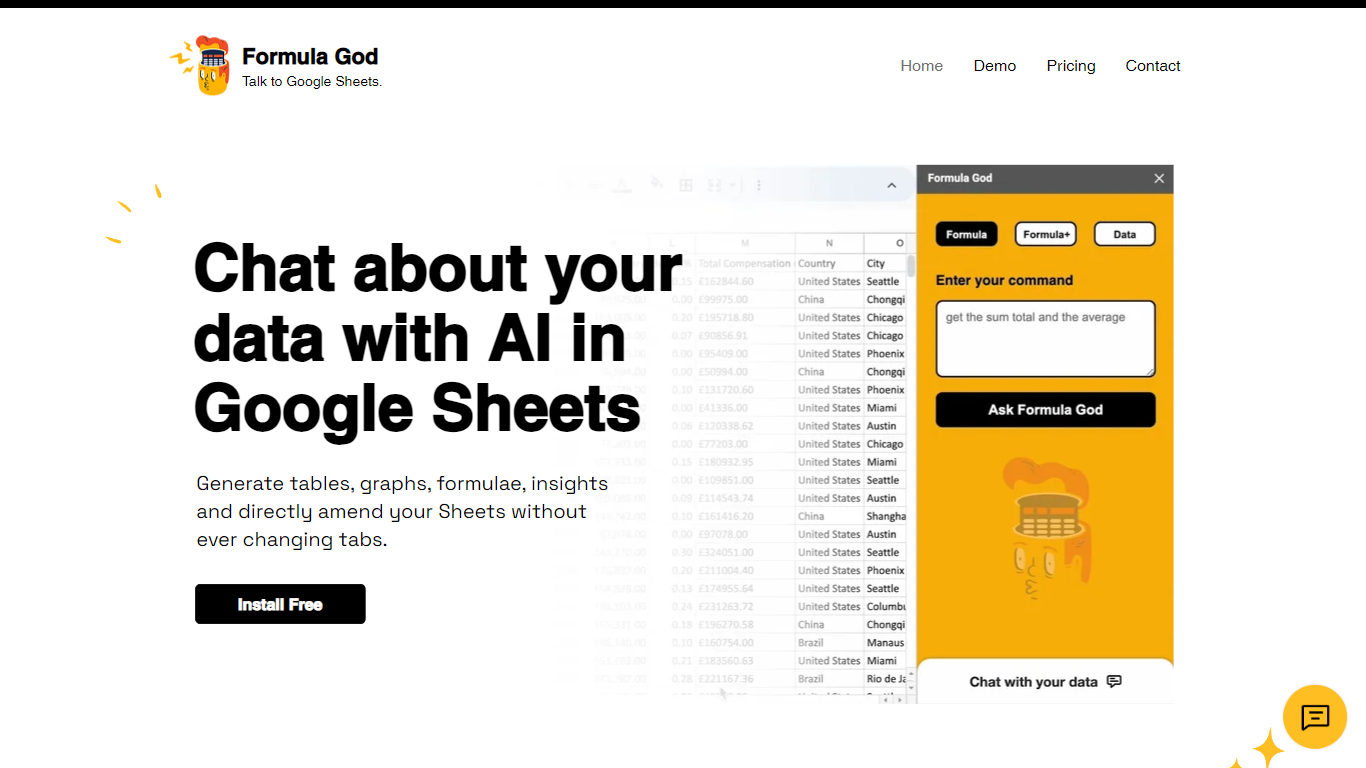
Formula God is an innovative add-on for Google Sheets that seamlessly integrates AI capabilities into your spreadsheet environment. It's designed to enhance productivity by providing real-time data assistance through a side panel within Google Sheets itself. This AI-powered tool allows users to generate tables, graphs, and formulas, gain insights, and even make direct amendments to their Sheets without switching tabs. It simplifies the creation of complex formulas by understanding natural language commands and automating the process, effectively serving as a personal data assistant that responds to queries with actionable outputs. Users can also engage in AI chat for deeper insights on applying formulas, making it an essential tool for anyone looking to harness the power of AI in their data analysis workflows.
Columns AI (formerly Columns)
What is Columns AI (formerly Columns)?
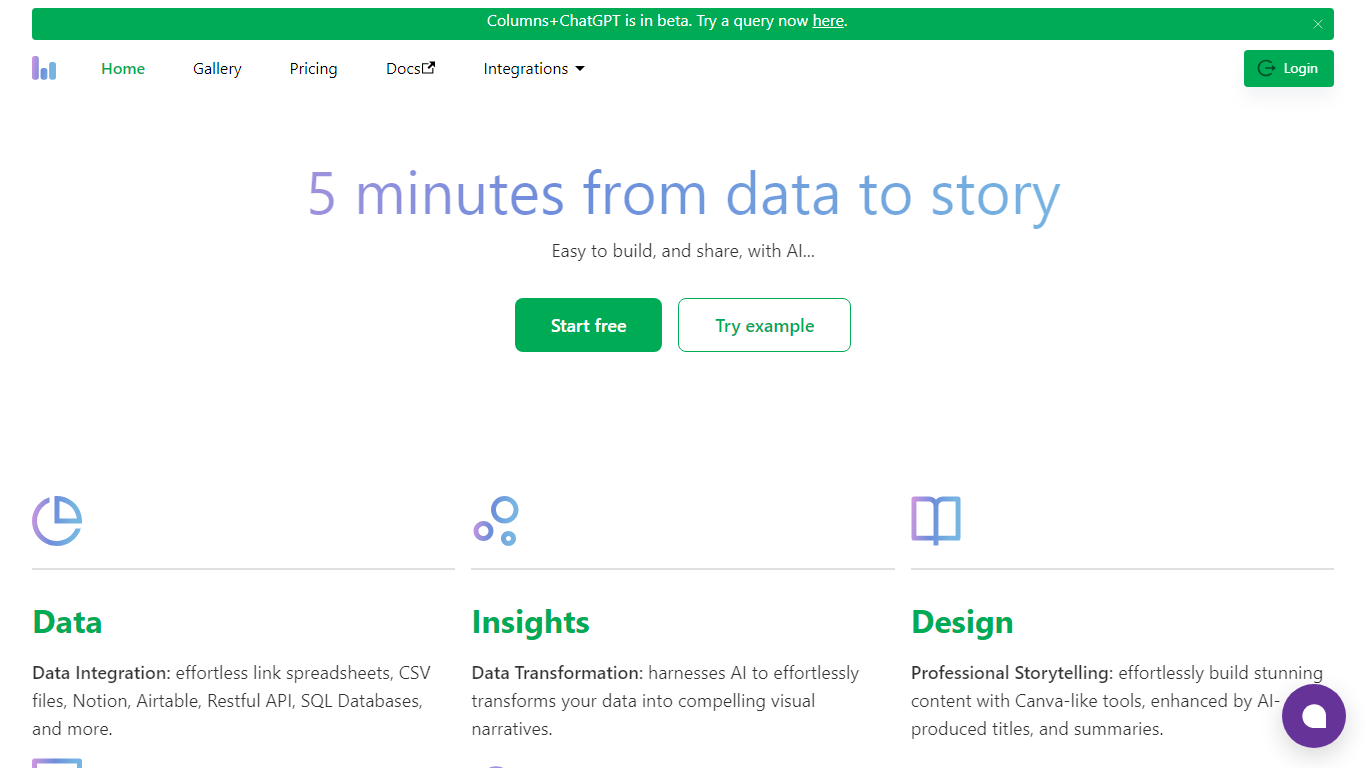
Columns AI is an end-to-end data platform that connects messy files and live sources, automates transformations, and turns the results into charts and dashboards you can share. It is built around three products: Drive for ingesting and structuring files, Flow for no-code data pipelines, and Graph for branded visualizations.
The platform targets teams that need reliable data workflows without standing up a full engineering stack. You can connect Google Sheets, Airtable, Notion, Excel, databases, Snowflake, HubSpot, QuickBooks, Gusto, and HTTP APIs, then describe transformations in plain language instead of writing SQL.
Columns AI fits business operators, consultants, marketing and RevOps teams, analysts, and freelancers who need to move from raw inputs to client-ready visuals. Founder Shawn Cao previously built large-scale data infrastructure at Microsoft, Facebook, and Pinterest.
Formula God Upvotes
Columns AI (formerly Columns) Upvotes
Formula God Top Features
AI Integration: Engage with Google Sheets using natural language to generate formulas and insights.
Real-Time Assistance: Create tables graphs and query data without leaving the Sheets tab.
Formula Generator: Receive AI-generated formulas based on your data and implement them directly into Sheets.
User-Friendly: Tailored for ease of use making complex data manipulation accessible to all users.
Efficiency Boost: Speed up your workflow with instant graph creation and formula calculation.
Columns AI (formerly Columns) Top Features
Columns Drive turns CSV, Excel, PDF, and image uploads into structured, analysis-ready data with OCR and auto-cleaning
Columns Flow connects warehouses, APIs, and files, then builds transformation logic from plain-language prompts
Columns Graph creates brand-matched charts you can share via live links, embeds, PNG, SVG, CSV, or slide decks
Scheduled sync keeps downstream graphs and reports updated without manual exports
Alert rules notify you via Slack, email, or webhook when thresholds, spikes, or drops occur
Integrations include Google Sheets, Airtable, Notion, Postgres, Snowflake, HubSpot, QuickBooks, and Gusto
Formula God Category
- Excel
Columns AI (formerly Columns) Category
- Excel
Formula God Pricing Type
- Freemium
Columns AI (formerly Columns) Pricing Type
- Freemium