Matrices vs Columns AI (formerly Columns)
Explore the showdown between Matrices vs Columns AI (formerly Columns) and find out which AI Excel tool wins. We analyze upvotes, features, reviews, pricing, alternatives, and more.
When comparing Matrices and Columns AI (formerly Columns), which one rises above the other?
When we contrast Matrices with Columns AI (formerly Columns), both of which are exceptional AI-operated excel tools, and place them side by side, we can spot several crucial similarities and divergences. Both tools have received the same number of upvotes from aitools.fyi users. Join the aitools.fyi users in deciding the winner by casting your vote.
Think we got it wrong? Cast your vote and show us who's boss!
Matrices
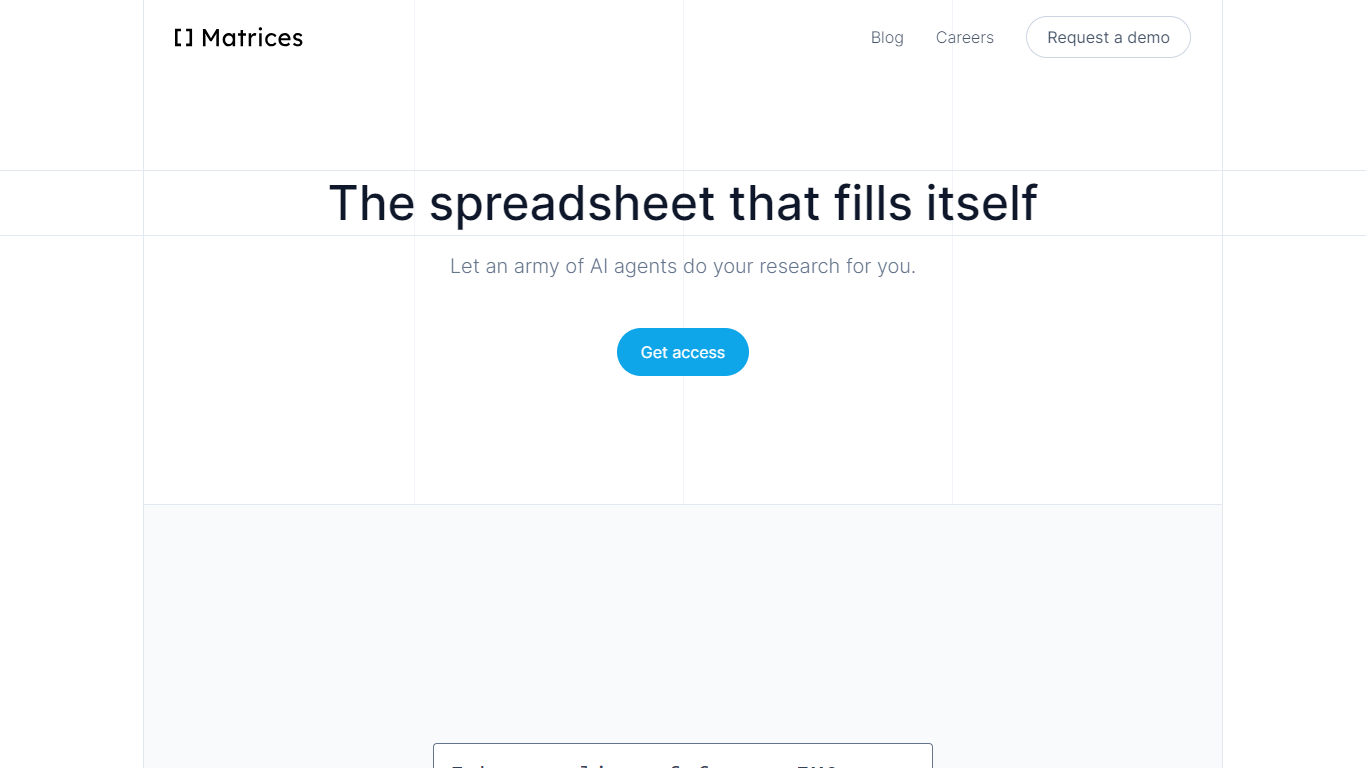

What is Matrices ?
Matrices transforms data analysis by combining AI-powered spreadsheets with an innovative platform for training AI agents in simulated environments. It automates research and data gathering by using AI agents that fill spreadsheets with data from multiple sources, providing confidence scores for transparency. Beyond spreadsheets, Matrices is pioneering a system of virtual 'escape rooms'—complex simulations where AI agents learn tasks through trial and error without real-world risks. This approach enables AI to practice and improve on tasks like market research, coding, and business operations in safe, scalable environments.
The platform supports two main user roles: engineers who build configurable simulation components, and creative designers who craft scenarios for AI to solve. This ecosystem aims to scale AI training by crowdsourcing simulation creation, eventually covering a wide range of real-world tasks. Matrices targets founders, investors, sales professionals, CEOs, and AI researchers who benefit from automated data workflows and advanced AI training environments.
Matrices emphasizes natural language commands to reduce the learning curve, allowing users to automate complex workflows without coding. Its extensible design adapts to diverse needs, from simple data tasks to intricate AI training challenges. The company is actively expanding its simulation library and plans to open its level editor to the public, inviting collaboration to accelerate AI automation across industries.
Technically, Matrices leverages reinforcement learning by placing AI agents in simulated environments where they can experiment and learn from feedback. This method moves beyond imitation learning, enabling AI to achieve higher competence in practical tasks. The platform’s modular architecture supports integration with various web apps and data sources, making it a versatile tool for both data analysis and AI development.
Overall, Matrices offers a unique blend of AI spreadsheet automation and a scalable framework for training AI agents in realistic, risk-free settings. This dual focus positions it as a forward-looking solution for businesses and AI practitioners aiming to automate complex workflows and accelerate AI capabilities.
Columns AI (formerly Columns)
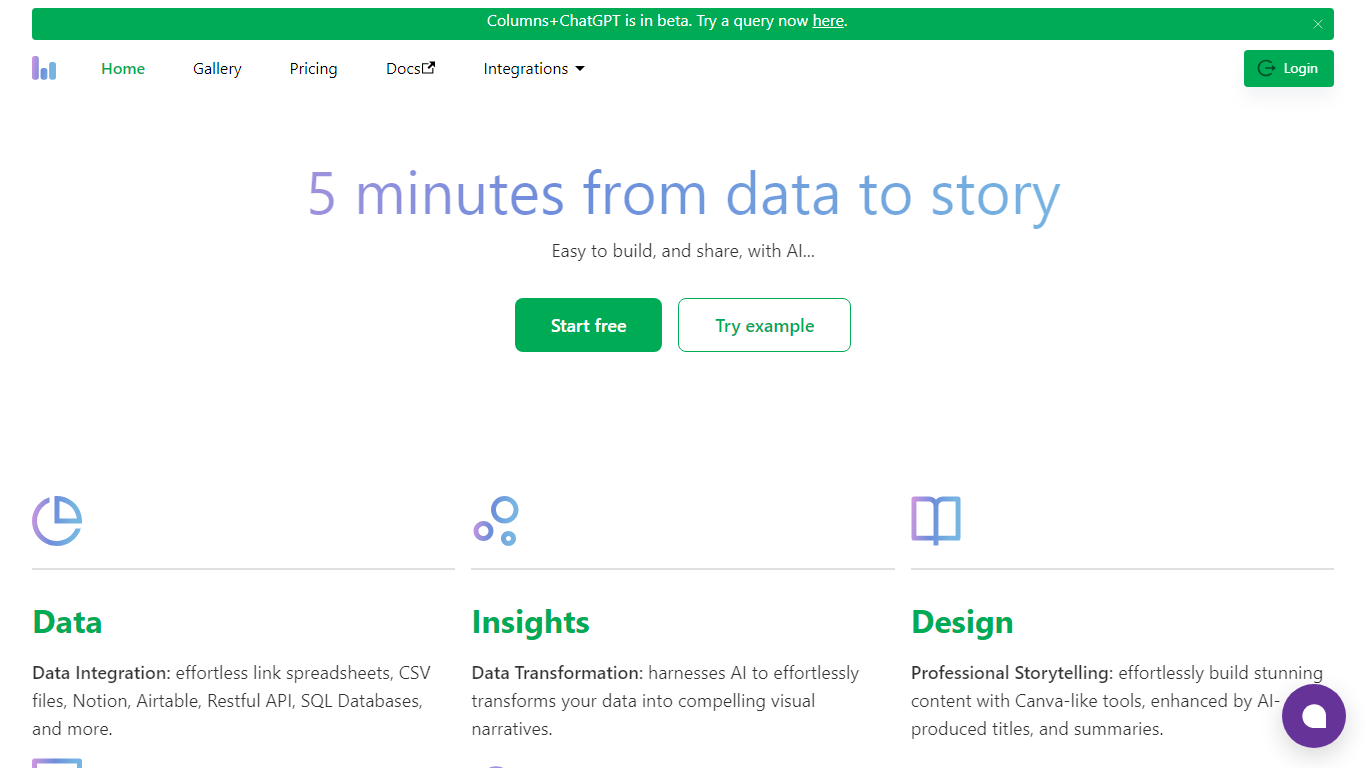
What is Columns AI (formerly Columns)?
Columns AI is an end-to-end data platform that connects messy files and live sources, automates transformations, and turns the results into charts and dashboards you can share. It is built around three products: Drive for ingesting and structuring files, Flow for no-code data pipelines, and Graph for branded visualizations.
The platform targets teams that need reliable data workflows without standing up a full engineering stack. You can connect Google Sheets, Airtable, Notion, Excel, databases, Snowflake, HubSpot, QuickBooks, Gusto, and HTTP APIs, then describe transformations in plain language instead of writing SQL.
Columns AI fits business operators, consultants, marketing and RevOps teams, analysts, and freelancers who need to move from raw inputs to client-ready visuals. Founder Shawn Cao previously built large-scale data infrastructure at Microsoft, Facebook, and Pinterest.
Matrices Upvotes
Columns AI (formerly Columns) Upvotes
Matrices Top Features
🧮 AI-powered spreadsheets that auto-fill data with confidence scores
🕹️ Virtual escape rooms for AI to safely practice complex tasks
🛠️ Modular components let engineers build custom simulation parts
🎨 Creative level editor enables designing AI training scenarios
🗣️ Natural language commands simplify automation without coding
Columns AI (formerly Columns) Top Features
Columns Drive turns CSV, Excel, PDF, and image uploads into structured, analysis-ready data with OCR and auto-cleaning
Columns Flow connects warehouses, APIs, and files, then builds transformation logic from plain-language prompts
Columns Graph creates brand-matched charts you can share via live links, embeds, PNG, SVG, CSV, or slide decks
Scheduled sync keeps downstream graphs and reports updated without manual exports
Alert rules notify you via Slack, email, or webhook when thresholds, spikes, or drops occur
Integrations include Google Sheets, Airtable, Notion, Postgres, Snowflake, HubSpot, QuickBooks, and Gusto
Matrices Category
- Excel
Columns AI (formerly Columns) Category
- Excel
Matrices Pricing Type
- Freemium
Columns AI (formerly Columns) Pricing Type
- Freemium