Research Pal AI vs Columns AI (formerly Columns)
In the face-off between Research Pal AI vs Columns AI (formerly Columns), which AI Excel tool takes the crown? We scrutinize features, alternatives, upvotes, reviews, pricing, and more.
In a face-off between Research Pal AI and Columns AI (formerly Columns), which one takes the crown?
If we were to analyze Research Pal AI and Columns AI (formerly Columns), both of which are AI-powered excel tools, what would we find? Both tools are equally favored, as indicated by the identical upvote count. Every vote counts! Cast yours and contribute to the decision of the winner.
Not your cup of tea? Upvote your preferred tool and stir things up!
Research Pal AI

What is Research Pal AI?
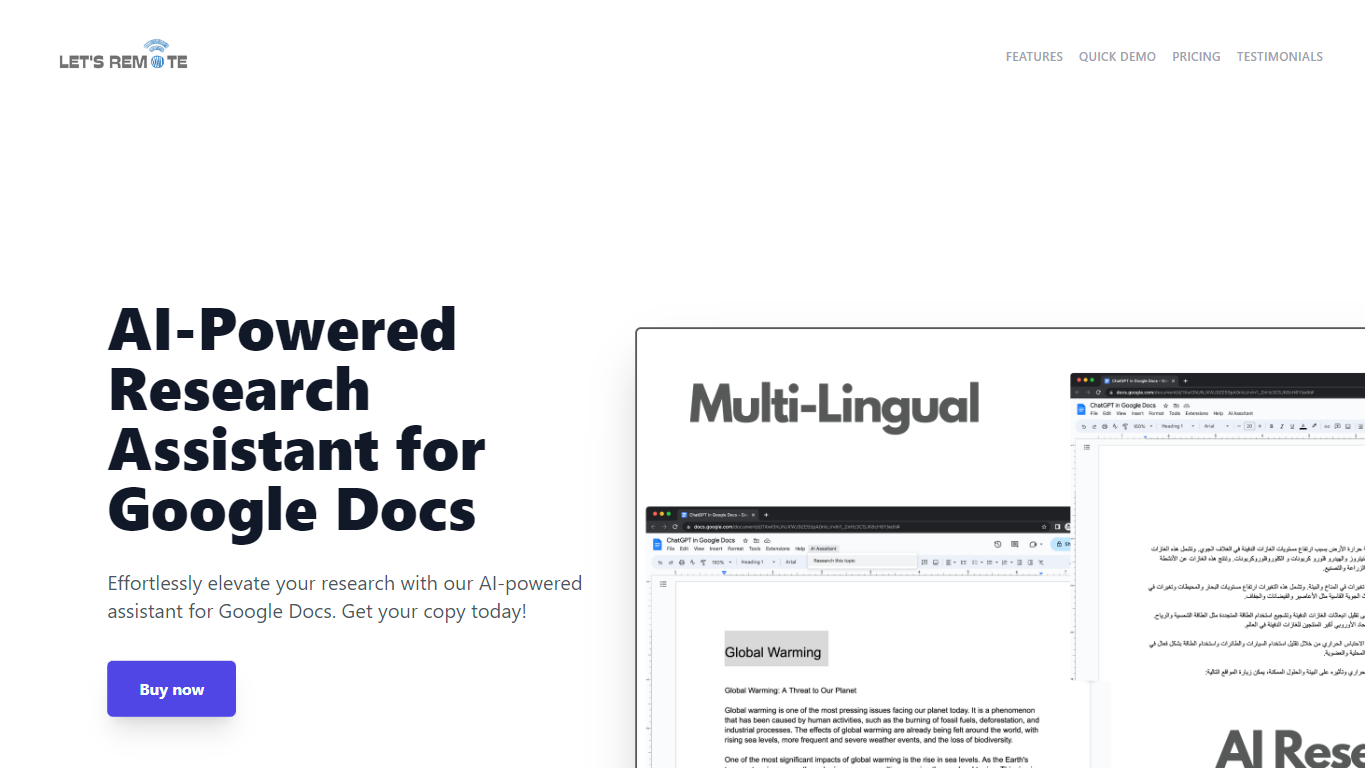
Step up your document creation game with the AI-Powered Research Assistant for Google Docs. This innovative Google Docs extension is designed to streamline your research and writing process, enabling you to generate high-quality text swiftly and efficiently. It's an essential tool for individuals looking to enhance their productivity while maintaining the quality of their content. Key features include state-of-the-art Natural Language Generation technology for coherent and rich text, customizable settings for tone and style preferences, and time-saving capabilities for regular content production. The extension also boasts multi-lingual support, catering to a global user base, and a user-friendly interface, making it accessible regardless of technical skill level. Advanced algorithms ensure texts are not only informative but also engaging, tailored to your specific audience. Secure, versatile, and powerful, this tool will transform your Google Docs experience and give you a competitive advantage in content creation.
Columns AI (formerly Columns)
What is Columns AI (formerly Columns)?
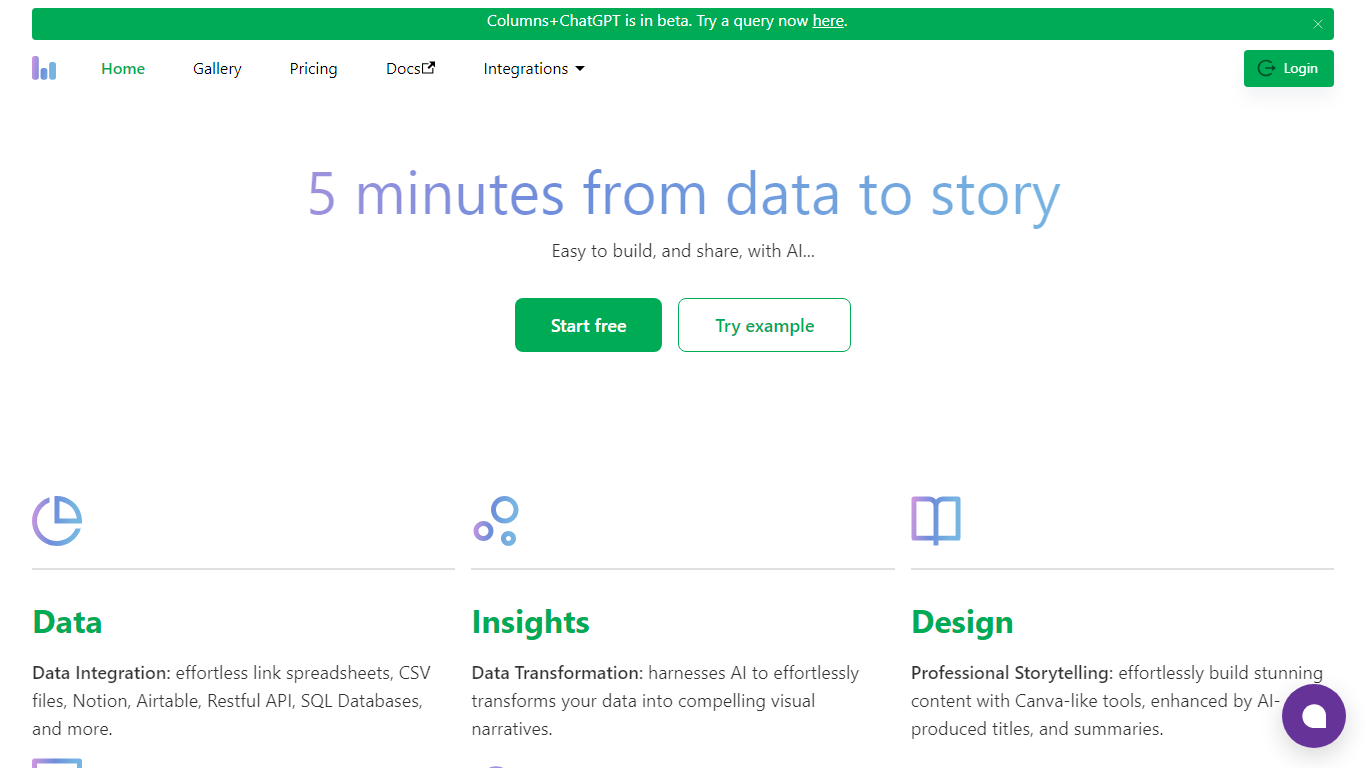
Columns AI is an end-to-end data platform that connects messy files and live sources, automates transformations, and turns the results into charts and dashboards you can share. It is built around three products: Drive for ingesting and structuring files, Flow for no-code data pipelines, and Graph for branded visualizations.
The platform targets teams that need reliable data workflows without standing up a full engineering stack. You can connect Google Sheets, Airtable, Notion, Excel, databases, Snowflake, HubSpot, QuickBooks, Gusto, and HTTP APIs, then describe transformations in plain language instead of writing SQL.
Columns AI fits business operators, consultants, marketing and RevOps teams, analysts, and freelancers who need to move from raw inputs to client-ready visuals. Founder Shawn Cao previously built large-scale data infrastructure at Microsoft, Facebook, and Pinterest.
Research Pal AI Upvotes
Columns AI (formerly Columns) Upvotes
Research Pal AI Top Features
Natural Language Generation: The extension uses cutting-edge AI technology for creating coherent and informative text.
Customizable Settings: Offers user-settings for tone style and text length to tailor the content to specific needs.
Time-Saving Tool: Quickly generates quality text boosting efficiency for regular content creators.
Multi-Lingual Support: Accommodates users worldwide with support for multiple languages.
User-Friendly Interface: Easy to navigate enabling users of all technical abilities to optimize their writing tasks.
Columns AI (formerly Columns) Top Features
Columns Drive turns CSV, Excel, PDF, and image uploads into structured, analysis-ready data with OCR and auto-cleaning
Columns Flow connects warehouses, APIs, and files, then builds transformation logic from plain-language prompts
Columns Graph creates brand-matched charts you can share via live links, embeds, PNG, SVG, CSV, or slide decks
Scheduled sync keeps downstream graphs and reports updated without manual exports
Alert rules notify you via Slack, email, or webhook when thresholds, spikes, or drops occur
Integrations include Google Sheets, Airtable, Notion, Postgres, Snowflake, HubSpot, QuickBooks, and Gusto
Research Pal AI Category
- Excel
Columns AI (formerly Columns) Category
- Excel
Research Pal AI Pricing Type
- Freemium
Columns AI (formerly Columns) Pricing Type
- Freemium