Commabot vs kasipa (formerly deepsheet)
In the contest of Commabot vs kasipa (formerly deepsheet), which AI Excel tool is the champion? We evaluate pricing, alternatives, upvotes, features, reviews, and more.
If you had to choose between Commabot and kasipa (formerly deepsheet), which one would you go for?
When we examine Commabot and kasipa (formerly deepsheet), both of which are AI-enabled excel tools, what unique characteristics do we discover? Neither tool takes the lead, as they both have the same upvote count. Join the aitools.fyi users in deciding the winner by casting your vote.
Don't agree with the result? Cast your vote and be a part of the decision-making process!
Commabot

What is Commabot?
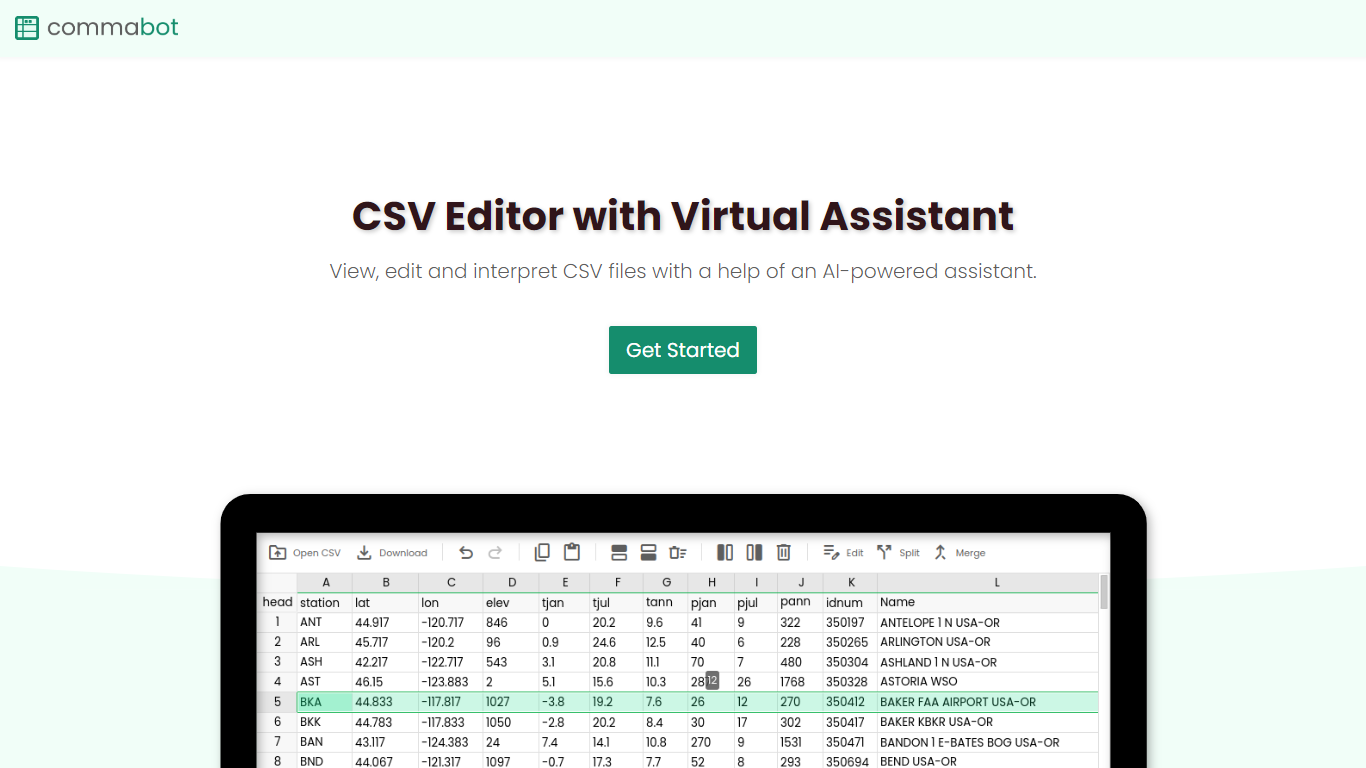
Commabot is a browser-based Excel alternative for CSV work: you upload a file and handle analysis, cleaning, and transformation in a chat interface instead of writing spreadsheet formulas. The homepage frames it as a conversational CSV editor for sales reports, survey results, financial records, and other tabular files.
The About page also describes specialized contact list prep workflows: deduplicating contacts, standardizing phone numbers to E.164, removing unsubscribes, merging multiple lists, and formatting exports for HubSpot or Salesforce import. That gives the product both open-ended CSV chat and CRM-ready contact cleanup paths.
You sign in with Google to upload files. Commabot runs on Google Cloud infrastructure and processes uploads in memory unless you explicitly save them to your account.
kasipa (formerly deepsheet)
What is kasipa (formerly deepsheet)?
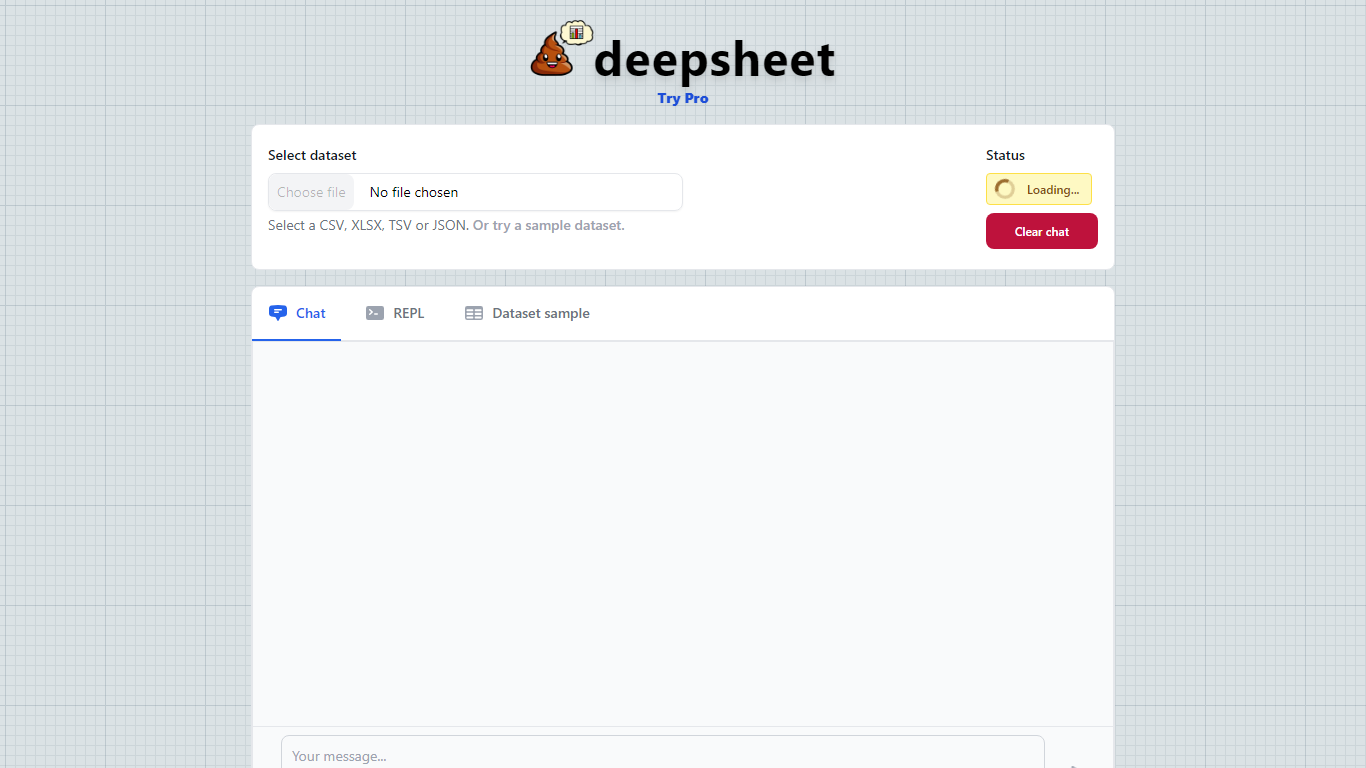
kasipa (formerly deepsheet) turns CSV, Excel, or Google Sheets into interactive Plotly charts when you ask questions in plain English. Upload a spreadsheet or paste a Google Sheets link, describe the chart you want, and refine the result with follow-up messages until it matches what you need.
Unlike cloud analytics suites that upload your files to remote servers, kasipa runs spreadsheet parsing and chart generation locally in the browser via WebAssembly. That local-first approach suits quick one-off visualizations where you do not want data leaving your device, though team database connections and shared Explores sit behind the paid Professional tier.
You can start charting without creating an account, and multi-sheet Excel workbooks let you pick which tab to visualize. kasipa also hosts a community showcase where users publish charts built from public-interest datasets, plus dedicated CSV and Excel to chart landing pages for fast uploads.
Creator Dylan Castillo built kasipa for analysts, researchers, and business users who want spreadsheet insights without writing code or juggling separate charting tools.
Commabot Upvotes
kasipa (formerly deepsheet) Upvotes
Commabot Top Features
Upload a single CSV file at a time and ask questions in plain English to explore and modify your data
Generate charts and summaries from uploaded files through the chat interface
Clean and transform tabular data without writing spreadsheet formulas
Standardize phone numbers to E.164 format through dedicated contact prep workflows
Format contact lists for HubSpot or Salesforce import using workflow templates
Merge multiple contact lists into one consolidated dataset
Workflow templates show usage count and average processing time before you run them
kasipa (formerly deepsheet) Top Features
Upload CSV, Excel (.xlsx/.xls), or paste a Google Sheets link to start charting
Ask questions in plain English and get Plotly charts you can refine with follow-ups
Spreadsheet parsing and chart generation run locally in the browser via WebAssembly
No sign-up required to upload data and build your first visualization
Multi-sheet Excel workbooks let you pick which tab to visualize
Community showcase for browsing and sharing public data visualizations
Bar, line, pie, scatter, histogram, heatmap, and box plot chart types supported
Commabot Category
- Excel
kasipa (formerly deepsheet) Category
- Excel
Commabot Pricing Type
- Free
kasipa (formerly deepsheet) Pricing Type
- Freemium