AskExcel vs kasipa (formerly deepsheet)
In the face-off between AskExcel vs kasipa (formerly deepsheet), which AI Excel tool takes the crown? We scrutinize features, alternatives, upvotes, reviews, pricing, and more.
In a face-off between AskExcel and kasipa (formerly deepsheet), which one takes the crown?
If we were to analyze AskExcel and kasipa (formerly deepsheet), both of which are AI-powered excel tools, what would we find? Both tools have received the same number of upvotes from aitools.fyi users. Every vote counts! Cast yours and contribute to the decision of the winner.
Feeling rebellious? Cast your vote and shake things up!
AskExcel

What is AskExcel?
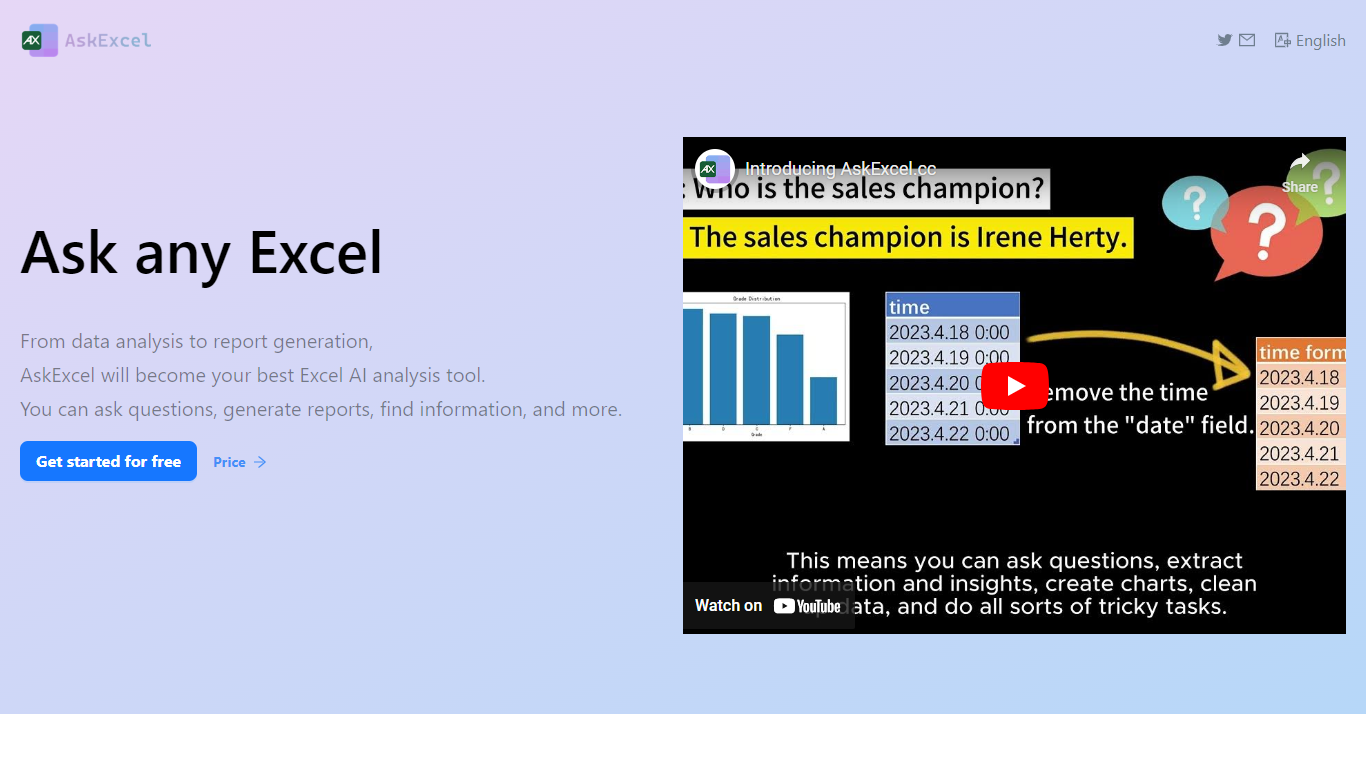
AskExcel is a web-based assistant for spreadsheet work. Upload a CSV or XLSX file, ask a question in plain English, and get formulas, charts, and data insights without digging through Excel menus. It fits analysts, finance teams, and anyone who lives in spreadsheets but would rather describe what they need than memorize function syntax.
The product handles analysis through natural language processing. Ask who topped sales in a dataset and it returns ranked results with a chart. Beyond Q&A, it supports correlation studies, exploratory analysis, KPI tracking, sentiment scoring, and text extraction from unstructured columns.
Spreadsheet-heavy roles get the most from it: sales analysts checking quota performance, operations managers watching KPIs, and small business owners who need answers from their data without hiring outside help. The app runs at app.askexcel.cc with a free tier and paid Plus plans for heavier workloads.
kasipa (formerly deepsheet)
What is kasipa (formerly deepsheet)?
kasipa (formerly deepsheet) turns CSV, Excel, or Google Sheets into interactive Plotly charts when you ask questions in plain English. Upload a spreadsheet or paste a Google Sheets link, describe the chart you want, and refine the result with follow-up messages until it matches what you need.
Unlike cloud analytics suites that upload your files to remote servers, kasipa runs spreadsheet parsing and chart generation locally in the browser via WebAssembly. That local-first approach suits quick one-off visualizations where you do not want data leaving your device, though team database connections and shared Explores sit behind the paid Professional tier.
You can start charting without creating an account, and multi-sheet Excel workbooks let you pick which tab to visualize. kasipa also hosts a community showcase where users publish charts built from public-interest datasets, plus dedicated CSV and Excel to chart landing pages for fast uploads.
Creator Dylan Castillo built kasipa for analysts, researchers, and business users who want spreadsheet insights without writing code or juggling separate charting tools.
AskExcel Upvotes
kasipa (formerly deepsheet) Upvotes
AskExcel Top Features
Ask who topped sales or what trend stands out and get ranked answers with charts
Upload CSV or XLSX files up to 10MB on Free or 50MB on Plus
Correlation analysis surfaces relationships and patterns across your columns
Sentiment analysis tags text as positive, negative, or neutral for quick reads
Plus costs $7 per month or $70 per year for unlimited messages and premium AI models
Plus subscribers can download generated charts and output files
kasipa (formerly deepsheet) Top Features
Upload CSV, Excel (.xlsx/.xls), or paste a Google Sheets link to start charting
Ask questions in plain English and get Plotly charts you can refine with follow-ups
Spreadsheet parsing and chart generation run locally in the browser via WebAssembly
No sign-up required to upload data and build your first visualization
Multi-sheet Excel workbooks let you pick which tab to visualize
Community showcase for browsing and sharing public data visualizations
Bar, line, pie, scatter, histogram, heatmap, and box plot chart types supported
AskExcel Category
- Excel
kasipa (formerly deepsheet) Category
- Excel
AskExcel Pricing Type
- Freemium
kasipa (formerly deepsheet) Pricing Type
- Freemium