Array Assistant vs Ai Prompts (formerly Formula Generator)
Compare Array Assistant vs Ai Prompts (formerly Formula Generator) and see which AI Excel tool is better when we compare features, reviews, pricing, alternatives, upvotes, etc.
Which one is better? Array Assistant or Ai Prompts (formerly Formula Generator)?
When we compare Array Assistant with Ai Prompts (formerly Formula Generator), which are both AI-powered excel tools, The upvote count reveals a draw, with both tools earning the same number of upvotes. The power is in your hands! Cast your vote and have a say in deciding the winner.
Don't agree with the result? Cast your vote and be a part of the decision-making process!
Array Assistant


What is Array Assistant?
Array Assistant is a Microsoft Excel add-in that puts nine AI helpers inside your workbook. You install the plugin, open a sheet, and run tools for formula writing, data cleanup, summaries, list building, trend spotting, and text drafting without leaving Excel.
Most spreadsheet add-ins charge from day one or hide everything behind one chat box. Array Assistant splits work into named tools like Formula Generator, Data Cleaner, and Trend Analyzer, each tuned to a spreadsheet task. The Basic plan stays free at 200 requests per month, and the site publishes solution pages for investment banking, private equity, accounting, venture capital, consulting, real estate, and insurance teams rather than pitching a generic assistant.
The plugin suits analysts, students, and business professionals who live in Excel and want faster formula work, cleaner columns, and quick text inside cells. Corporate teams can request custom pricing when they need unlimited usage across employees.
Ai Prompts (formerly Formula Generator)
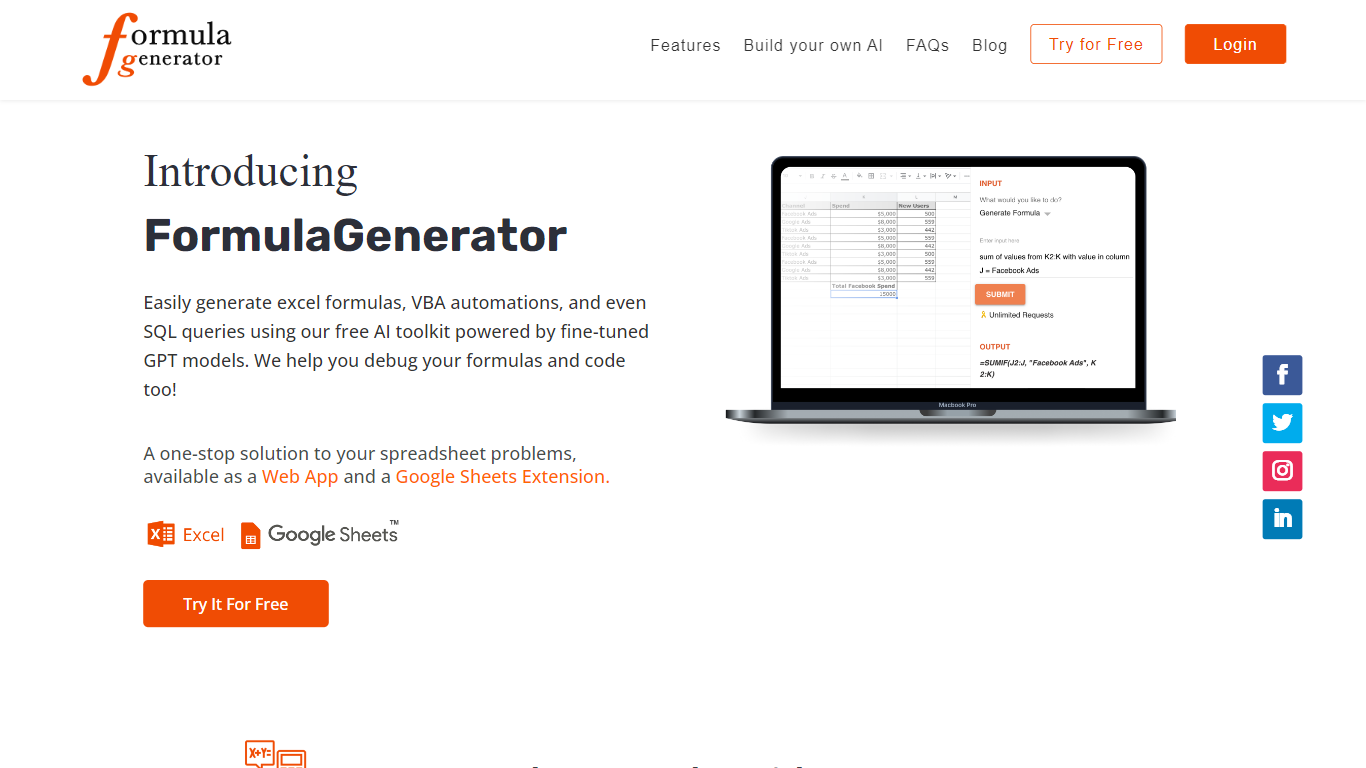
What is Ai Prompts (formerly Formula Generator)?
Ai Prompts at formulagenerator.app is a free educational site that teaches spreadsheet users how to get accurate Excel and Google Sheets formulas from ChatGPT. Instead of hosting a formula builder, it walks through prompt engineering, system instructions, and repeatable prompt templates so analysts can describe calculations in plain language and turn model output into working sheet logic.
The guides cover building formula generator setups with the OpenAI API, keeping context across sessions, and reviewing or debugging formulas when results look wrong. Readers also get practical prompt patterns for VBA macros, SQL queries, and Google Apps Script when they want automation beyond a single cell formula.
It fits finance teams, operations staff, and analysts who already work in spreadsheets and want a reference for prompting ChatGPT without writing code themselves. You bring your own ChatGPT or API access; the site itself is read-only content with no signup or hosted generator on the page.
Array Assistant Upvotes
Ai Prompts (formerly Formula Generator) Upvotes
Array Assistant Top Features
Basic plan includes 200 free AI requests per month
Pro plan offers 1,000 requests per month for $14.99
Enterprise plan provides unlimited monthly requests for $49.99
Formula Generator turns plain-language prompts into Excel formulas
Nine plugin tools cover formulas, data cleanup, summaries, lists, trends, and text drafting
List Builder creates lists from prompts and from lists you already built
Solution pages target investment banking, private equity, accounting, and venture capital workflows
Ai Prompts (formerly Formula Generator) Top Features
OpenAI API wiring guide for connecting ChatGPT to Google Sheets or a custom frontend
System instruction templates that keep spreadsheet context across follow-up ChatGPT prompts
Sample prompts for VBA macros, SQL queries, and Google Apps Script automation
Debugging walkthroughs for formula logic, cell references, and structural errors in generated output
Automation examples that reference Zapier and Make for scheduled sheet updates
Array Assistant Category
- Excel
Ai Prompts (formerly Formula Generator) Category
- Excel
Array Assistant Pricing Type
- Freemium
Ai Prompts (formerly Formula Generator) Pricing Type
- Free