Arvin (formerly Arvin 2.0) vs Orchard
Explore the showdown between Arvin (formerly Arvin 2.0) vs Orchard and find out which AI Copywriting tool wins. We analyze upvotes, features, reviews, pricing, alternatives, and more.
In a face-off between Arvin (formerly Arvin 2.0) and Orchard, which one takes the crown?
When we contrast Arvin (formerly Arvin 2.0) with Orchard, both of which are exceptional AI-operated copywriting tools, and place them side by side, we can spot several crucial similarities and divergences. In the race for upvotes, Arvin (formerly Arvin 2.0) takes the trophy. Arvin (formerly Arvin 2.0) has 7 upvotes, and Orchard has 4 upvotes.
You don't agree with the result? Cast your vote to help us decide!
Arvin (formerly Arvin 2.0)


What is Arvin (formerly Arvin 2.0)?
Arvin is a copywriting and productivity assistant delivered as a Chrome extension and web app at arvin.chat. You open a sidebar with Alt or Option plus A, then chat with GPT, Claude, or Gemini, draft articles and emails, summarize pages or PDFs, and translate text across 25 plus languages without leaving the tab you are on.
Most copywriting tools live in a separate editor. Arvin embeds writing, reading, and design workflows in the browser. It adds one-click logo and signature generation through Arvin Design, PDF conversion tools, and area summaries on live web pages, so you are not limited to blank-document drafting.
It fits marketers, freelancers, and students who write inside Gmail, LinkedIn, Google Docs, or general web research tabs. Teams that want a dedicated long-form CMS or strict brand governance will still prefer a standalone content platform over a browser copilot.
Orchard
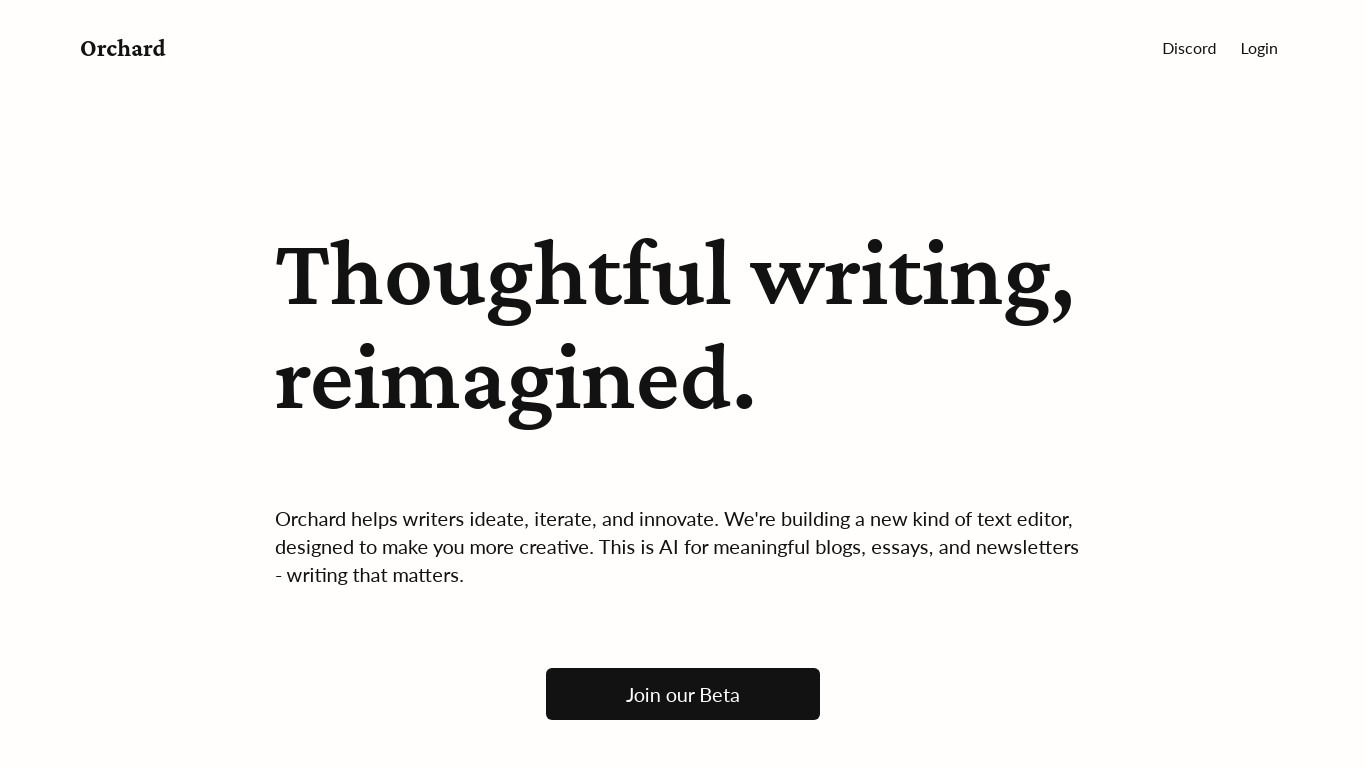
What is Orchard?
Orchard is a copywriting and research assistant that combines chat, web search, uploaded files, and saved links in one workspace. You ask questions in plain language and Orchard pulls answers from your documents, connected sources, and live web results inside the same thread. It is built for people who need grounded writing help, not a blank chat box.
Most AI chat tools treat your files as one-off attachments. Orchard builds a tailored search layer over your workspace data, then layers real-time web search on top when a question needs fresh facts. It also supports multiplayer chats and a smart text editor that suggests edits based on what is already in your workspace, which is a different bet than solo prompt-and-paste workflows.
Orchard fits analysts, researchers, and small teams who live in documents and need shared context. Writers drafting blogs, essays, or newsletters can use the editor for continuations tied to project files. Teams can collaborate in chats and documents instead of emailing drafts back and forth.
Arvin (formerly Arvin 2.0) Upvotes
Orchard Upvotes
Arvin (formerly Arvin 2.0) Top Features
Open the sidebar on any site with Alt or Option plus A after installing the Chrome extension
Chat with GPT, Claude, Gemini, and other models from one interface
Generate articles, email replies, and improved copy with dedicated writing tools
Summarize web pages, PDFs, and selected page areas from the extension
Translate content across 25 plus languages according to the homepage FAQ
Create logos, signatures, and business cards through linked Arvin Design workflows
Homepage cites 5M plus active users and a 4.9 Chrome store rating on the pricing page
Orchard Top Features
Free Personal plan includes 25 messages per day and 10 saved resources
Pro plan at $25 per month adds unlimited messages, resources, and collaborators
Search saved links, uploaded files, and connected sources from the chat interface
Real-time web search runs inside conversations for up-to-date answers
Personal plan allows 1 workspace; Pro removes the workspace cap entirely
Free plan stores up to 10 resources; Pro raises that to unlimited saved items
Smart text editor suggests edits and continuations based on workspace content
Arvin (formerly Arvin 2.0) Category
- Copywriting
Orchard Category
- Copywriting
Arvin (formerly Arvin 2.0) Pricing Type
- Freemium
Orchard Pricing Type
- Freemium