Asana Intelligence vs GitMind
Compare Asana Intelligence vs GitMind and see which AI Project Management tool is better when we compare features, reviews, pricing, alternatives, upvotes, etc.
Which one is better? Asana Intelligence or GitMind?
When we compare Asana Intelligence with GitMind, which are both AI-powered project management tools, There's no clear winner in terms of upvotes, as both tools have received the same number. You can help us determine the winner by casting your vote and tipping the scales in favor of one of the tools.
Think we got it wrong? Cast your vote and show us who's boss!
Asana Intelligence
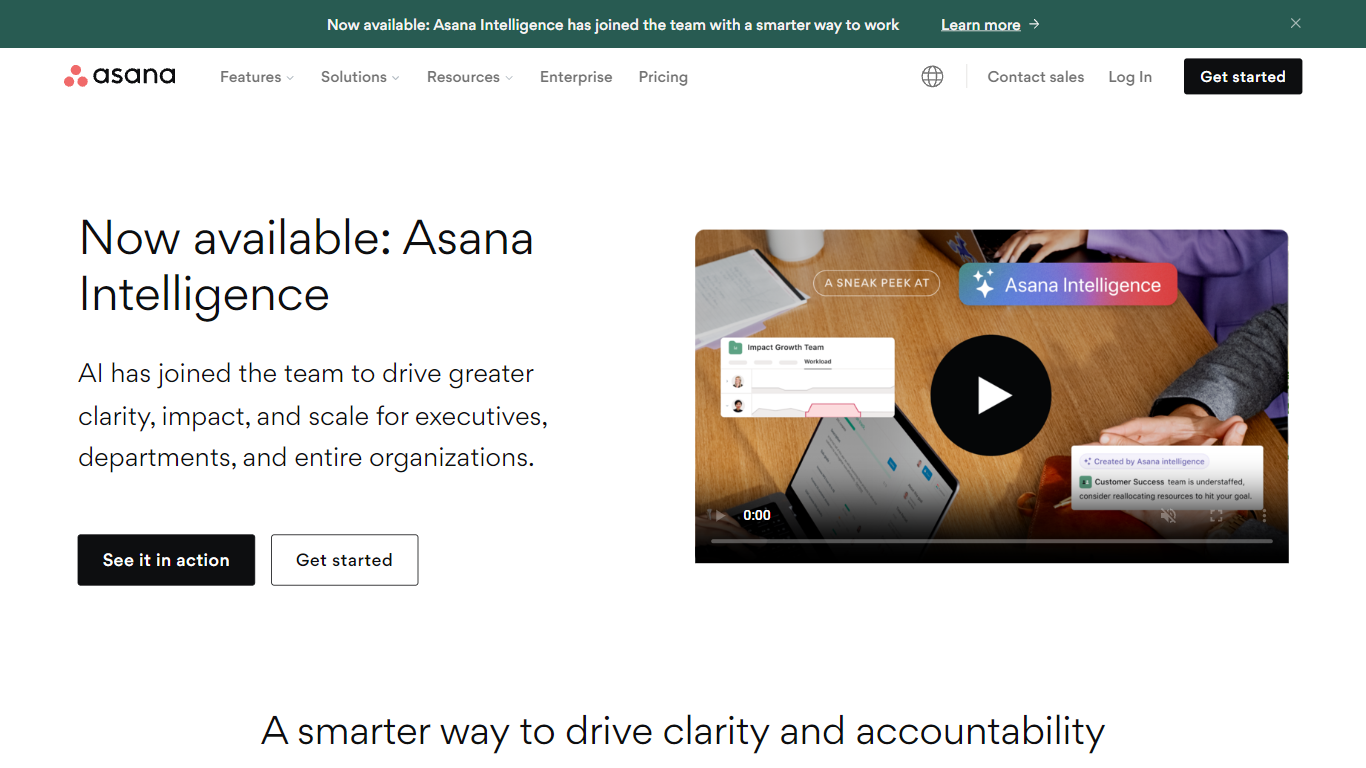

What is Asana Intelligence?
Asana Intelligence integrates advanced AI features into Asana’s project management platform, enabling teams to work smarter and faster. It combines AI Teammates, AI Studio, Asana Dash, and AI Connectors to automate routine tasks, provide actionable insights, and streamline workflows across departments. This system supports cross-functional collaboration by connecting humans and AI agents on shared plans and goals.
It suits teams in marketing, operations, IT, and product development, helping them reduce busywork, improve decision-making, and maintain focus on strategic priorities. Asana’s AI capabilities also include no-code automation building, personalized daily briefings, and seamless integration with popular AI tools like ChatGPT and Google Gemini. The platform emphasizes secure and responsible AI use with enterprise-grade governance and controls.
GitMind
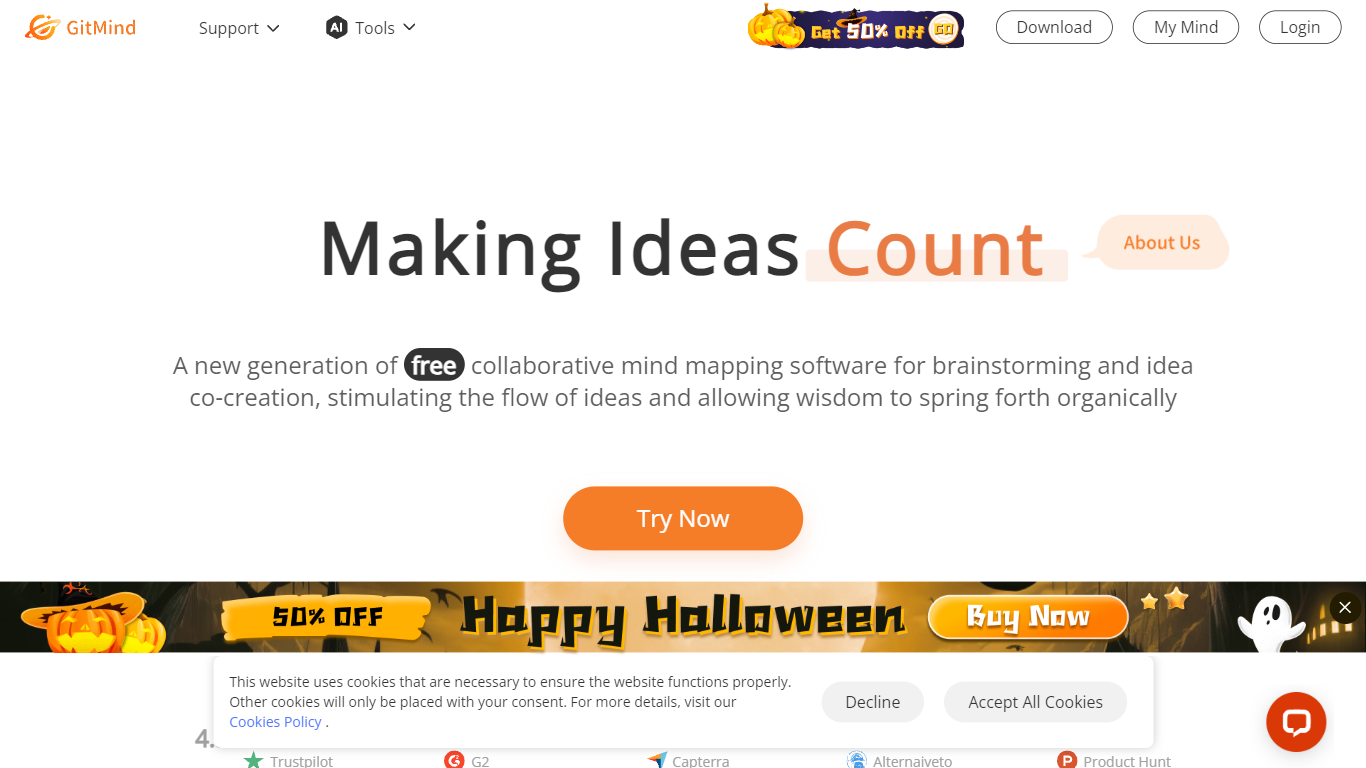
What is GitMind?
GitMind turns text, videos, audio, PDFs, websites, and images into mind maps, summaries, flowcharts, and infographics inside one visual workspace. Upload a file or paste a link, and the tool structures the content into editable diagrams you can share or present. Desktop and mobile apps sync projects across platforms for studying, research, and project planning.
Standalone mind map apps stop at diagram editing. GitMind bundles summarizers, OCR, YouTube transcript tools, and AI chat with ChatGPT, Claude, Gemini, and DeepSeek in the same canvas. That combination suits teams who want source material converted into visuals without switching between a note app, a diagram tool, and a separate AI chat tab.
Project managers, teachers, students, and researchers use GitMind to plan campaigns, summarize lectures, and generate UML or flowchart diagrams from prompts. The site reports 10 million users across 160 countries. Real-time collaboration and presentation mode support team workshops and classroom reviews.
Asana Intelligence Upvotes
GitMind Upvotes
Asana Intelligence Top Features
🤖 AI Teammates: Ready-to-use AI agents for marketing, ops, and IT that work without prompt engineering.
⚙️ AI Studio: Build powerful no-code automations to handle repetitive tasks and streamline workflows.
📊 Asana Dash: Personalized AI assistant delivering daily priorities from meetings, emails, and tasks.
🔗 AI Connectors: Integrate Asana with ChatGPT, Claude, Gemini, and more to manage work directly from conversations.
📅 Timeline & Gantt Views: Visualize project schedules and dependencies for better planning and tracking.
GitMind Top Features
Converts videos, PDFs, audio, websites, and images into mind maps or summaries
Free tier includes up to 10 mind maps and whiteboards
YouTube summarizer handles 20 minutes of one video per day on the free plan
Generates flowcharts, UML diagrams, ERDs, and infographics from text prompts
Integrates ChatGPT, Claude, Gemini, and DeepSeek inside the workspace
Real-time collaboration with presentation mode for team reviews
Asana Intelligence Category
- Project Management
GitMind Category
- Project Management
Asana Intelligence Pricing Type
- Freemium
GitMind Pricing Type
- Freemium