AskExcel vs Coefficient
In the face-off between AskExcel vs Coefficient, which AI Excel tool takes the crown? We scrutinize features, alternatives, upvotes, reviews, pricing, and more.
In a face-off between AskExcel and Coefficient, which one takes the crown?
If we were to analyze AskExcel and Coefficient, both of which are AI-powered excel tools, what would we find? Neither tool takes the lead, as they both have the same upvote count. Be a part of the decision-making process. Your vote could determine the winner.
Feeling rebellious? Cast your vote and shake things up!
AskExcel
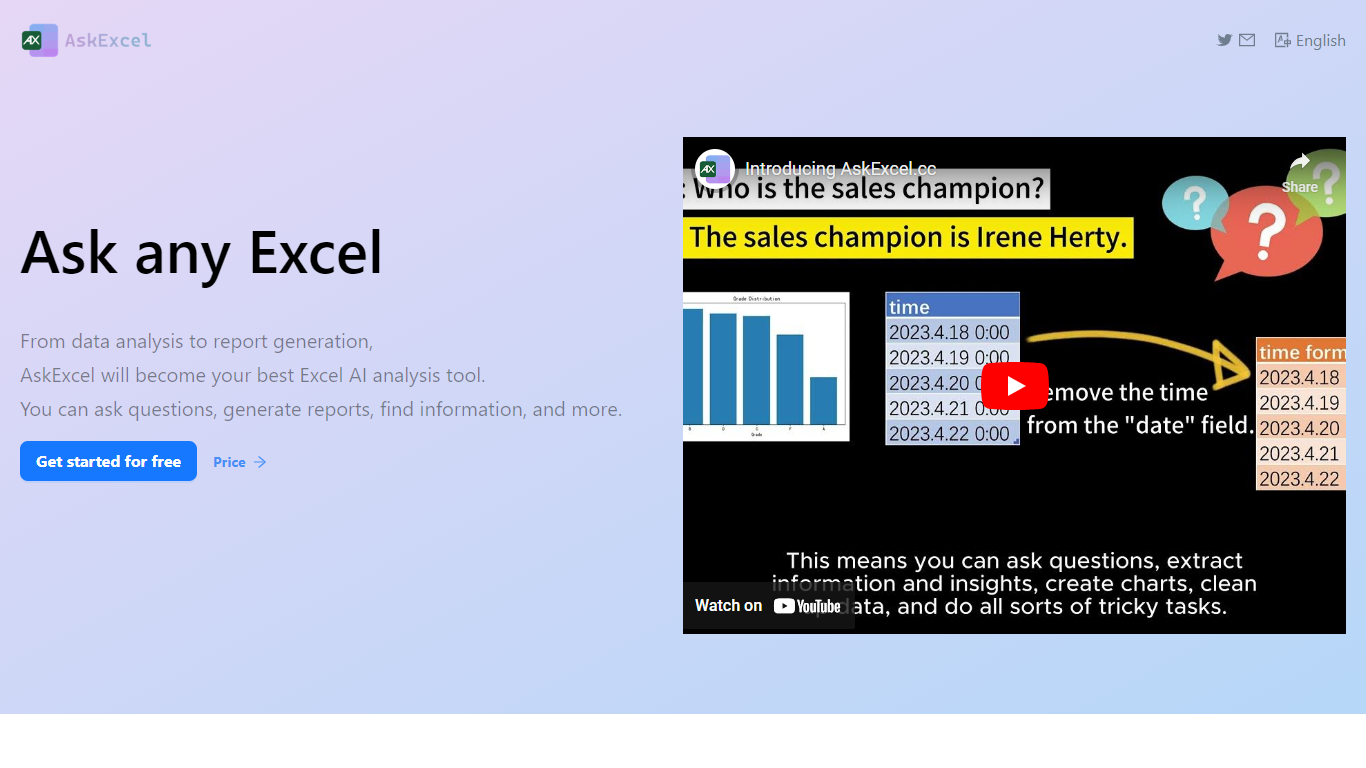

What is AskExcel?
AskExcel is a web-based assistant for spreadsheet work. Upload a CSV or XLSX file, ask a question in plain English, and get formulas, charts, and data insights without digging through Excel menus. It fits analysts, finance teams, and anyone who lives in spreadsheets but would rather describe what they need than memorize function syntax.
The product handles analysis through natural language processing. Ask who topped sales in a dataset and it returns ranked results with a chart. Beyond Q&A, it supports correlation studies, exploratory analysis, KPI tracking, sentiment scoring, and text extraction from unstructured columns.
Spreadsheet-heavy roles get the most from it: sales analysts checking quota performance, operations managers watching KPIs, and small business owners who need answers from their data without hiring outside help. The app runs at app.askexcel.cc with a free tier and paid Plus plans for heavier workloads.
Coefficient

What is Coefficient?
Coefficient is a spreadsheet add-on for Google Sheets and Microsoft Excel that connects live business data from CRMs, warehouses, marketing platforms, and accounting tools without SQL or engineering tickets. It installs as a sidebar inside your spreadsheet and lets you pull, refresh, and write data back to systems like Salesforce, HubSpot, Snowflake, and QuickBooks. GPT Copilot adds plain-English tools for cleaning data, building pivot tables, generating charts, and connecting new sources by description.
Where dedicated BI tools like Tableau or Looker need trained developers and charge per viewer, Coefficient keeps the build surface in the spreadsheet your team already uses. The newer AI Dashboards feature turns any sheet into a shareable web dashboard with prompt-based editing, drill-down to source records, and row-level security, all without a separate BI license for viewers.
Finance, revenue operations, marketing, and analytics teams use Coefficient to replace copy-paste reporting with scheduled refreshes, Slack alerts, and two-way sync. The company reports 700,000 users and integration with 150+ business systems. Excel support covers data imports across connectors, while Alerts and GPT Copilot are still rolling out on the desktop add-in.
AskExcel Upvotes
Coefficient Upvotes
AskExcel Top Features
Ask who topped sales or what trend stands out and get ranked answers with charts
Upload CSV or XLSX files up to 10MB on Free or 50MB on Plus
Correlation analysis surfaces relationships and patterns across your columns
Sentiment analysis tags text as positive, negative, or neutral for quick reads
Plus costs $7 per month or $70 per year for unlimited messages and premium AI models
Plus subscribers can download generated charts and output files
Coefficient Top Features
Pull live data from 150+ connectors including Salesforce, Snowflake, HubSpot, and NetSuite into Google Sheets or Excel
Build shareable AI Dashboards from any spreadsheet with prompt editing, drill-down to source records, and row-level security per viewer
Use =GPTX() functions and GPT Copilot to clean, query, and analyze spreadsheet data in plain English
Schedule hourly or daily data refreshes and write changes back to CRMs and databases with two-way sync
Publish web dashboards and send Slack or email alerts on metrics; viewer access requires no separate license
AskExcel Category
- Excel
Coefficient Category
- Excel
AskExcel Pricing Type
- Freemium
Coefficient Pricing Type
- Freemium