AskExcel vs Rows AI
Dive into the comparison of AskExcel vs Rows AI and discover which AI Excel tool stands out. We examine alternatives, upvotes, features, reviews, pricing, and beyond.
When comparing AskExcel and Rows AI, which one rises above the other?
When we compare AskExcel and Rows AI, two exceptional excel tools powered by artificial intelligence, and place them side by side, several key similarities and differences come to light. The users have made their preference clear, Rows AI leads in upvotes. Rows AI has received 7 upvotes from aitools.fyi users, while AskExcel has received 6 upvotes.
Does the result make you go "hmm"? Cast your vote and turn that frown upside down!
AskExcel
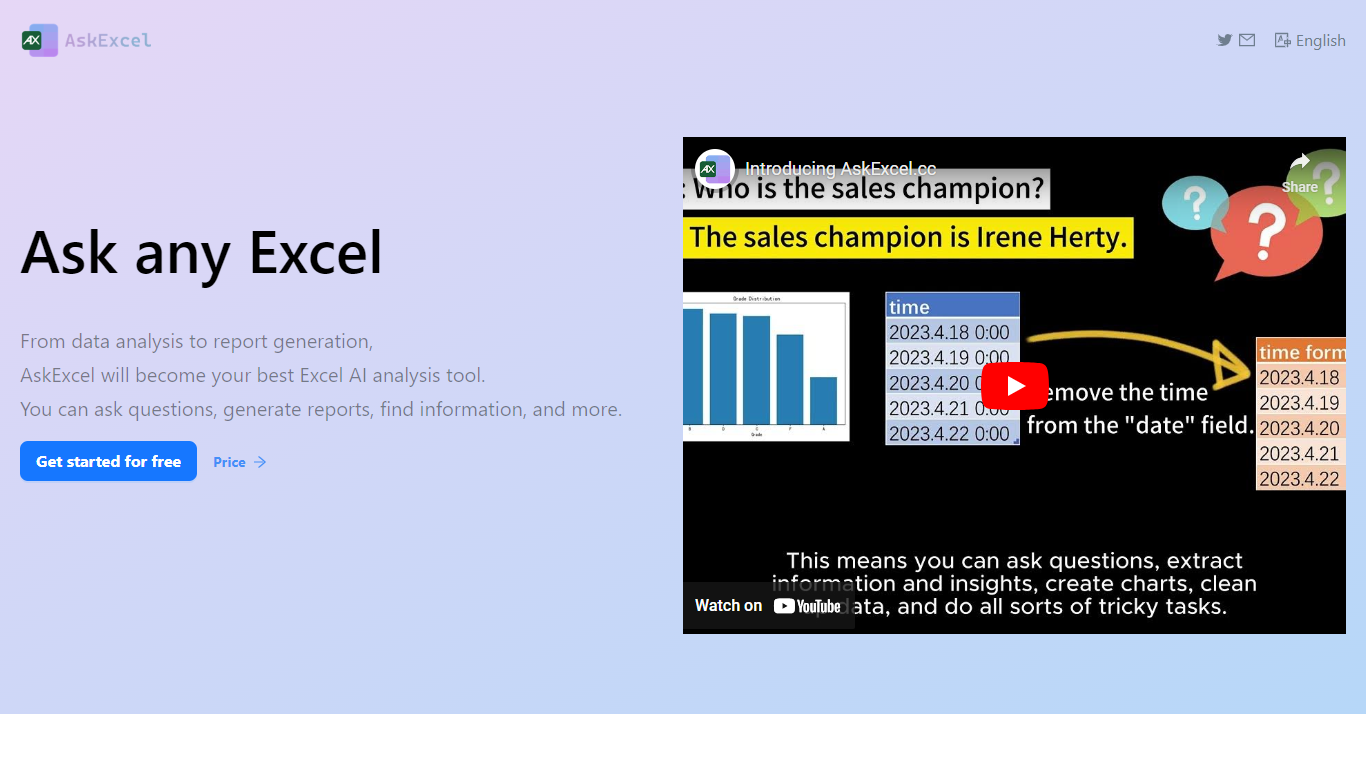

What is AskExcel?
AskExcel is a web-based assistant for spreadsheet work. Upload a CSV or XLSX file, ask a question in plain English, and get formulas, charts, and data insights without digging through Excel menus. It fits analysts, finance teams, and anyone who lives in spreadsheets but would rather describe what they need than memorize function syntax.
The product handles analysis through natural language processing. Ask who topped sales in a dataset and it returns ranked results with a chart. Beyond Q&A, it supports correlation studies, exploratory analysis, KPI tracking, sentiment scoring, and text extraction from unstructured columns.
Spreadsheet-heavy roles get the most from it: sales analysts checking quota performance, operations managers watching KPIs, and small business owners who need answers from their data without hiring outside help. The app runs at app.askexcel.cc with a free tier and paid Plus plans for heavier workloads.
Rows AI
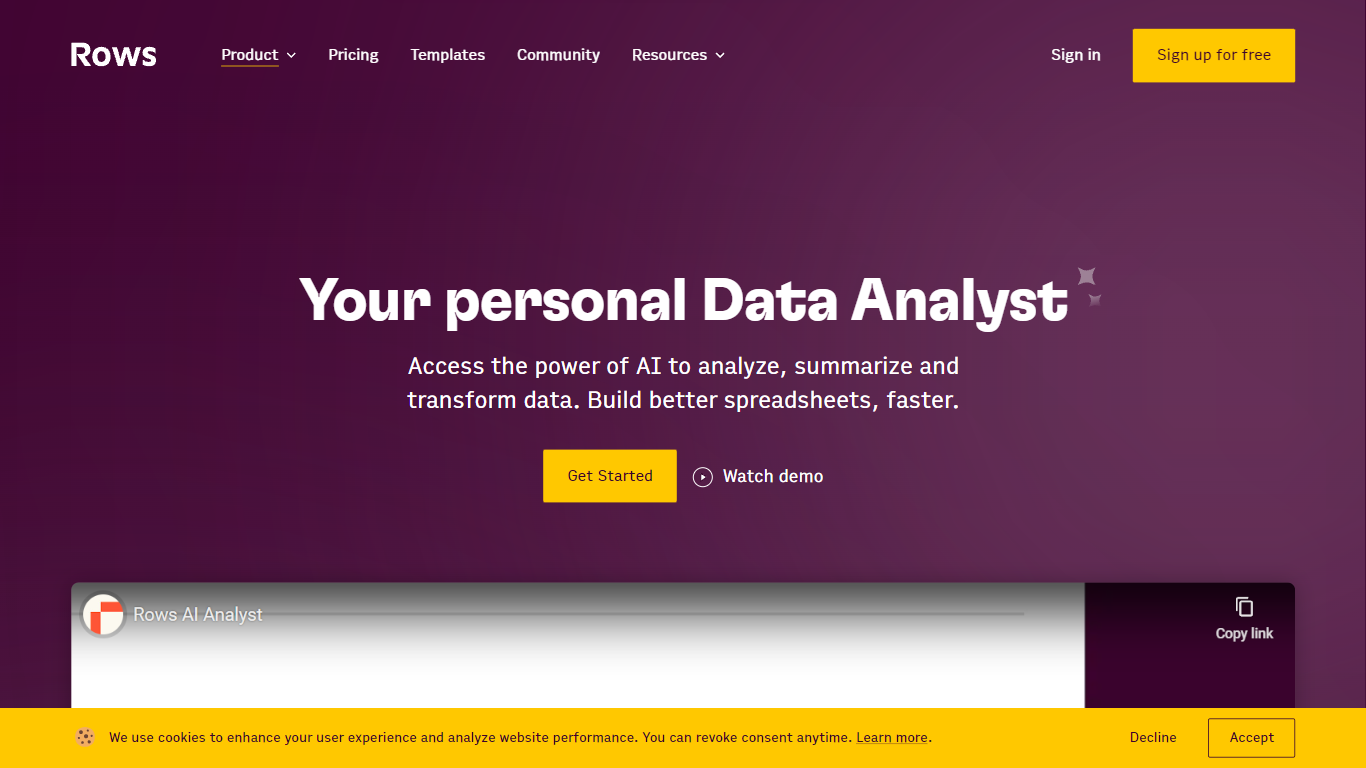
What is Rows AI?
Rows AI is the AI layer inside Rows, a modern spreadsheet platform for teams. Type = in any cell, describe what you need in plain language, and Rows handles formulas, charts, imports, and analysis without menus or manual stitching. The product positions itself as your data team of one, from quick calculations to forecasting, pivoting, and multi-table work.
What sets Rows apart is how deeply AI is woven into spreadsheet workflows. You can extract tables from PDFs and images, classify text, enrich cells with company and location data, research the web in real time, and run Python-backed analysis without writing code. Built-in integrations pull live data from tools like Google Analytics, Search Console, Facebook Ads, Stripe, HubSpot, and dozens more.
Rows is built for analysts, operators, and teams who live in spreadsheets but want faster reporting, cleaner models, and less formula wrangling. Workspaces support real-time collaboration, embeddable charts, forms, and view modes for sharing dashboards internally or on the web. Rows joined Superhuman in 2026; the product remains available at rows.com while the company transitions under the Superhuman umbrella.
AskExcel Upvotes
Rows AI Upvotes
AskExcel Top Features
Ask who topped sales or what trend stands out and get ranked answers with charts
Upload CSV or XLSX files up to 10MB on Free or 50MB on Plus
Correlation analysis surfaces relationships and patterns across your columns
Sentiment analysis tags text as positive, negative, or neutral for quick reads
Plus costs $7 per month or $70 per year for unlimited messages and premium AI models
Plus subscribers can download generated charts and output files
Rows AI Top Features
Type = in a cell and describe the task; Rows builds formulas, fixes errors, and creates charts from the prompt
Pull tables out of PDFs, invoices, and screenshots with vision models and custom extraction instructions
Join tables, add lookup columns, and run multi-table analysis without manual VLOOKUP wrangling
Built-in Python for cohorts, forecasts, segmentation, and advanced stats with no code required
Classify text into tags, run sentiment analysis, and enrich rows with company and location data
Connect to 50+ integrations including GA4, Google Ads, LinkedIn Ads, Stripe, HubSpot, and Snowflake
AskExcel Category
- Excel
Rows AI Category
- Excel
AskExcel Pricing Type
- Freemium
Rows AI Pricing Type
- Freemium