AskExcel vs Sheet Copilot
In the battle of AskExcel vs Sheet Copilot, which AI Excel tool comes out on top? We compare reviews, pricing, alternatives, upvotes, features, and more.
Between AskExcel and Sheet Copilot, which one is superior?
Upon comparing AskExcel with Sheet Copilot, which are both AI-powered excel tools, The upvote count is neck and neck for both AskExcel and Sheet Copilot. Be a part of the decision-making process. Your vote could determine the winner.
Feeling rebellious? Cast your vote and shake things up!
AskExcel

What is AskExcel?
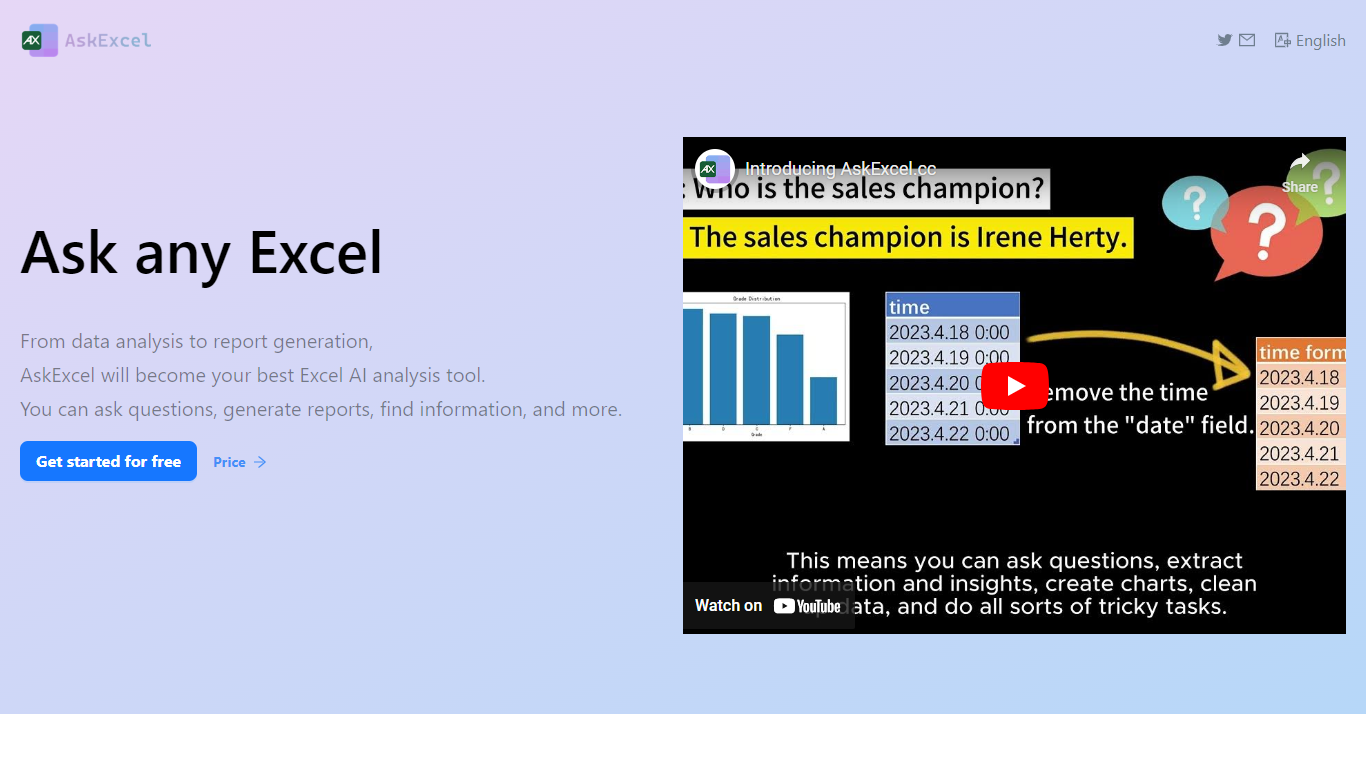
AskExcel is a web-based assistant for spreadsheet work. Upload a CSV or XLSX file, ask a question in plain English, and get formulas, charts, and data insights without digging through Excel menus. It fits analysts, finance teams, and anyone who lives in spreadsheets but would rather describe what they need than memorize function syntax.
The product handles analysis through natural language processing. Ask who topped sales in a dataset and it returns ranked results with a chart. Beyond Q&A, it supports correlation studies, exploratory analysis, KPI tracking, sentiment scoring, and text extraction from unstructured columns.
Spreadsheet-heavy roles get the most from it: sales analysts checking quota performance, operations managers watching KPIs, and small business owners who need answers from their data without hiring outside help. The app runs at app.askexcel.cc with a free tier and paid Plus plans for heavier workloads.
Sheet Copilot
What is Sheet Copilot?
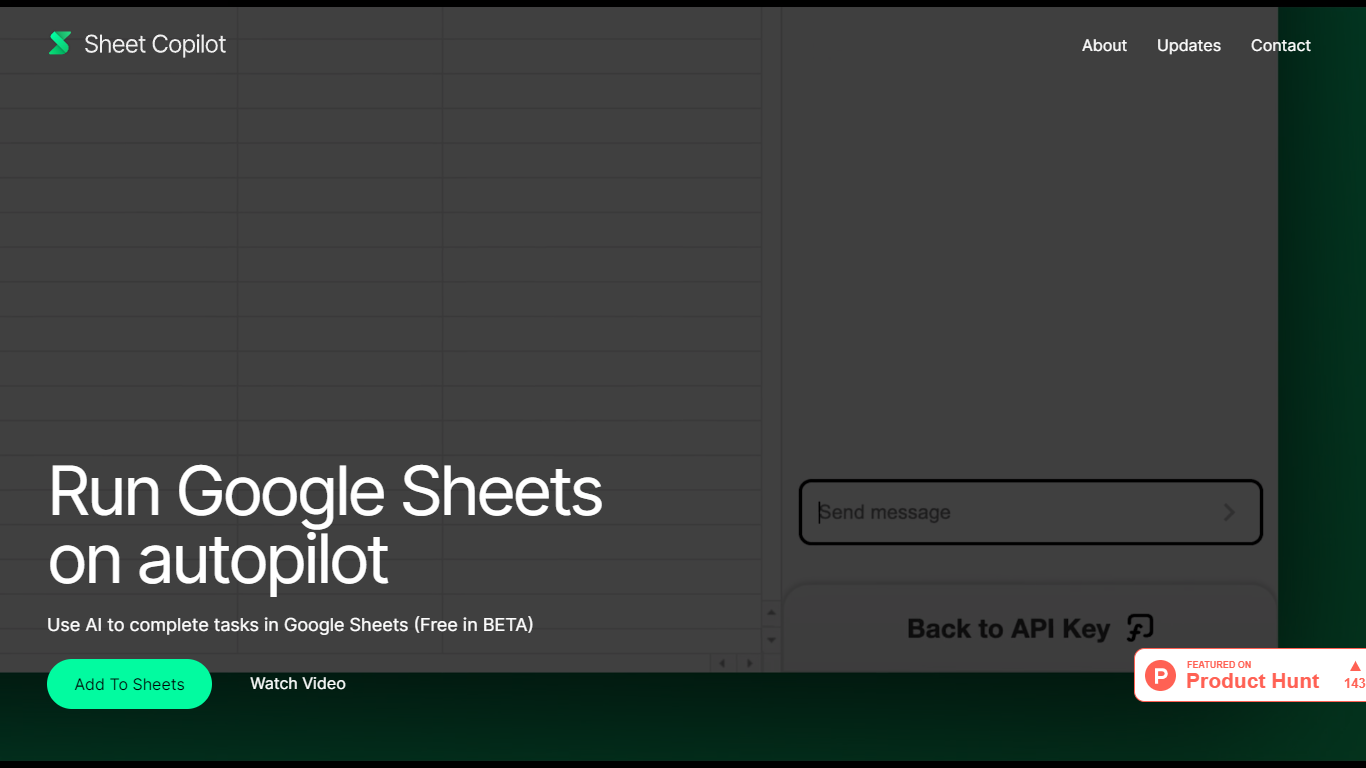
Install Sheet Copilot from the Google Workspace Marketplace and you get a chat sidebar inside Google Sheets. Describe the outcome you want in plain language, connect your OpenAI API key, and the add-on uses GPT-4 to build formulas, apply formatting, and create charts while you watch each step land in the spreadsheet.
Most spreadsheet copilots either sit outside Google Sheets or bundle model costs into a subscription. Sheet Copilot keeps you in the sheet, charges nothing for the add-on during its beta period on the marketplace listing, and sends model usage to your own OpenAI account instead of wrapping it in vendor pricing.
The marketplace listing shows more than 83,000 installations, labels pricing as free of charge with paid features, and was last updated in September 2024. Your OpenAI key stays in your Google account per the listing, and support runs through [email protected]. The sheetcopilot.ai marketing site links to the same marketplace install button.
Finance teams, analysts, and educators who picked Google Sheets for Excel-style work can offload routine formulas, table cleanup, and quick charts without opening another analytics app.
AskExcel Upvotes
Sheet Copilot Upvotes
AskExcel Top Features
Ask who topped sales or what trend stands out and get ranked answers with charts
Upload CSV or XLSX files up to 10MB on Free or 50MB on Plus
Correlation analysis surfaces relationships and patterns across your columns
Sentiment analysis tags text as positive, negative, or neutral for quick reads
Plus costs $7 per month or $70 per year for unlimited messages and premium AI models
Plus subscribers can download generated charts and output files
Sheet Copilot Top Features
Uses GPT-4 to build formulas, apply formatting, and create charts from chat instructions
More than 83,000 installations listed on the Google Workspace Marketplace page
Free during beta on the marketplace listing with paid features noted separately
Your OpenAI API key is stored in your Google account, not on Sheet Copilot servers
Runs as a Google Sheets add-on with a sidebar inside Google Workspace
Shows spreadsheet changes in real time as the assistant executes each step
AskExcel Category
- Excel
Sheet Copilot Category
- Excel
AskExcel Pricing Type
- Freemium
Sheet Copilot Pricing Type
- Freemium