
Last updated 08-31-2026
Category:
Reviews:
Join thousands of AI enthusiasts in the World of AI!
Sheet Copilot
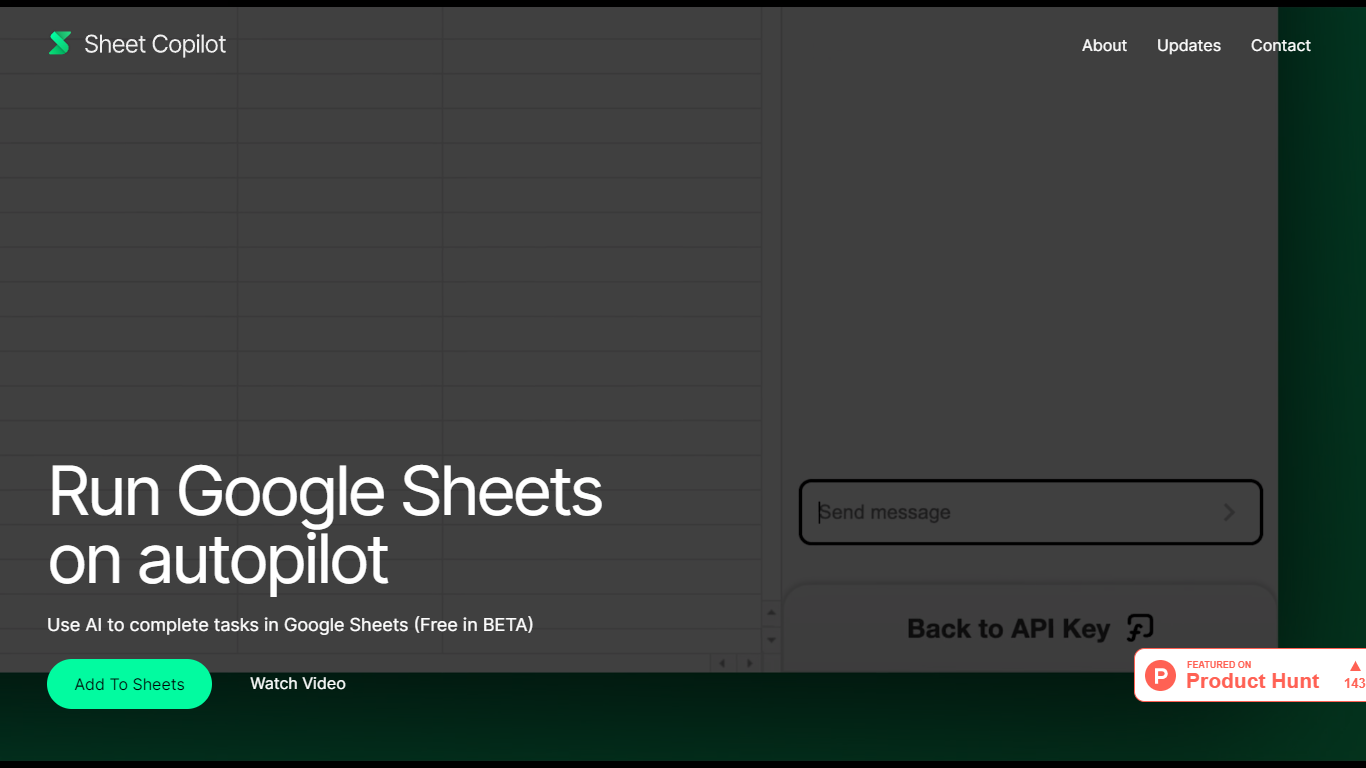
Install Sheet Copilot from the Google Workspace Marketplace and you get a chat sidebar inside Google Sheets. Describe the outcome you want in plain language, connect your OpenAI API key, and the add-on uses GPT-4 to build formulas, apply formatting, and create charts while you watch each step land in the spreadsheet.
Most spreadsheet copilots either sit outside Google Sheets or bundle model costs into a subscription. Sheet Copilot keeps you in the sheet, charges nothing for the add-on during its beta period on the marketplace listing, and sends model usage to your own OpenAI account instead of wrapping it in vendor pricing.
The marketplace listing shows more than 83,000 installations, labels pricing as free of charge with paid features, and was last updated in September 2024. Your OpenAI key stays in your Google account per the listing, and support runs through [email protected]. The sheetcopilot.ai marketing site links to the same marketplace install button.
Finance teams, analysts, and educators who picked Google Sheets for Excel-style work can offload routine formulas, table cleanup, and quick charts without opening another analytics app.
Uses GPT-4 to build formulas, apply formatting, and create charts from chat instructions
More than 83,000 installations listed on the Google Workspace Marketplace page
Free during beta on the marketplace listing with paid features noted separately
Your OpenAI API key is stored in your Google account, not on Sheet Copilot servers
Runs as a Google Sheets add-on with a sidebar inside Google Workspace
Shows spreadsheet changes in real time as the assistant executes each step
Runs inside Google Sheets so you do not need to export data to another app.
Bring your own OpenAI API key with billing handled through your OpenAI account.
Free during beta on the Google Workspace Marketplace listing.
Covers formulas, formatting, and charts from natural language instructions.
Shows spreadsheet changes in real time as tasks execute.
Requires your own OpenAI API key and separate OpenAI usage costs.
Several marketplace reviewers reported trouble getting their API key recognized.
Complex multi-tab matching tasks did not work for some marketplace reviewers.
Paid features are listed on the marketplace page but plan details are not spelled out there.
How do I install Sheet Copilot?
Sheet Copilot installs from its Google Workspace Marketplace listing. Open the listing, click Install, authorize the Google Sheets permissions, then open a spreadsheet and launch the add-on from the Extensions menu.
Is Sheet Copilot free to use?
Sheet Copilot is free during its beta period on the Google Workspace Marketplace listing, which also notes paid features. You still need your own OpenAI API key, so OpenAI usage costs apply separately.
Do I need an OpenAI API key for Sheet Copilot?
Yes. Sheet Copilot requires you to plug in your own OpenAI API key before it runs tasks. The marketplace listing says the key is stored securely in your Google account and is never kept on Sheet Copilot servers.
What can Sheet Copilot do in Google Sheets?
Sheet Copilot can solve complex problems with formulas, format your data, and visualize your data from natural language chat. The listing says it uses GPT-4 to execute formulas, formatting, and visualizations in real time inside your spreadsheet.
Where is my OpenAI API key stored?
According to the Sheet Copilot marketplace listing, your OpenAI API key is stored securely in your Google account and is never kept on Sheet Copilot servers.
What permissions does Sheet Copilot request?
Sheet Copilot asks to see, edit, create, and delete your Google Sheets spreadsheets, display third-party web content in sidebars inside Google applications, connect to an external service, and read your primary Google Account email address per the marketplace permissions list.
How do I get help with Sheet Copilot?
The Sheet Copilot marketplace listing directs users to email [email protected] for help. The sheetcopilot.ai marketing site also links to the marketplace listing and a demo video.