Sheety.ai vs Sheet Copilot
In the battle of Sheety.ai vs Sheet Copilot, which AI Excel tool comes out on top? We compare reviews, pricing, alternatives, upvotes, features, and more.
Between Sheety.ai and Sheet Copilot, which one is superior?
Upon comparing Sheety.ai with Sheet Copilot, which are both AI-powered excel tools, Neither tool takes the lead, as they both have the same upvote count. The power is in your hands! Cast your vote and have a say in deciding the winner.
Disagree with the result? Upvote your favorite tool and help it win!
Sheety.ai

What is Sheety.ai?
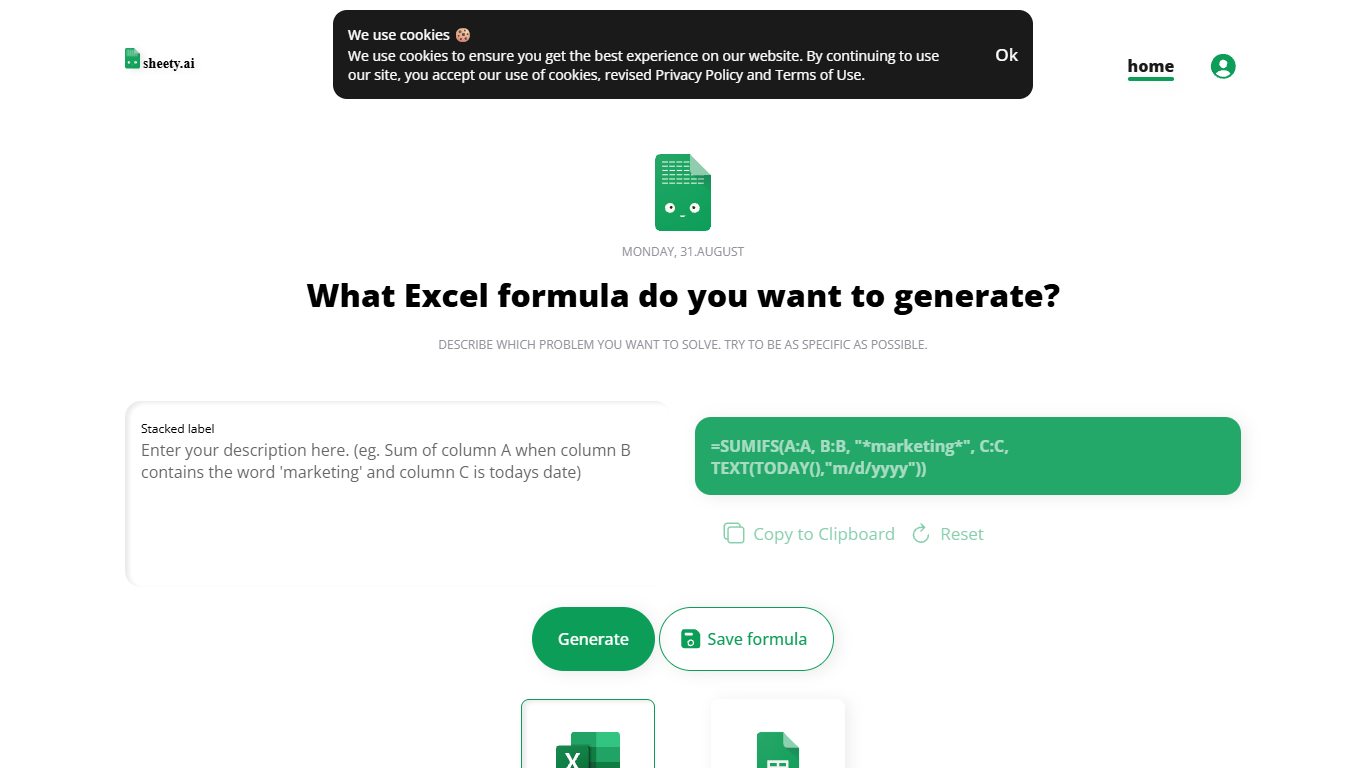
Describe a spreadsheet problem in plain words and Sheety.ai returns a formula ready to copy into Excel or Google Sheets. You pick the platform, generate the result, and paste it into your workbook. The homepage centers on one input box with generate, copy, reset, and save actions.
Unlike broader spreadsheet copilots that edit whole workbooks, Sheety.ai returns only the formula string for you to paste. That narrow focus keeps the workflow quick for one-off lookups and avoids tying you to a single platform thanks to the Excel and Google Sheets toggle.
Anonymous visitors can run 5 formula generations without signing up. A free account removes that limit, lets you save formulas to your profile, and syncs them for access from anywhere. The homepage also lists Latest Formulas other users have shared.
Sheety.ai is developed and hosted in Switzerland, and the homepage states that the team cares about user privacy. Saved formulas stay tied to registered accounts, and the site highlights Swiss hosting as part of its privacy positioning.
Sheet Copilot
What is Sheet Copilot?
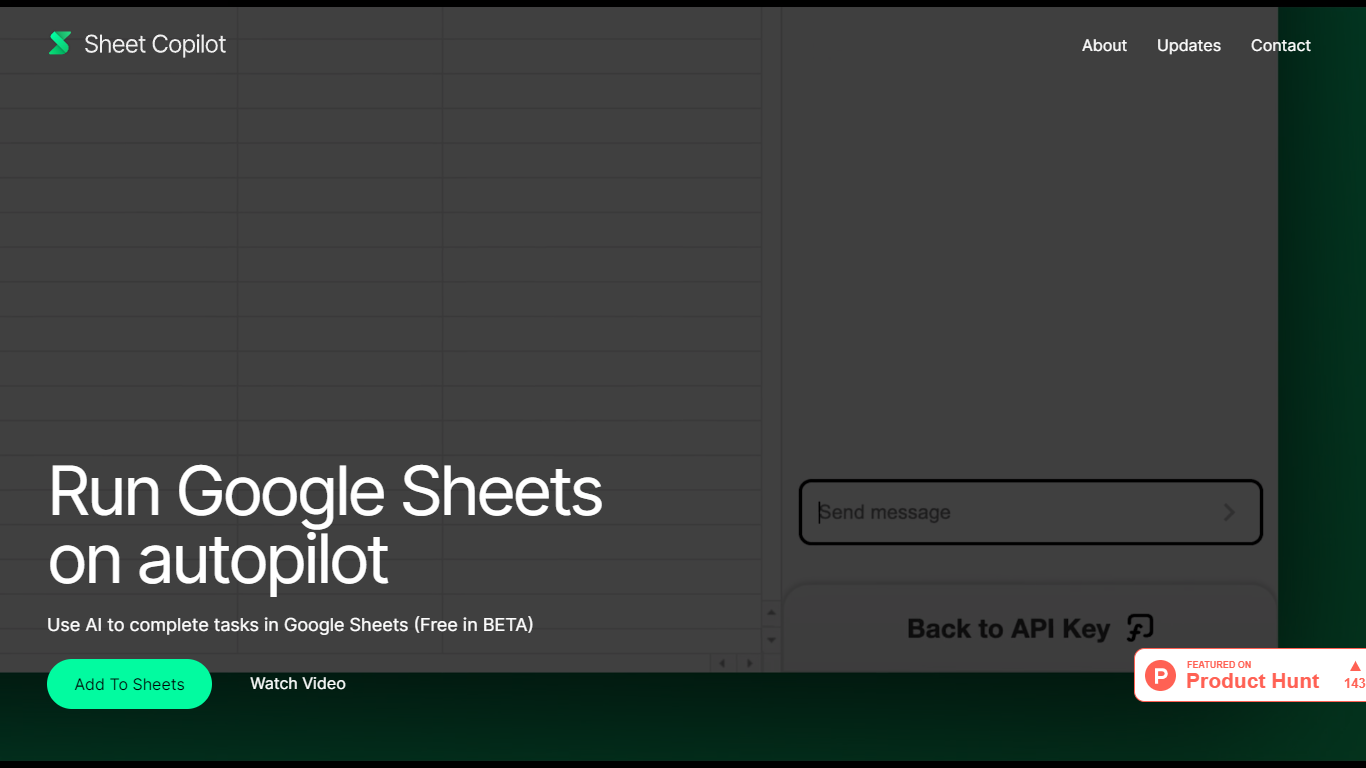
Install Sheet Copilot from the Google Workspace Marketplace and you get a chat sidebar inside Google Sheets. Describe the outcome you want in plain language, connect your OpenAI API key, and the add-on uses GPT-4 to build formulas, apply formatting, and create charts while you watch each step land in the spreadsheet.
Most spreadsheet copilots either sit outside Google Sheets or bundle model costs into a subscription. Sheet Copilot keeps you in the sheet, charges nothing for the add-on during its beta period on the marketplace listing, and sends model usage to your own OpenAI account instead of wrapping it in vendor pricing.
The marketplace listing shows more than 83,000 installations, labels pricing as free of charge with paid features, and was last updated in September 2024. Your OpenAI key stays in your Google account per the listing, and support runs through [email protected]. The sheetcopilot.ai marketing site links to the same marketplace install button.
Finance teams, analysts, and educators who picked Google Sheets for Excel-style work can offload routine formulas, table cleanup, and quick charts without opening another analytics app.
Sheety.ai Upvotes
Sheet Copilot Upvotes
Sheety.ai Top Features
Describe your spreadsheet problem in words and get a ready-to-paste formula back
Switch output between Excel and Google Sheets before you generate
Anonymous visitors get 5 formula generations; free accounts unlock unlimited use
Copy results to the clipboard or save formulas to your account profile
Browse the Latest Formulas section on the homepage for shared examples
Sheet Copilot Top Features
Uses GPT-4 to build formulas, apply formatting, and create charts from chat instructions
More than 83,000 installations listed on the Google Workspace Marketplace page
Free during beta on the marketplace listing with paid features noted separately
Your OpenAI API key is stored in your Google account, not on Sheet Copilot servers
Runs as a Google Sheets add-on with a sidebar inside Google Workspace
Shows spreadsheet changes in real time as the assistant executes each step
Sheety.ai Category
- Excel
Sheet Copilot Category
- Excel
Sheety.ai Pricing Type
- Free
Sheet Copilot Pricing Type
- Freemium