ExcelMaster vs Sheet Copilot
In the face-off between ExcelMaster vs Sheet Copilot, which AI Excel tool takes the crown? We scrutinize features, alternatives, upvotes, reviews, pricing, and more.
In a face-off between ExcelMaster and Sheet Copilot, which one takes the crown?
If we were to analyze ExcelMaster and Sheet Copilot, both of which are AI-powered excel tools, what would we find? The community has spoken, Sheet Copilot leads with more upvotes. Sheet Copilot has 6 upvotes, and ExcelMaster has 1 upvotes.
Disagree with the result? Upvote your favorite tool and help it win!
ExcelMaster


What is ExcelMaster?
Windows desktop Excel can run an autonomous agent add-in that plans multi-step spreadsheet work from plain-language prompts. ExcelMaster reads workbook structure across sheets, writes formulas or VBA/Python, executes changes inside Excel, and shows each step in a live sidebar. Finance teams, analysts, and operations staff use it for month-end close, variance reports, data cleanup, and macro automation without leaving the file.
Where Copilot and ChatGPT stop at suggested snippets, ExcelMaster closes the loop inside the workbook. It maps real sheet names, merged cells, and cross-sheet references before generating code, runs VBA or Python locally, verifies output, and retries on errors with automatic rollback. The product site cites internal benchmarks where template-style chat code needed far more edit rounds than agent execution on real user cases.
Dedicated Formula Assistant, VBA Assistant, and Cell AI modules cover formula dialogue, macro automation, and per-cell tasks like classification, keyword extraction, format conversion, sentiment scoring, and translation. Files stay on your machine; only relevant cell content goes to AI models when analysis is needed.
ExcelMaster requires Excel 2016 or later on Windows 10/11 (desktop, not Excel Online). Subscription plans start at $9.99 per month with a 3-day trial, and one-time credit packs are sold separately. The site also hosts free browser utilities for Excel, PDF, and Word conversions.
Sheet Copilot
What is Sheet Copilot?
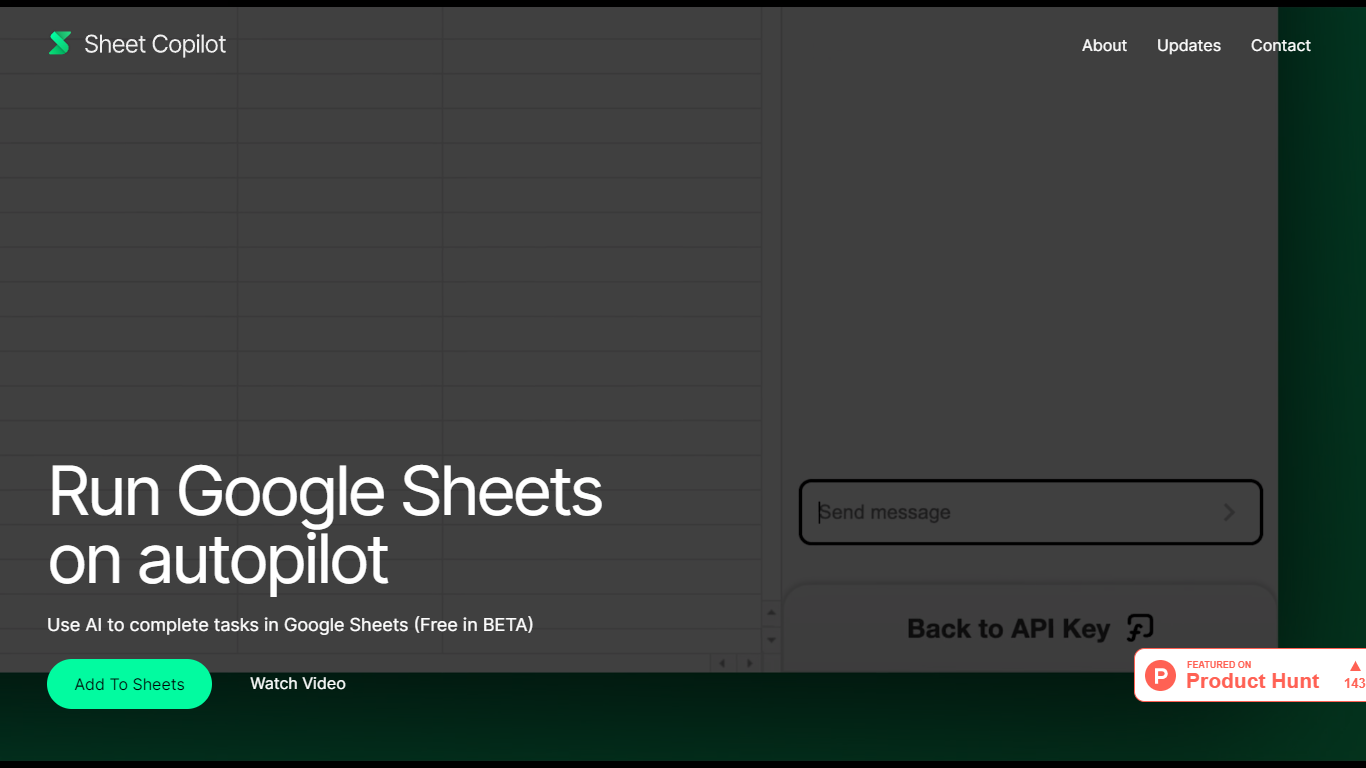
Install Sheet Copilot from the Google Workspace Marketplace and you get a chat sidebar inside Google Sheets. Describe the outcome you want in plain language, connect your OpenAI API key, and the add-on uses GPT-4 to build formulas, apply formatting, and create charts while you watch each step land in the spreadsheet.
Most spreadsheet copilots either sit outside Google Sheets or bundle model costs into a subscription. Sheet Copilot keeps you in the sheet, charges nothing for the add-on during its beta period on the marketplace listing, and sends model usage to your own OpenAI account instead of wrapping it in vendor pricing.
The marketplace listing shows more than 83,000 installations, labels pricing as free of charge with paid features, and was last updated in September 2024. Your OpenAI key stays in your Google account per the listing, and support runs through [email protected]. The sheetcopilot.ai marketing site links to the same marketplace install button.
Finance teams, analysts, and educators who picked Google Sheets for Excel-style work can offload routine formulas, table cleanup, and quick charts without opening another analytics app.
ExcelMaster Upvotes
Sheet Copilot Upvotes
ExcelMaster Top Features
Starter includes 600 agent credits per month; Pro includes 1,800 credits on monthly billing
Uses GPT 5.4, Claude Sonnet 4.6, Claude Opus 4.6, and ExcelMaster Operator models
Reads multi-sheet workbook structure before writing formulas, VBA, or Python
Auto-backup and one-click rollback before every operation on live workbooks
Cell AI handles classification, keyword extraction, format conversion, sentiment analysis, and translation per cell
Supports Excel 2016+ on Windows 10/11 desktop; Excel Online is not supported
Sheet Copilot Top Features
Uses GPT-4 to build formulas, apply formatting, and create charts from chat instructions
More than 83,000 installations listed on the Google Workspace Marketplace page
Free during beta on the marketplace listing with paid features noted separately
Your OpenAI API key is stored in your Google account, not on Sheet Copilot servers
Runs as a Google Sheets add-on with a sidebar inside Google Workspace
Shows spreadsheet changes in real time as the assistant executes each step
ExcelMaster Category
- Excel
Sheet Copilot Category
- Excel
ExcelMaster Pricing Type
- Freemium
Sheet Copilot Pricing Type
- Freemium