Commabot vs Sheet Copilot
Compare Commabot vs Sheet Copilot and see which AI Excel tool is better when we compare features, reviews, pricing, alternatives, upvotes, etc.
Which one is better? Commabot or Sheet Copilot?
When we compare Commabot with Sheet Copilot, which are both AI-powered excel tools, Both tools have received the same number of upvotes from aitools.fyi users. The power is in your hands! Cast your vote and have a say in deciding the winner.
You don't agree with the result? Cast your vote to help us decide!
Commabot
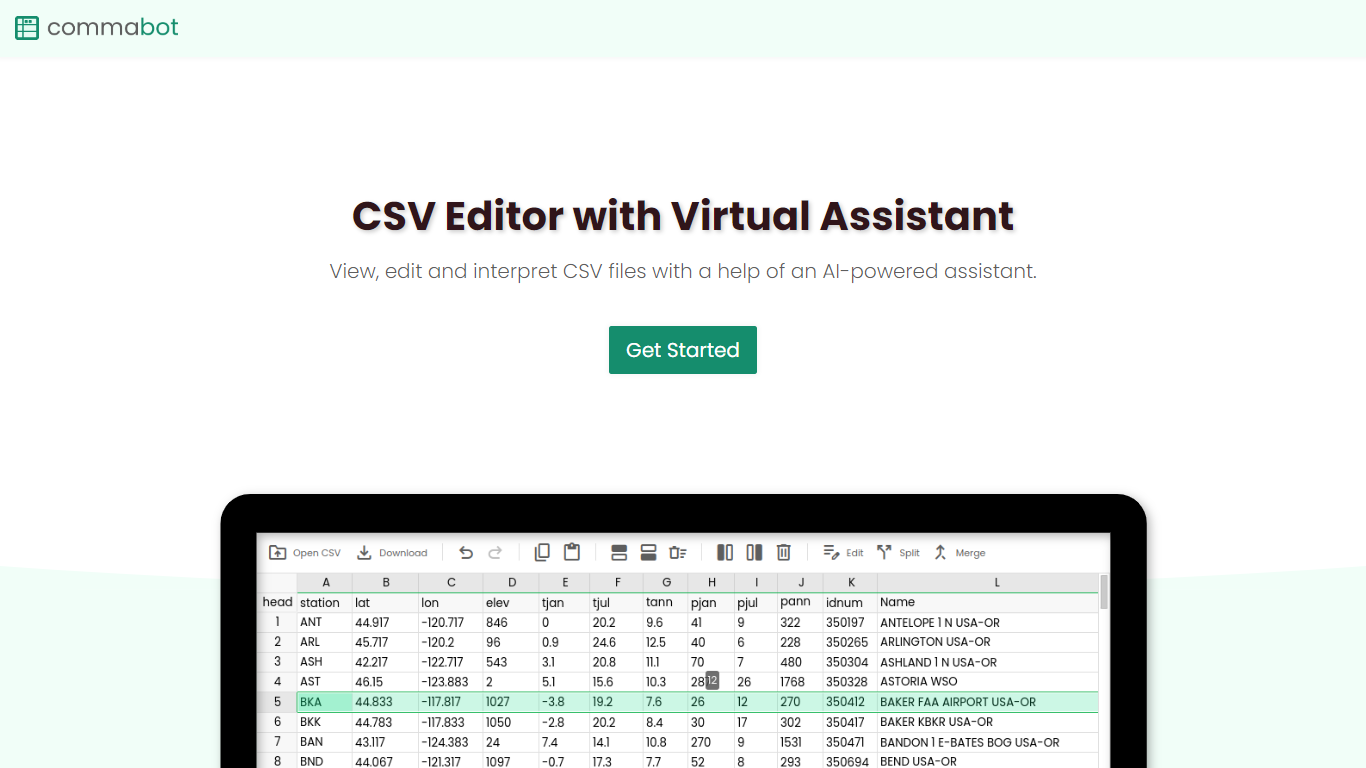

What is Commabot?
Commabot is a browser-based Excel alternative for CSV work: you upload a file and handle analysis, cleaning, and transformation in a chat interface instead of writing spreadsheet formulas. The homepage frames it as a conversational CSV editor for sales reports, survey results, financial records, and other tabular files.
The About page also describes specialized contact list prep workflows: deduplicating contacts, standardizing phone numbers to E.164, removing unsubscribes, merging multiple lists, and formatting exports for HubSpot or Salesforce import. That gives the product both open-ended CSV chat and CRM-ready contact cleanup paths.
You sign in with Google to upload files. Commabot runs on Google Cloud infrastructure and processes uploads in memory unless you explicitly save them to your account.
Sheet Copilot
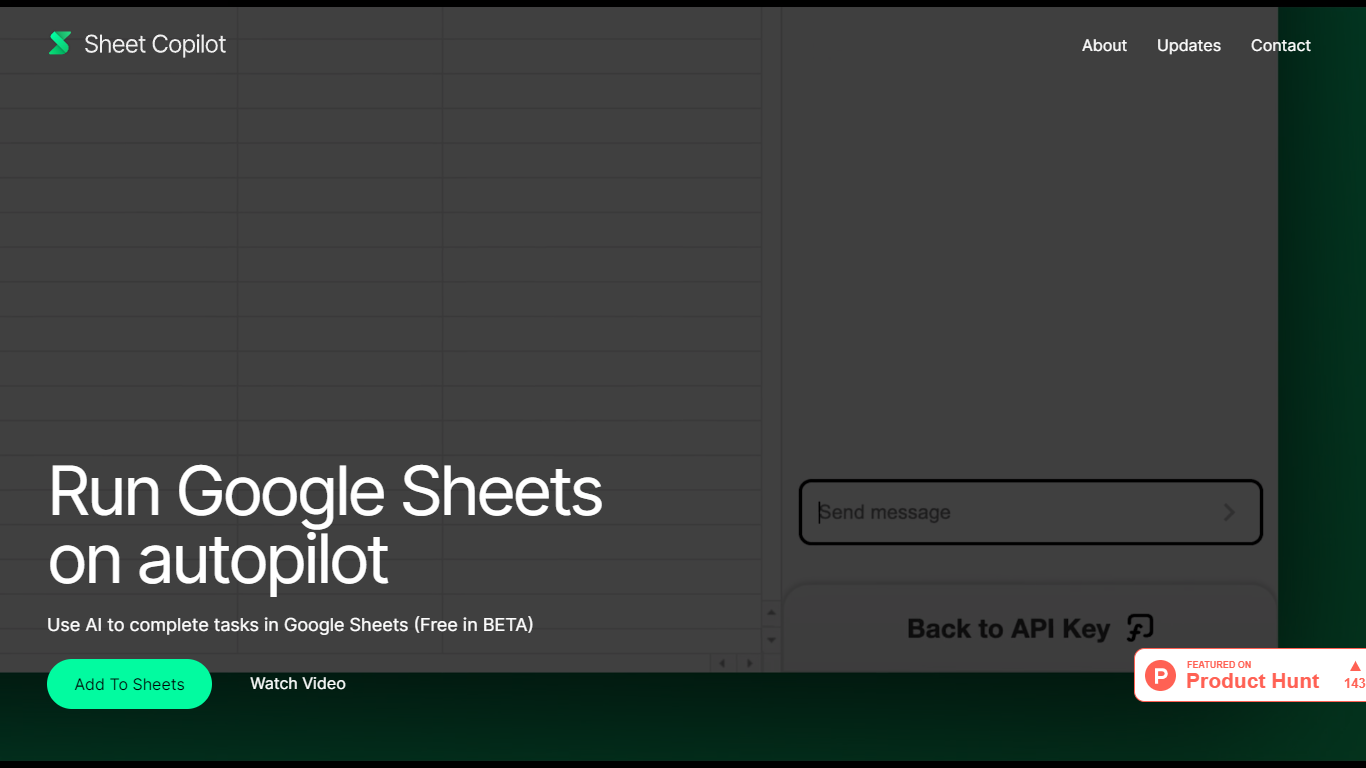
What is Sheet Copilot?
Install Sheet Copilot from the Google Workspace Marketplace and you get a chat sidebar inside Google Sheets. Describe the outcome you want in plain language, connect your OpenAI API key, and the add-on uses GPT-4 to build formulas, apply formatting, and create charts while you watch each step land in the spreadsheet.
Most spreadsheet copilots either sit outside Google Sheets or bundle model costs into a subscription. Sheet Copilot keeps you in the sheet, charges nothing for the add-on during its beta period on the marketplace listing, and sends model usage to your own OpenAI account instead of wrapping it in vendor pricing.
The marketplace listing shows more than 83,000 installations, labels pricing as free of charge with paid features, and was last updated in September 2024. Your OpenAI key stays in your Google account per the listing, and support runs through [email protected]. The sheetcopilot.ai marketing site links to the same marketplace install button.
Finance teams, analysts, and educators who picked Google Sheets for Excel-style work can offload routine formulas, table cleanup, and quick charts without opening another analytics app.
Commabot Upvotes
Sheet Copilot Upvotes
Commabot Top Features
Upload a single CSV file at a time and ask questions in plain English to explore and modify your data
Generate charts and summaries from uploaded files through the chat interface
Clean and transform tabular data without writing spreadsheet formulas
Standardize phone numbers to E.164 format through dedicated contact prep workflows
Format contact lists for HubSpot or Salesforce import using workflow templates
Merge multiple contact lists into one consolidated dataset
Workflow templates show usage count and average processing time before you run them
Sheet Copilot Top Features
Uses GPT-4 to build formulas, apply formatting, and create charts from chat instructions
More than 83,000 installations listed on the Google Workspace Marketplace page
Free during beta on the marketplace listing with paid features noted separately
Your OpenAI API key is stored in your Google account, not on Sheet Copilot servers
Runs as a Google Sheets add-on with a sidebar inside Google Workspace
Shows spreadsheet changes in real time as the assistant executes each step
Commabot Category
- Excel
Sheet Copilot Category
- Excel
Commabot Pricing Type
- Free
Sheet Copilot Pricing Type
- Freemium