Atomic vs Scribe
In the contest of Atomic vs Scribe, which AI Productivity tool is the champion? We evaluate pricing, alternatives, upvotes, features, reviews, and more.
If you had to choose between Atomic and Scribe, which one would you go for?
When we examine Atomic and Scribe, both of which are AI-enabled productivity tools, what unique characteristics do we discover? The users have made their preference clear, Scribe leads in upvotes. Scribe has attracted 17 upvotes from aitools.fyi users, and Atomic has attracted 3 upvotes.
Does the result make you go "hmm"? Cast your vote and turn that frown upside down!
Atomic

What is Atomic?
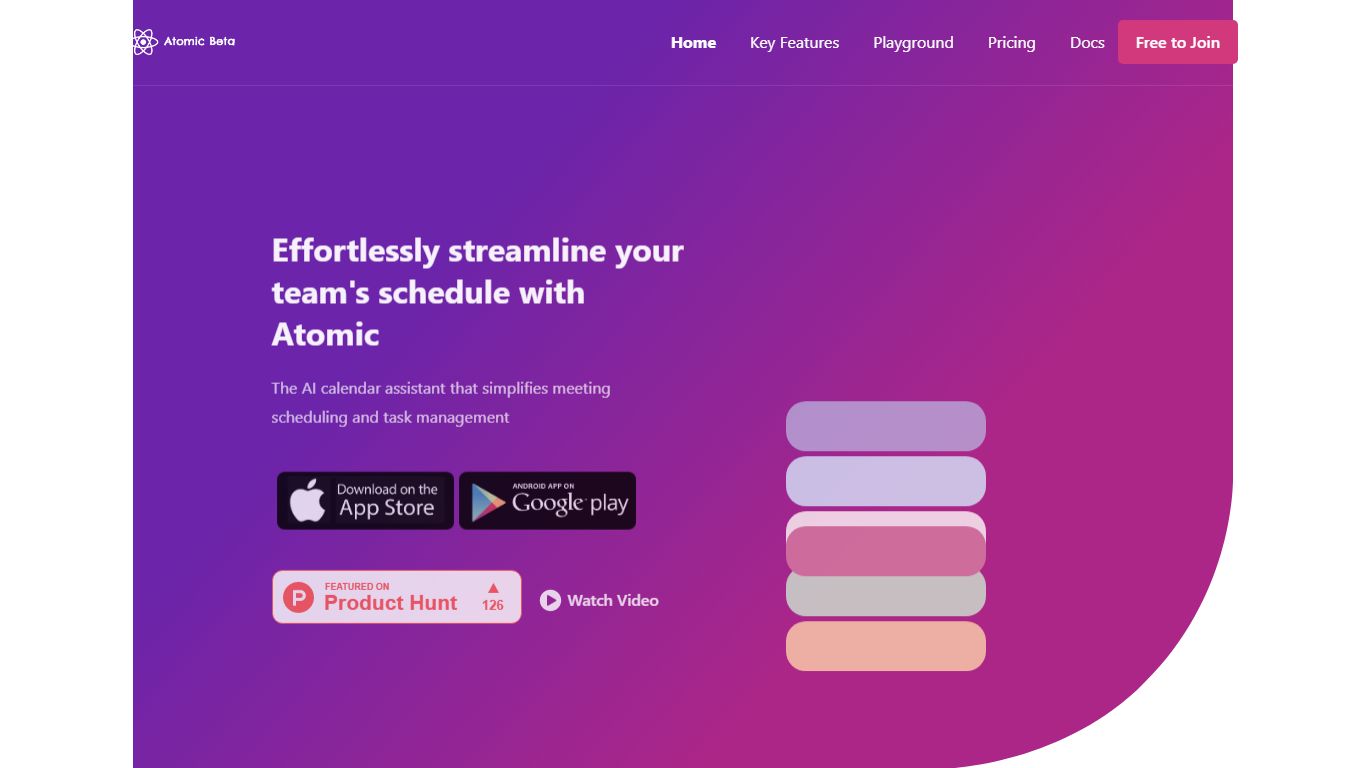
Introducing Atomic - the ultimate solution for teams struggling with inefficient scheduling and task management. As a self-hostable AI calendar assistant, Atomic simplifies the process of scheduling meetings and managing tasks for teams. With features like semantic search, automated event tagging, and customizable time blocking, you'll be able to streamline your schedule and get more done. Plus, with self-hosting options and customizable features, you can have full control over your data and tailor the app to your specific needs.
Schedule recurring 1:1 meetings and flexible team meetings with ease
Augment events with time preferences and other attributes like tags and colors
Automated time blocking of tasks based on deadline and priority information
AI planner takes every attendee's calendar into account when scheduling new meetings
Autopilot feature runs daily to ensure that all of your meetings are scheduled and organized
Atomic is the perfect tool for teams who are tired of the constant back and forth of scheduling and the disorganized tasks. With Atomic, you'll be able to focus on what matters most - your work. Try Atomic today and start living the vision of effortless scheduling and task management.
Scribe
What is Scribe?
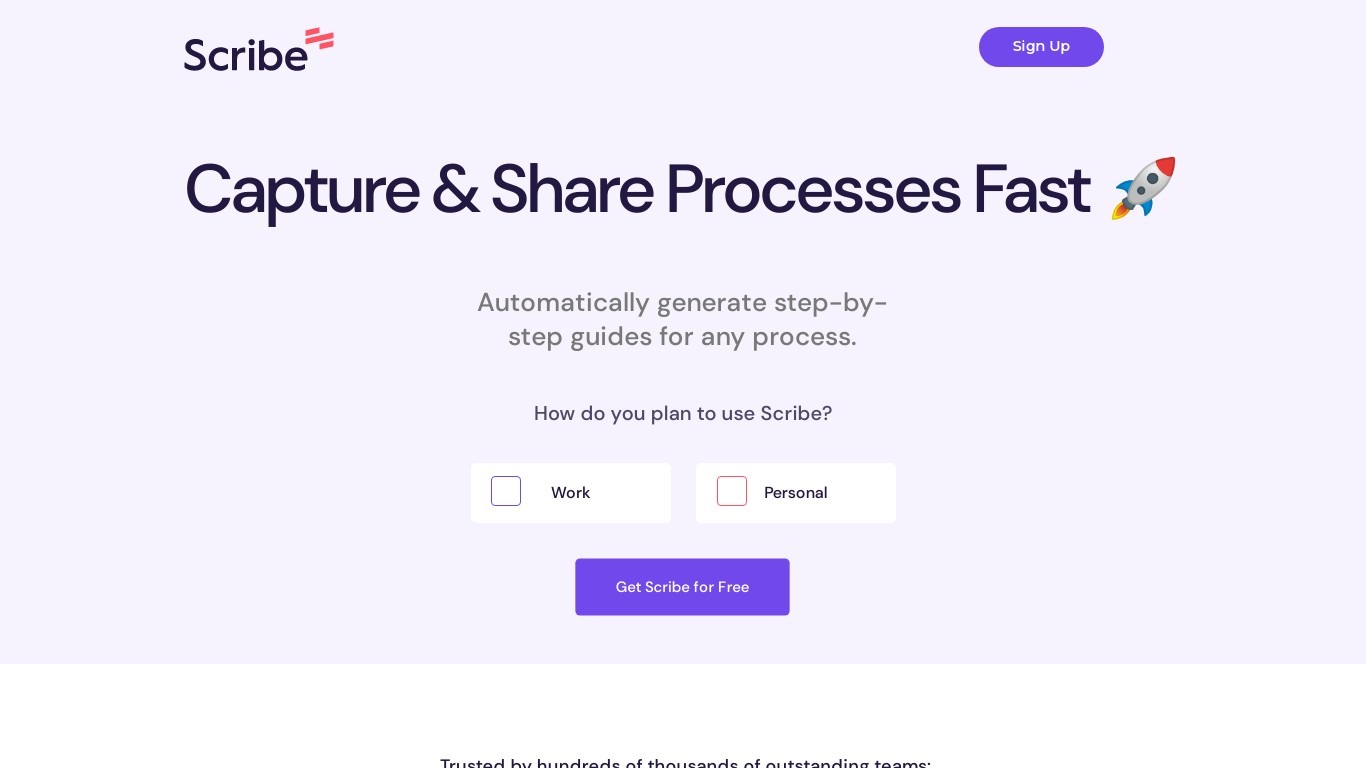
Scribe captures how work actually gets done and turns it into step-by-step guides your team and AI agents can follow. It records workflows as people perform them in the browser, desktop, or mobile apps, then generates documentation without manual screenshots or write-ups. Teams use it for SOPs, training, onboarding, and feeding workflow context to AI tools.
Where most documentation tools expect you to write guides from memory or schedule walkthroughs, Scribe watches real workflows and documents them automatically. Capture surfaces the processes teams run most often and turns them into shareable guides, while Optimize maps inefficiencies across approved apps and recommends where to automate or invest in AI.
Operations, IT, HR, and enablement teams rely on Scribe to share tribal knowledge before someone goes on PTO. Companies rolling out new software or building AI agent roadmaps use it to give bots accurate workflow context through MCP and enterprise search APIs.
Atomic Upvotes
Scribe Upvotes
Atomic Top Features
No top features listedScribe Top Features
Records any workflow and outputs a polished step-by-step guide automatically
Chrome and Edge extensions plus desktop apps capture web, mobile, and desktop processes
Export guides to PDF, HTML, Markdown, or Word, or embed them anywhere
Pro Team starts at 5 seats with comments and collaboration on shared guides
Feed workflow context to AI assistants through MCP and enterprise search API
Enterprise auto-redaction for PII and PHI with SOC 2 Type II and HIPAA compliance
Atomic Category
- Productivity
Scribe Category
- Productivity
Atomic Pricing Type
- Freemium
Scribe Pricing Type
- Freemium