
Last updated 08-22-2026
Category:
Reviews:
Join thousands of AI enthusiasts in the World of AI!
Scribe
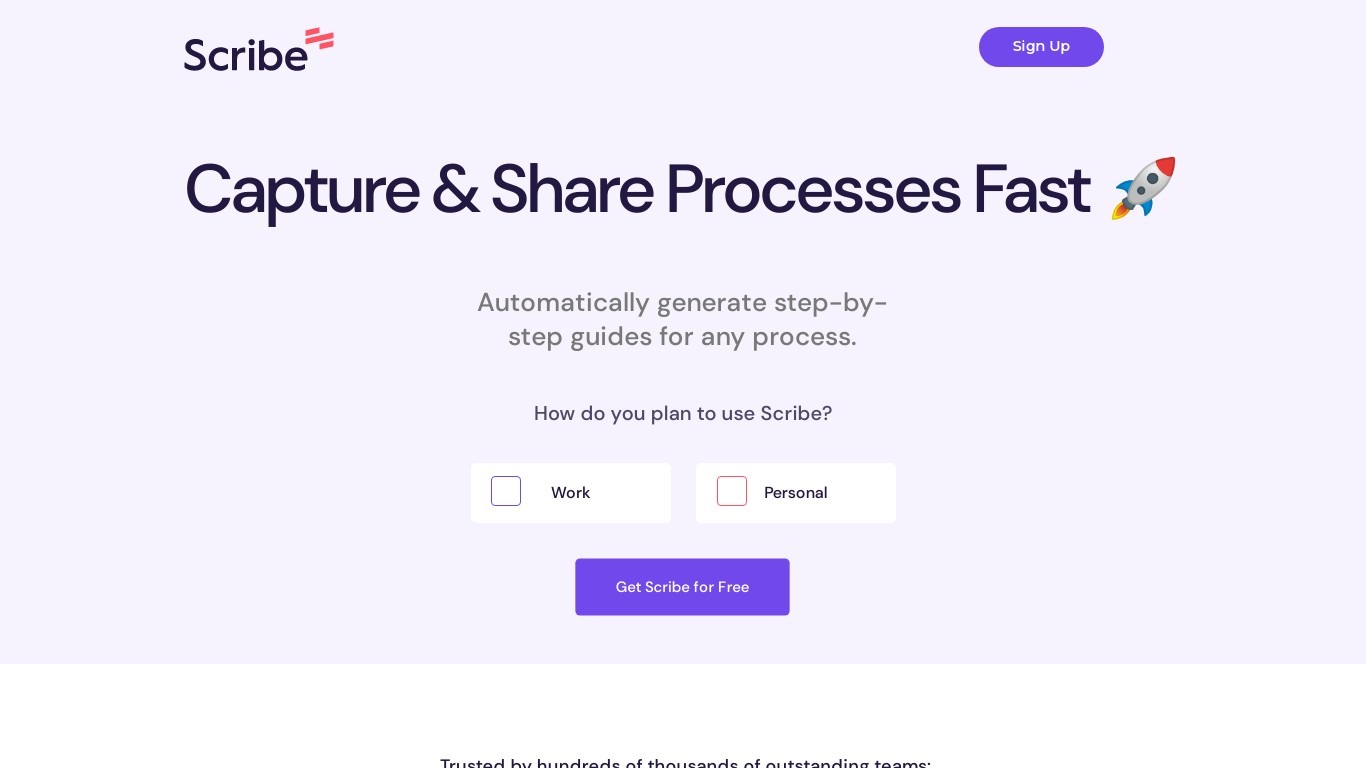
Scribe captures how work actually gets done and turns it into step-by-step guides your team and AI agents can follow. It records workflows as people perform them in the browser, desktop, or mobile apps, then generates documentation without manual screenshots or write-ups. Teams use it for SOPs, training, onboarding, and feeding workflow context to AI tools.
Where most documentation tools expect you to write guides from memory or schedule walkthroughs, Scribe watches real workflows and documents them automatically. Capture surfaces the processes teams run most often and turns them into shareable guides, while Optimize maps inefficiencies across approved apps and recommends where to automate or invest in AI.
Operations, IT, HR, and enablement teams rely on Scribe to share tribal knowledge before someone goes on PTO. Companies rolling out new software or building AI agent roadmaps use it to give bots accurate workflow context through MCP and enterprise search APIs.
Records any workflow and outputs a polished step-by-step guide automatically
Chrome and Edge extensions plus desktop apps capture web, mobile, and desktop processes
Export guides to PDF, HTML, Markdown, or Word, or embed them anywhere
Pro Team starts at 5 seats with comments and collaboration on shared guides
Feed workflow context to AI assistants through MCP and enterprise search API
Enterprise auto-redaction for PII and PHI with SOC 2 Type II and HIPAA compliance
Free Basic tier documents web app workflows in the browser with no seat minimum.
Pro plans capture desktop and mobile processes with branding, redaction, and multi-format exports.
Connects documented workflows to AI tools through MCP and an enterprise search API.
Meets SOC 2 Type II, HIPAA, GDPR, and FERPA compliance standards for enterprise rollout.
Desktop and mobile capture are not available on the free Basic plan.
Pro Team requires a minimum of five seats.
Enterprise pricing is custom and requires scheduling a demo with sales.
Does Scribe have a free plan?
Yes. Scribe offers a free Basic plan that works in the browser to generate how-to guides for web apps, with quick customization and shareable links. Paid Pro and Enterprise tiers add desktop capture, branding, exports, and advanced security.
Can Scribe capture desktop applications?
Desktop and mobile app capture requires a Scribe Pro Personal, Pro Team, or Enterprise plan. The free Basic plan only captures processes in web apps through the browser extension.
How much does Scribe Pro cost?
Scribe Pro Personal starts at $35 per seat per month, or $25 per seat per month when billed annually. Pro Team starts at $17 per seat per month, or $13 per seat per month annually, with a minimum of five seats.
What integrations does Scribe support?
Scribe connects workflow context to AI chatbots, knowledge bases, wikis, and LMS platforms through its enterprise search API and MCP. Featured integrations include Confluence, Microsoft Copilot, and Slack.
Is Scribe secure for enterprise teams?
Scribe meets SOC 2 Type II, HIPAA, CCPA, GDPR, and FERPA standards. Enterprise plans add SSO, SCIM provisioning, role-based access control, automatic PII and PHI redaction, and IP whitelisting.
Can Scribe help train AI agents?
Yes. Scribe documents real workflows and shares that context with AI assistants, chatbots, and agents through MCP and API integrations, so agents understand how work actually gets done at your company.