Atoms vs CodeMate
In the clash of Atoms vs CodeMate, which AI Code Assistant tool emerges victorious? We assess reviews, pricing, alternatives, features, upvotes, and more.
When we put Atoms and CodeMate head to head, which one emerges as the victor?
Let's take a closer look at Atoms and CodeMate, both of which are AI-driven code assistant tools, and see what sets them apart. Atoms stands out as the clear frontrunner in terms of upvotes. The upvote count for Atoms is 92, and for CodeMate it's 6.
Disagree with the result? Upvote your favorite tool and help it win!
Atoms
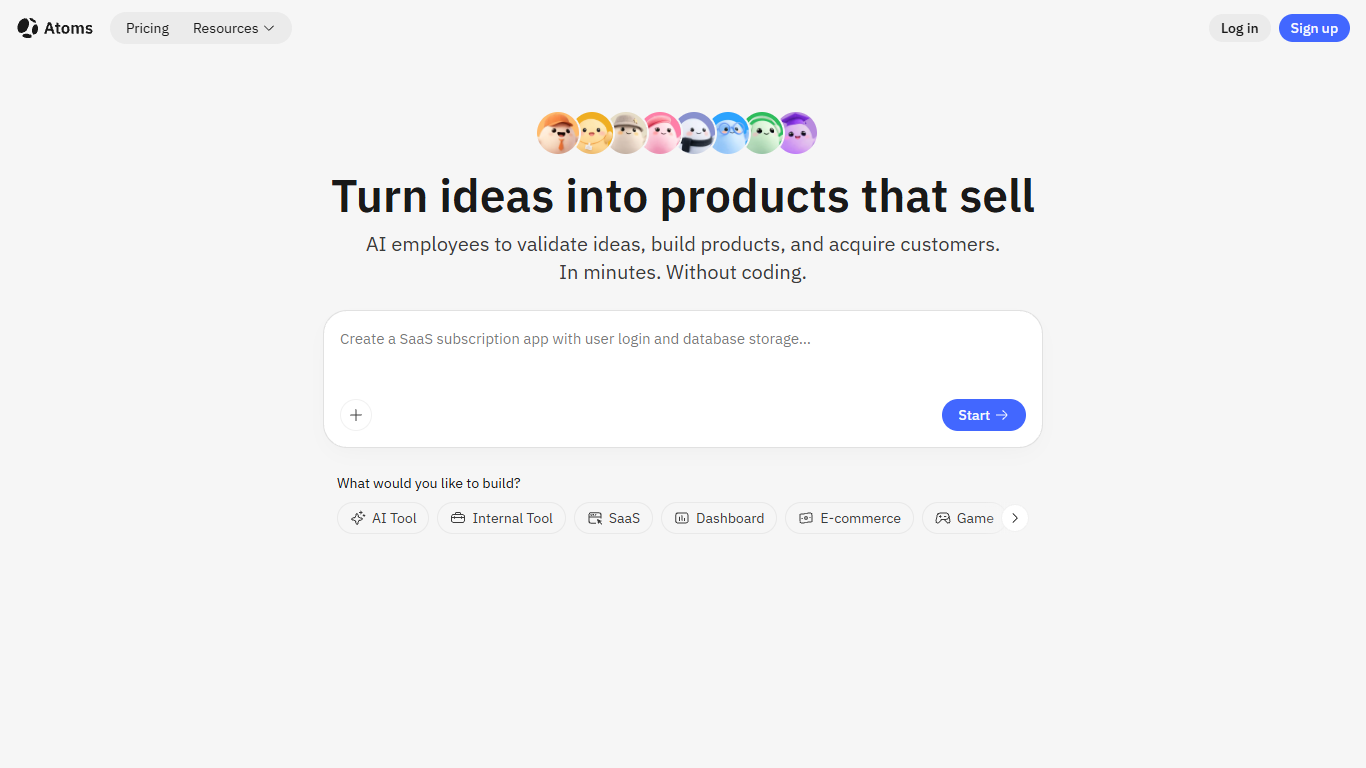

What is Atoms?
Describe a product in chat and Atoms assigns a team of coding agents to research, architect, build, test, and deploy a full-stack app with login, database, Stripe payments, and hosting. Named agents cover product management, engineering, SEO, Google Ads, and data analysis in one workflow. The platform evolved from the MetaGPT open-source multi-agent framework and reports 1M+ builders across 170+ countries.
Most vibe-coding tools stop at a frontend mockup. Atoms assigns named agents (Product Manager Emma, Engineer Alex, SEO Specialist Sarah, Ads Specialist Adrian, and others) to cover research through customer acquisition in one workflow. Race Mode runs prompts across multiple models for higher accuracy on Max plans, and you can export code or sync to GitHub when you outgrow the hosted builder.
Solo founders, indie hackers, and non-technical teams use Atoms to ship SaaS subscriptions, internal dashboards, portfolios, and e-commerce pages without hiring a dev shop. One-click publishing handles hosting, while built-in SEO and Google Ads agents target paying customers from day one.
CodeMate
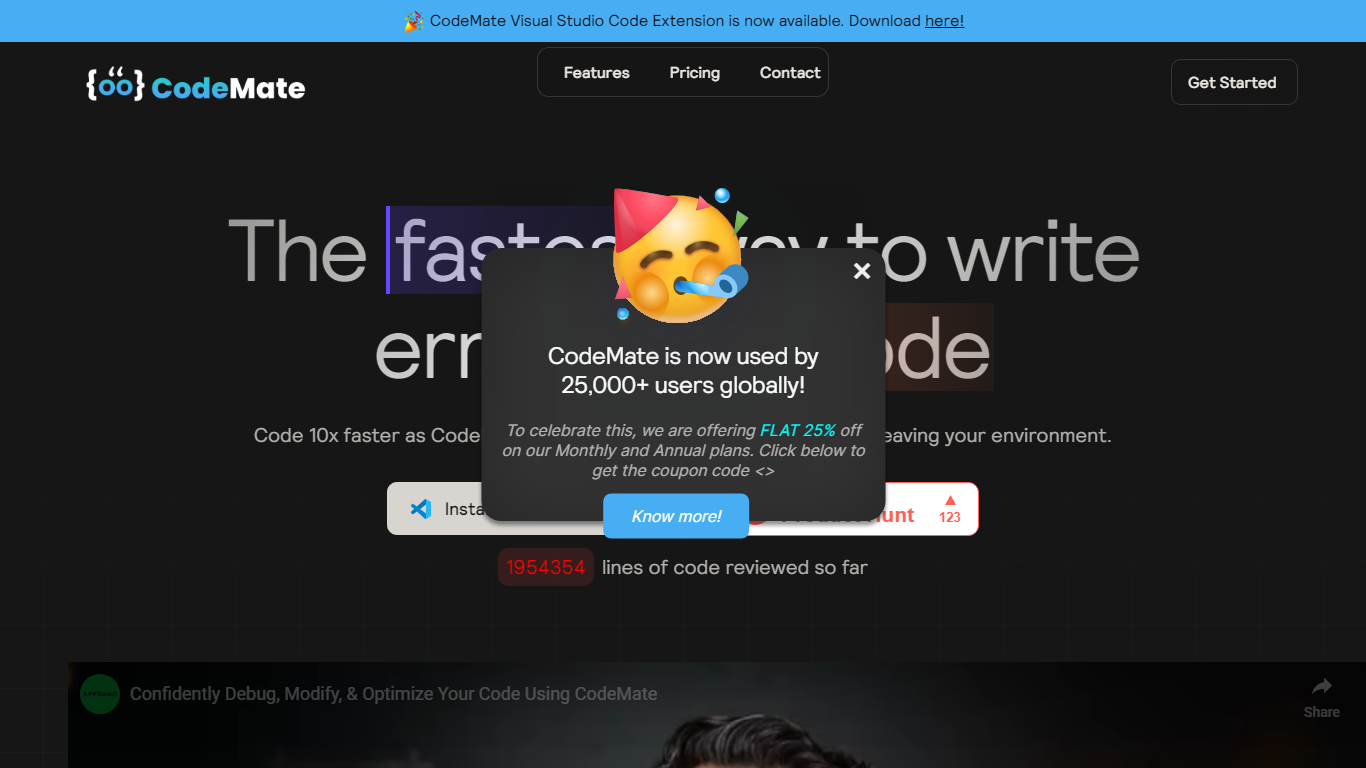
What is CodeMate?
CodeMate helps teams build, review, debug, and ship software from one stack. Its product line spans CodeMate Build for prompt and Figma-to-code generation, CORA as an in-IDE coding agent, a PR review bot for GitHub and GitLab, an AI terminal, and an education portal for classrooms. Developers and non-developers use it to move from idea to deployable app without juggling separate tools.
Where single-purpose copilots only autocomplete lines, CodeMate covers the full lifecycle: design mode for UI components, codemaps for navigating legacy repos, custom skills that learn team standards, and on-device options for secure enterprise deployments. The site claims users ship clean code up to 80% faster with automated PR reviews and reports 55% faster coding across more than 1 million developers.
Individual builders start with a 14-day PRO trial at app.codemate.ai, while enterprises book calls for hybrid on-prem setups. VS Code extensions, desktop ToolBox downloads for macOS, Windows, and Linux, and integrations with Bitbucket and Azure DevOps round out the deployment paths.
Atoms Upvotes
CodeMate Upvotes
Atoms Top Features
Eight named agents (research, architecture, engineering, SEO, ads, PM, team lead, data) coordinate builds from chat
Atoms Cloud ships user login, database, Stripe payments, and one-click hosting without separate backend setup
Free plan includes 15 daily credits (up to 25 per month), 2 GB storage, and 2 backend projects
Race Mode on Max plans runs prompts across multiple models for up to 3x accuracy improvement
Visual editor plus GitHub export and code download for full ownership of generated projects
Built-in SEO and Google Ads agents automate page optimization and campaign management
CodeMate Top Features
CodeMate Build turns prompts and Figma designs into deployable apps with design mode support
CORA acts as an end-to-end IDE agent for writing, securing, and quality-gating code
PR Review Agent automates reviews on GitHub, GitLab, Bitbucket, and Azure DevOps
14-day PRO trial advertised on the CodeMate homepage before paid plans
ToolBox desktop app available for macOS, Windows, and Linux with ARM and x64 builds
Codemaps visualize codebase structure, dependencies, and relationships inside the IDE
Atoms Category
- Code Assistant
CodeMate Category
- Code Assistant
Atoms Pricing Type
- Freemium
CodeMate Pricing Type
- Freemium