
Last updated 08-14-2026
Category:
Reviews:
Join thousands of AI enthusiasts in the World of AI!
CodeMate
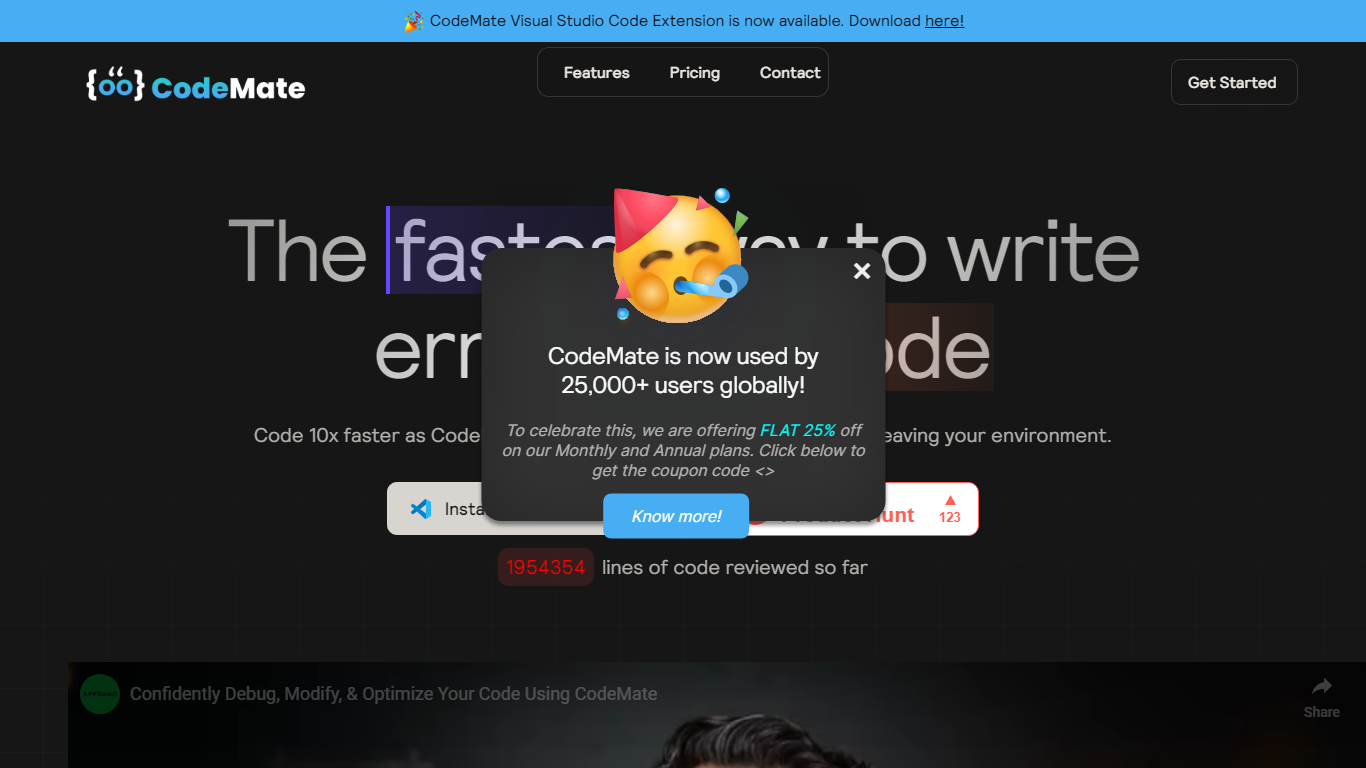
CodeMate helps teams build, review, debug, and ship software from one stack. Its product line spans CodeMate Build for prompt and Figma-to-code generation, CORA as an in-IDE coding agent, a PR review bot for GitHub and GitLab, an AI terminal, and an education portal for classrooms. Developers and non-developers use it to move from idea to deployable app without juggling separate tools.
Where single-purpose copilots only autocomplete lines, CodeMate covers the full lifecycle: design mode for UI components, codemaps for navigating legacy repos, custom skills that learn team standards, and on-device options for secure enterprise deployments. The site claims users ship clean code up to 80% faster with automated PR reviews and reports 55% faster coding across more than 1 million developers.
Individual builders start with a 14-day PRO trial at app.codemate.ai, while enterprises book calls for hybrid on-prem setups. VS Code extensions, desktop ToolBox downloads for macOS, Windows, and Linux, and integrations with Bitbucket and Azure DevOps round out the deployment paths.
CodeMate Build turns prompts and Figma designs into deployable apps with design mode support
CORA acts as an end-to-end IDE agent for writing, securing, and quality-gating code
PR Review Agent automates reviews on GitHub, GitLab, Bitbucket, and Azure DevOps
14-day PRO trial advertised on the CodeMate homepage before paid plans
ToolBox desktop app available for macOS, Windows, and Linux with ARM and x64 builds
Codemaps visualize codebase structure, dependencies, and relationships inside the IDE
Covers build, review, debug, and education in one SDLC platform instead of separate copilots.
PR review agent supports four major Git hosts out of the box.
Desktop ToolBox and on-device AI options suit security-conscious enterprise teams.
Public plan pricing is not listed on the marketing site; enterprise sales require a contact call.
Wide product lineup can take time to learn compared to a single-purpose coding extension.
What is CodeMate CORA?
CodeMate CORA is CodeMate's end-to-end AI coding agent for writing, securing, and quality-gating code directly in your IDE. CodeMate markets CORA as state-of-the-art and supports custom skills trained on team coding standards.
Does CodeMate integrate with GitHub?
Yes. CodeMate PR Review Agent integrates with GitHub, GitLab, Bitbucket, and Azure DevOps according to codemate.ai. CodeMate automates code reviews and security analysis inside those version control platforms.
Can CodeMate convert Figma designs to code?
Yes. CodeMate Build connects Figma designs to export responsive, production-ready code. CodeMate also offers design mode for generating UI components and layouts from visual ideas.
Is there a free trial for CodeMate?
Yes. CodeMate offers 14 days of PRO for free on codemate.ai. You can also try CodeMate for free at app.codemate.ai or download the desktop ToolBox.
What platforms does CodeMate ToolBox support?
CodeMate ToolBox downloads are available for Windows ARM and x64, macOS ARM64 and Universal builds, and Linux according to codemate.ai/download. CodeMate also ships VS Code extensions for in-editor use.
Who is CodeMate built for?
CodeMate targets developers and non-developers who need to ship software faster, plus enterprise teams modernizing legacy systems. CodeMate claims trust from more than 1 million developers and customers including Dell, Amazon, and Maruti Suzuki.