TableSprint vs CodeMate
Dive into the comparison of TableSprint vs CodeMate and discover which AI Code Assistant tool stands out. We examine alternatives, upvotes, features, reviews, pricing, and beyond.
In a comparison between TableSprint and CodeMate, which one comes out on top?
When we compare TableSprint and CodeMate, two exceptional code assistant tools powered by artificial intelligence, and place them side by side, several key similarities and differences come to light. Neither tool takes the lead, as they both have the same upvote count. Every vote counts! Cast yours and contribute to the decision of the winner.
Does the result make you go "hmm"? Cast your vote and turn that frown upside down!
TableSprint
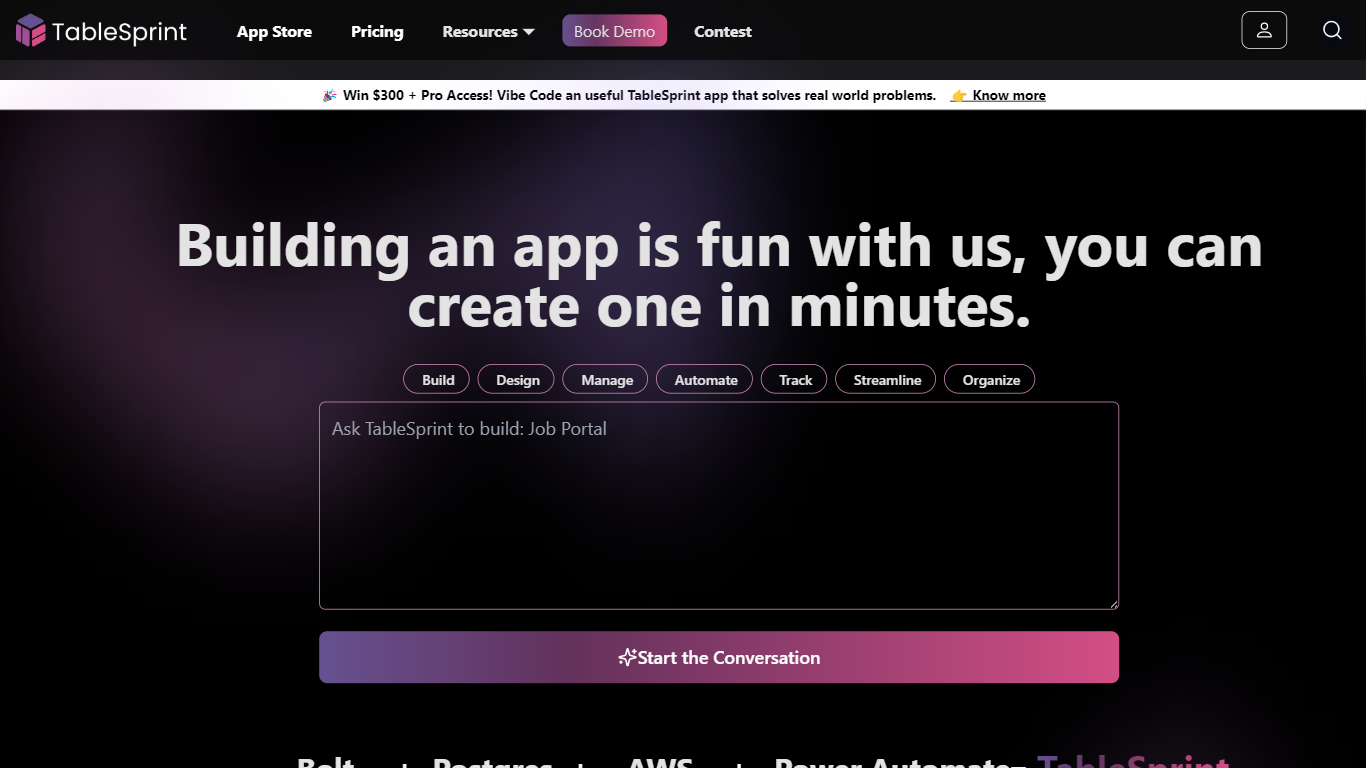

What is TableSprint?
TableSprint lets founders, sales, ops, and enterprise teams deploy voice, chat, email, and workflow agents without engineering bandwidth. The workspace also includes worksheets, forms, live dashboards, admin panels, and mobile views so custom internal apps and agents share one database. The app store ships ready-made agents for outbound SDR calls, chat support, invoicing, and media editing, each tagged free or premium.
Most teams buy a low-code builder and bolt on agent tools later. TableSprint merges agent deployment with worksheets, forms, permissions, and instant deploy in the same stack. Docs pitch replacing five tools and building an operations platform in two weeks instead of six months, with one chat agent claiming up to 60% fewer support tickets.
Founders, sales, ops, and enterprise teams that need agents in production fast fit TableSprint best. It targets teams without spare engineering bandwidth who still want voice and chat automation beside internal apps and live dashboards.
CodeMate
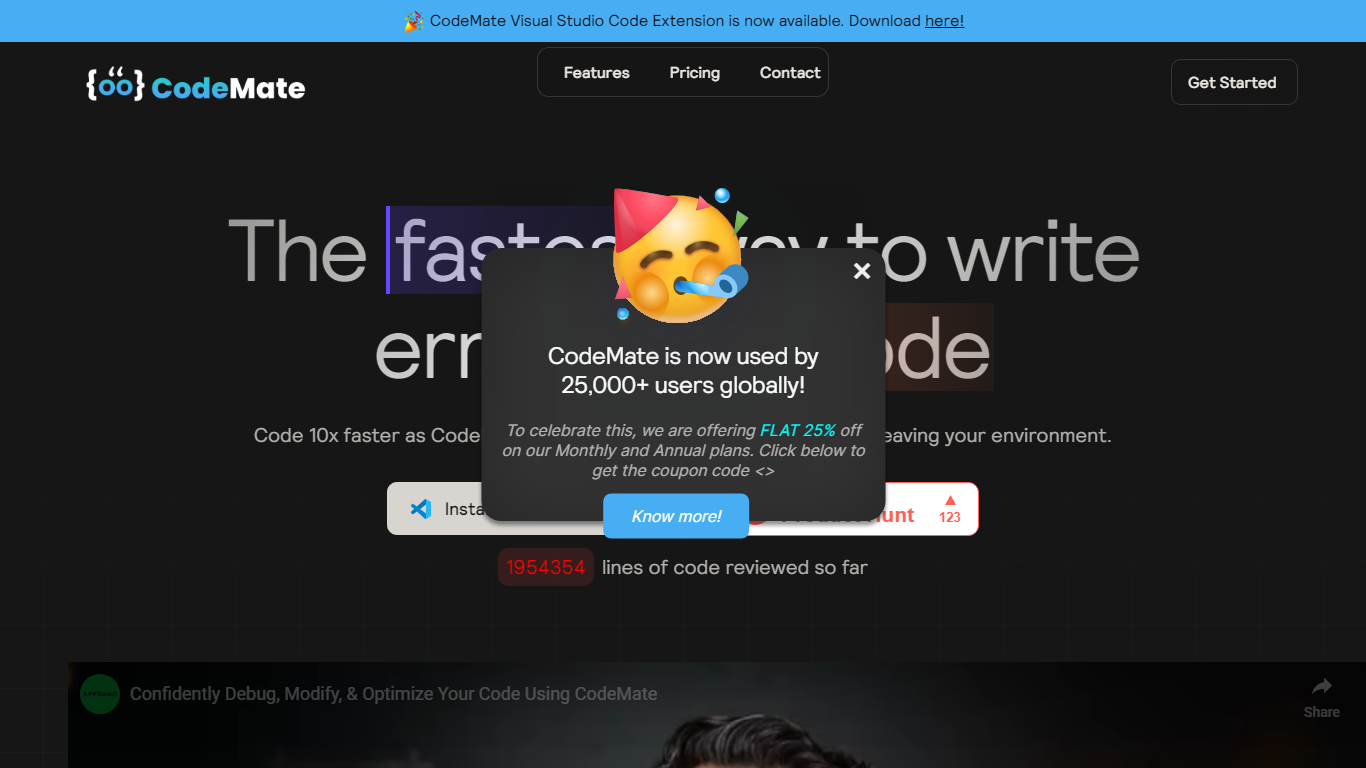
What is CodeMate?
CodeMate helps teams build, review, debug, and ship software from one stack. Its product line spans CodeMate Build for prompt and Figma-to-code generation, CORA as an in-IDE coding agent, a PR review bot for GitHub and GitLab, an AI terminal, and an education portal for classrooms. Developers and non-developers use it to move from idea to deployable app without juggling separate tools.
Where single-purpose copilots only autocomplete lines, CodeMate covers the full lifecycle: design mode for UI components, codemaps for navigating legacy repos, custom skills that learn team standards, and on-device options for secure enterprise deployments. The site claims users ship clean code up to 80% faster with automated PR reviews and reports 55% faster coding across more than 1 million developers.
Individual builders start with a 14-day PRO trial at app.codemate.ai, while enterprises book calls for hybrid on-prem setups. VS Code extensions, desktop ToolBox downloads for macOS, Windows, and Linux, and integrations with Bitbucket and Azure DevOps round out the deployment paths.
TableSprint Upvotes
CodeMate Upvotes
TableSprint Top Features
App store lists free and premium agents for sales calls, support, and media editing
Chat Support Agent claims up to 60% fewer support tickets with 24/7 FAQ handling
Customer testimonial cites replacing 5 tools and shipping an ops platform in 2 weeks
Funding data lists $1 million raised, founded 2024, and about 10 employees
Outbound Calling SDR agent runs proactive sales calls and books demos into your calendar
CodeMate Top Features
CodeMate Build turns prompts and Figma designs into deployable apps with design mode support
CORA acts as an end-to-end IDE agent for writing, securing, and quality-gating code
PR Review Agent automates reviews on GitHub, GitLab, Bitbucket, and Azure DevOps
14-day PRO trial advertised on the CodeMate homepage before paid plans
ToolBox desktop app available for macOS, Windows, and Linux with ARM and x64 builds
Codemaps visualize codebase structure, dependencies, and relationships inside the IDE
TableSprint Category
- Code Assistant
CodeMate Category
- Code Assistant
TableSprint Pricing Type
- Freemium
CodeMate Pricing Type
- Freemium