HuggingChat vs CodeMate
In the contest of HuggingChat vs CodeMate, which AI Code Assistant tool is the champion? We evaluate pricing, alternatives, upvotes, features, reviews, and more.
If you had to choose between HuggingChat and CodeMate, which one would you go for?
When we examine HuggingChat and CodeMate, both of which are AI-enabled code assistant tools, what unique characteristics do we discover? Both tools are equally favored, as indicated by the identical upvote count. Join the aitools.fyi users in deciding the winner by casting your vote.
You don't agree with the result? Cast your vote to help us decide!
HuggingChat
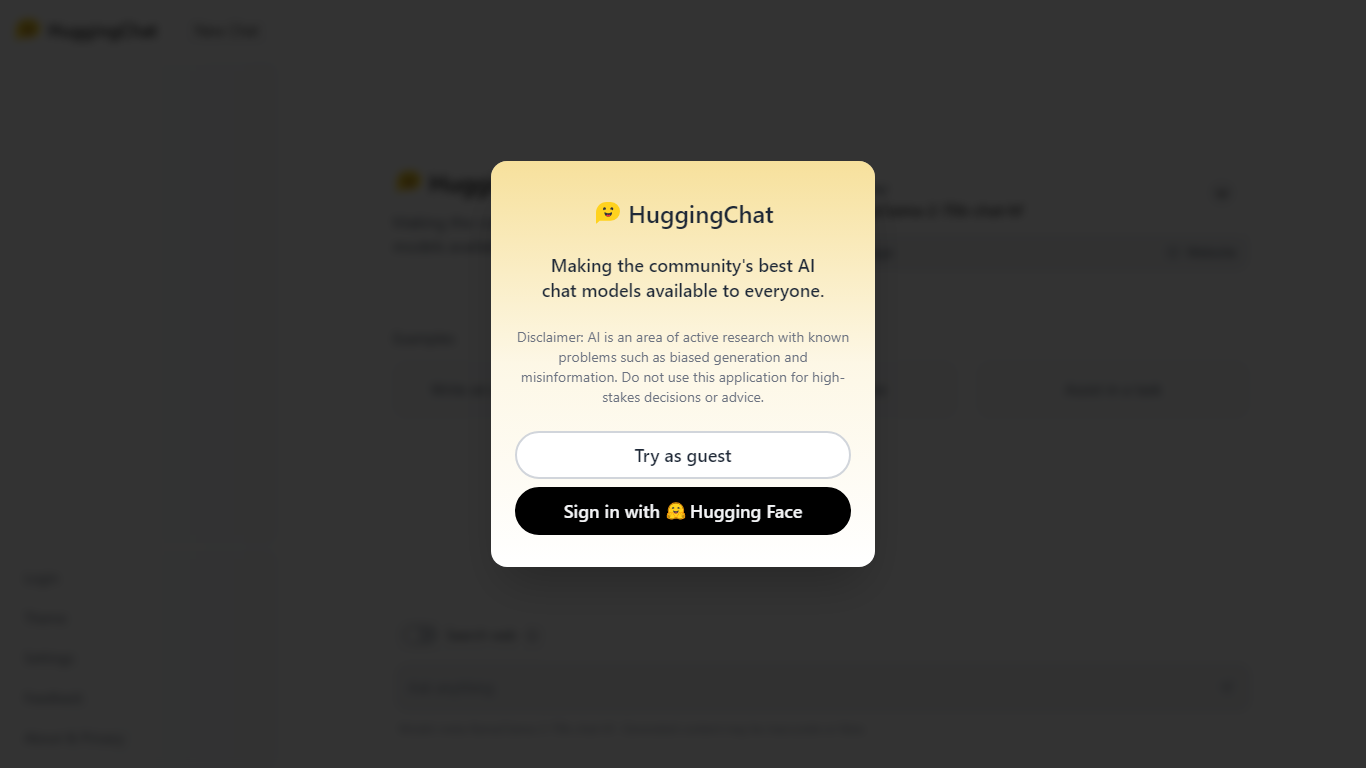

What is HuggingChat?
HuggingChat is a free chat assistant that runs open source AI models from the Hugging Face community. Pick a model directly or let Omni route your prompt to the best available option. The interface supports image generation, web tasks, dataset search, and MCP tool connections alongside standard text chat.
Closed chatbots lock you into one vendor model. HuggingChat exposes 137 open source models you can switch between mid-conversation, including newcomers like DeepSeek V4 Flash with a 1M-token context window. The trade-off is variable quality across models and a Hugging Face account requirement to save chats.
Developers, researchers, and curious users reach for it to test Llama, DeepSeek, and other community models without API keys or local GPU setup. Hugging Face positions it as making the community's best chat models available to everyone.
CodeMate
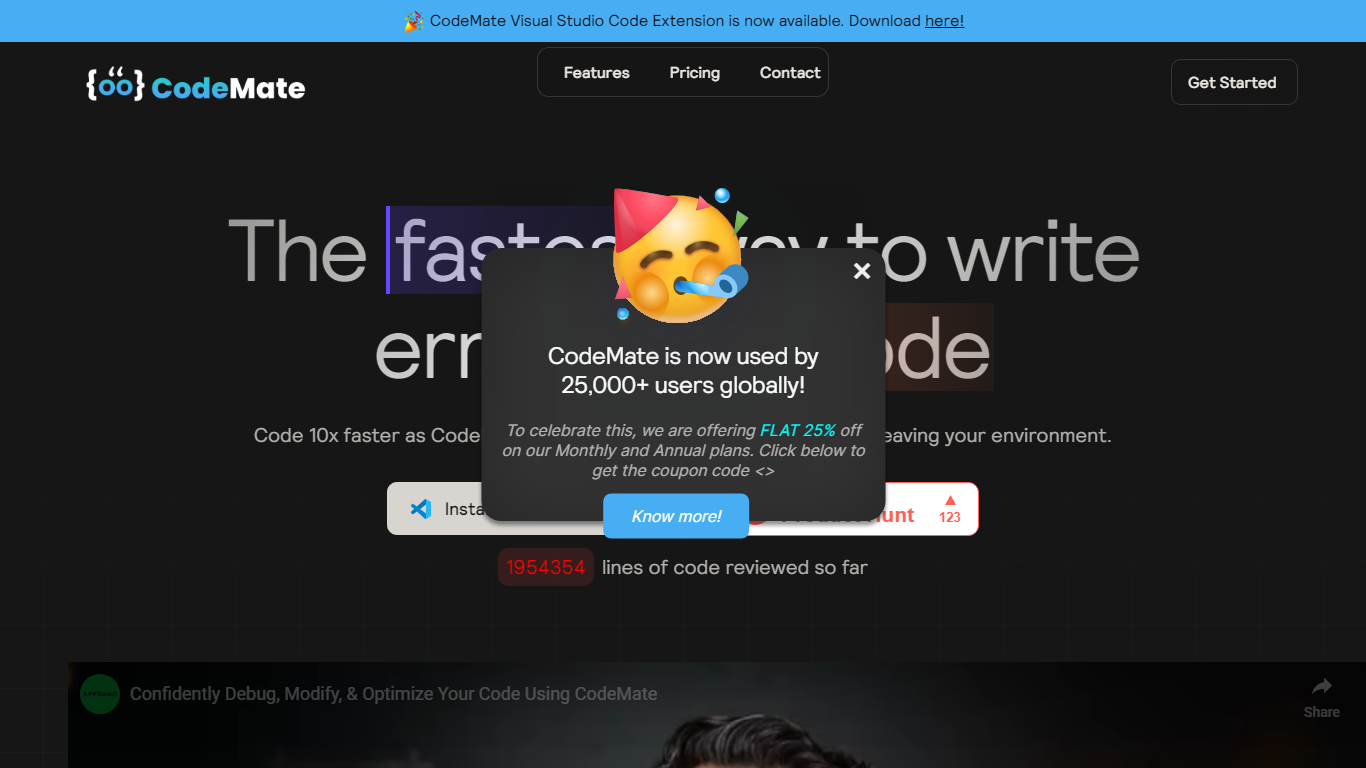
What is CodeMate?
CodeMate helps teams build, review, debug, and ship software from one stack. Its product line spans CodeMate Build for prompt and Figma-to-code generation, CORA as an in-IDE coding agent, a PR review bot for GitHub and GitLab, an AI terminal, and an education portal for classrooms. Developers and non-developers use it to move from idea to deployable app without juggling separate tools.
Where single-purpose copilots only autocomplete lines, CodeMate covers the full lifecycle: design mode for UI components, codemaps for navigating legacy repos, custom skills that learn team standards, and on-device options for secure enterprise deployments. The site claims users ship clean code up to 80% faster with automated PR reviews and reports 55% faster coding across more than 1 million developers.
Individual builders start with a 14-day PRO trial at app.codemate.ai, while enterprises book calls for hybrid on-prem setups. VS Code extensions, desktop ToolBox downloads for macOS, Windows, and Linux, and integrations with Bitbucket and Azure DevOps round out the deployment paths.
HuggingChat Upvotes
CodeMate Upvotes
HuggingChat Top Features
Choose from 137 open source chat models or let Omni auto-select the best fit
DeepSeek V4 Flash offers a 1M-token context window and adjustable thinking modes
MCP (Model Context Protocol) connections extend chat with external tools
Built-in prompts cover image generation, website building, and dataset search
Free to use with a Hugging Face account for chat history and settings
New Chat shortcut and per-model settings pages for application and Omni routing
Powered by Hugging Face with DR 91 on the parent domain
CodeMate Top Features
CodeMate Build turns prompts and Figma designs into deployable apps with design mode support
CORA acts as an end-to-end IDE agent for writing, securing, and quality-gating code
PR Review Agent automates reviews on GitHub, GitLab, Bitbucket, and Azure DevOps
14-day PRO trial advertised on the CodeMate homepage before paid plans
ToolBox desktop app available for macOS, Windows, and Linux with ARM and x64 builds
Codemaps visualize codebase structure, dependencies, and relationships inside the IDE
HuggingChat Category
- Code Assistant
CodeMate Category
- Code Assistant
HuggingChat Pricing Type
- Free
CodeMate Pricing Type
- Freemium