CodeMate vs Gorilla Terminal
Compare CodeMate vs Gorilla Terminal and see which AI Code Assistant tool is better when we compare features, reviews, pricing, alternatives, upvotes, etc.
Which one is better? CodeMate or Gorilla Terminal?
When we compare CodeMate with Gorilla Terminal, which are both AI-powered code assistant tools, The upvote count reveals a draw, with both tools earning the same number of upvotes. Every vote counts! Cast yours and contribute to the decision of the winner.
Think we got it wrong? Cast your vote and show us who's boss!
CodeMate
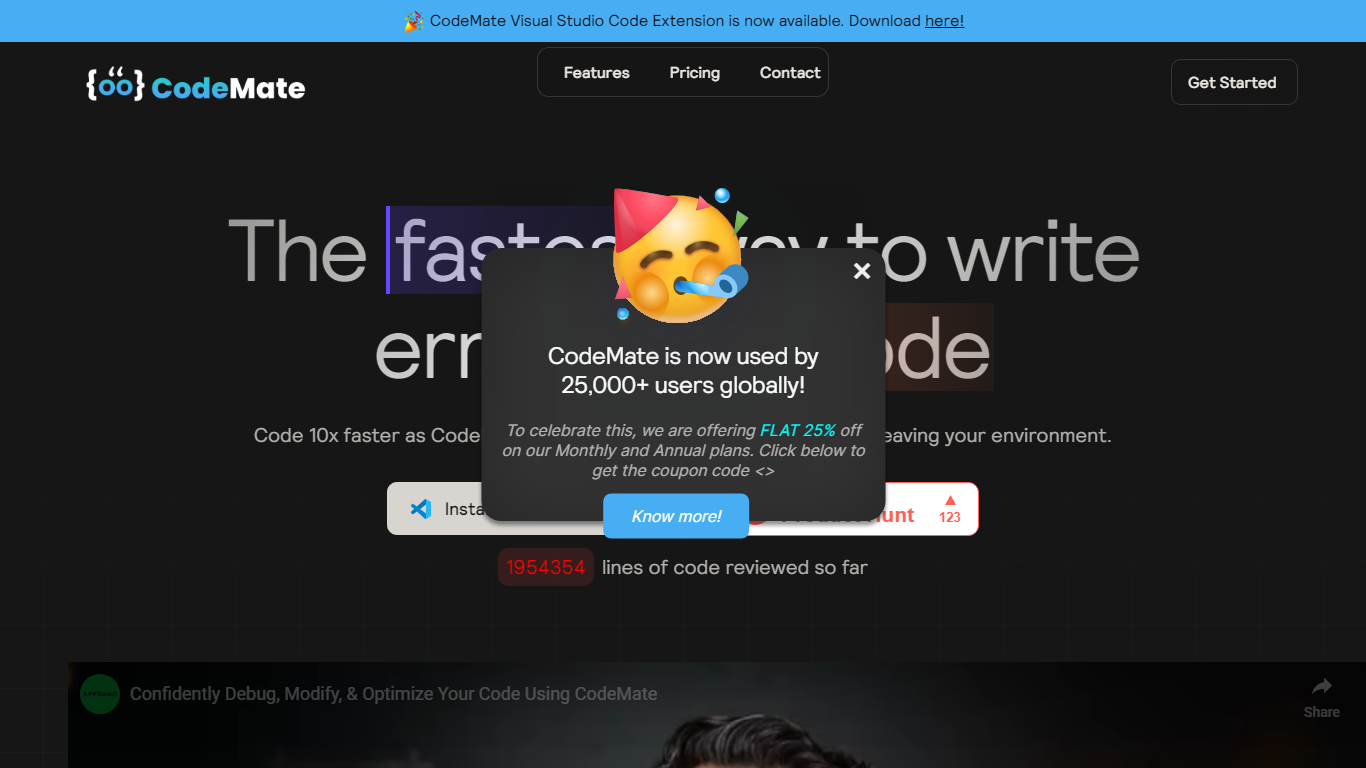

What is CodeMate?
CodeMate helps teams build, review, debug, and ship software from one stack. Its product line spans CodeMate Build for prompt and Figma-to-code generation, CORA as an in-IDE coding agent, a PR review bot for GitHub and GitLab, an AI terminal, and an education portal for classrooms. Developers and non-developers use it to move from idea to deployable app without juggling separate tools.
Where single-purpose copilots only autocomplete lines, CodeMate covers the full lifecycle: design mode for UI components, codemaps for navigating legacy repos, custom skills that learn team standards, and on-device options for secure enterprise deployments. The site claims users ship clean code up to 80% faster with automated PR reviews and reports 55% faster coding across more than 1 million developers.
Individual builders start with a 14-day PRO trial at app.codemate.ai, while enterprises book calls for hybrid on-prem setups. VS Code extensions, desktop ToolBox downloads for macOS, Windows, and Linux, and integrations with Bitbucket and Azure DevOps round out the deployment paths.
Gorilla Terminal

What is Gorilla Terminal?
Gorilla Terminal pulls stock data, SEC filings, macro indicators, and earnings call transcripts into one terminal-style dashboard in your browser. Search by ticker and you get charts, quarterly reports, insider trades, Twitter sentiment, and live futures without hopping between Bloomberg tabs and scattered finance sites.
Most research terminals either dump raw data tables or lean on generic summaries. Gorilla Terminal focuses on earnings calls: it runs sentiment analysis on what executives actually said, flags positive and negative statements, and lets you filter by quarter. That transcript-first angle is the trade-off. You get deeper call breakdowns than a charting site, but the product is built for equity research rather than crypto or forex.
Portfolio managers, solo investors, and finance students use this investment research tool to prep for earnings season, scan sector averages, and stress-test holdings with value-at-risk and regression tools. The macro panel covers CPI, unemployment, retail sales, and consumer sentiment in one click.
CodeMate Upvotes
Gorilla Terminal Upvotes
CodeMate Top Features
CodeMate Build turns prompts and Figma designs into deployable apps with design mode support
CORA acts as an end-to-end IDE agent for writing, securing, and quality-gating code
PR Review Agent automates reviews on GitHub, GitLab, Bitbucket, and Azure DevOps
14-day PRO trial advertised on the CodeMate homepage before paid plans
ToolBox desktop app available for macOS, Windows, and Linux with ARM and x64 builds
Codemaps visualize codebase structure, dependencies, and relationships inside the IDE
Gorilla Terminal Top Features
Earnings call transcripts with AI sentiment scoring and positive/negative statement filters per quarter
Macro dashboard covering CPI, unemployment, retail sales, and consumer sentiment in one view
Stock search returns charts, 10-Ks, 10-Qs, insider buying, and Twitter sentiment on one page
Value-at-risk and regression analysis for portfolio risk modeling
Industry average metrics across revenue growth, margins, and tax rates by sector
Pro plan at $29 per month, down from a listed $49 per month on the pricing page
7-day pass at $9.99 for short-term access without a monthly commitment
CodeMate Category
- Code Assistant
Gorilla Terminal Category
- Code Assistant
CodeMate Pricing Type
- Freemium
Gorilla Terminal Pricing Type
- Paid